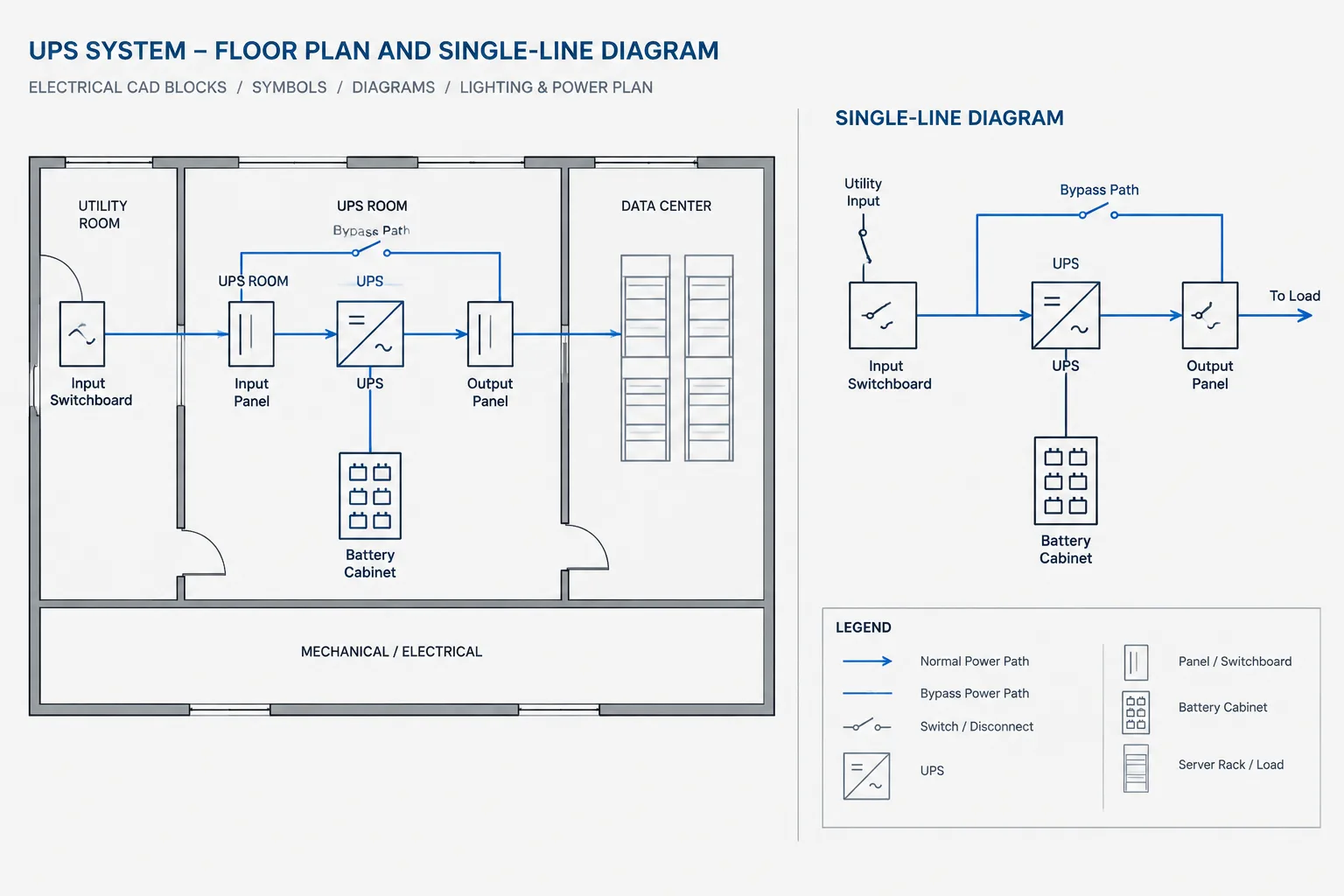
UPS system drawings in CAD must communicate both functional power relationships and physical coordination without turning assumptions into apparent facts. The most useful drawing packages connect the one-line diagram, equipment plans, bypass representation, schedules, monitoring interfaces, and supplier information through consistent tags and references.
This guide focuses on the documentation decisions that help drafters distinguish conceptual design intent from verified equipment data. It also explains how to keep normal input, alternate paths, output distribution, associated cabinets, and interface responsibilities readable as the project develops.
An uninterruptible power supply can appear simple on an electrical floor plan: a labeled equipment footprint with input and output connections. Across a complete drawing set, however, the same UPS may be represented as a source, a load, a distribution point, a monitored device, and part of a bypass arrangement. Effective UPS system drawings in CAD must keep those representations consistent without implying details that have not been verified.
The drafting challenge is not merely placing a UPS block. It is documenting the power path, related equipment, physical arrangement, system boundaries, and references to project-specific data. A coordinated drawing set helps reviewers understand where power enters the system, how supported loads are served, what alternate paths exist, and which information remains the responsibility of the equipment supplier or another discipline.
Start with the UPS system boundary
Before drafting, identify what the term UPS system includes on the project. Depending on the design and procurement arrangement, it may refer only to the main conversion equipment or to a group that also includes batteries, battery cabinets, bypass equipment, input or output distribution, monitoring interfaces, and associated disconnecting devices.
Draw a clear boundary around the information your documents are intended to define. Avoid adding internal components based only on a generic CAD block or a familiar arrangement from another project. Internal architecture, bypass configuration, terminal locations, and accessory requirements can vary by selected equipment.
A useful early coordination list includes:
- Normal input source and upstream equipment reference
- Bypass or alternate input source, when applicable
- UPS output destination and downstream distribution reference
- Associated battery equipment shown within the project scope
- External bypass, isolation, or distribution equipment
- Monitoring, alarm, communications, and shutdown interfaces
- Equipment provided by the project, vendor, or another responsible party
Coordinate each drawing type by purpose
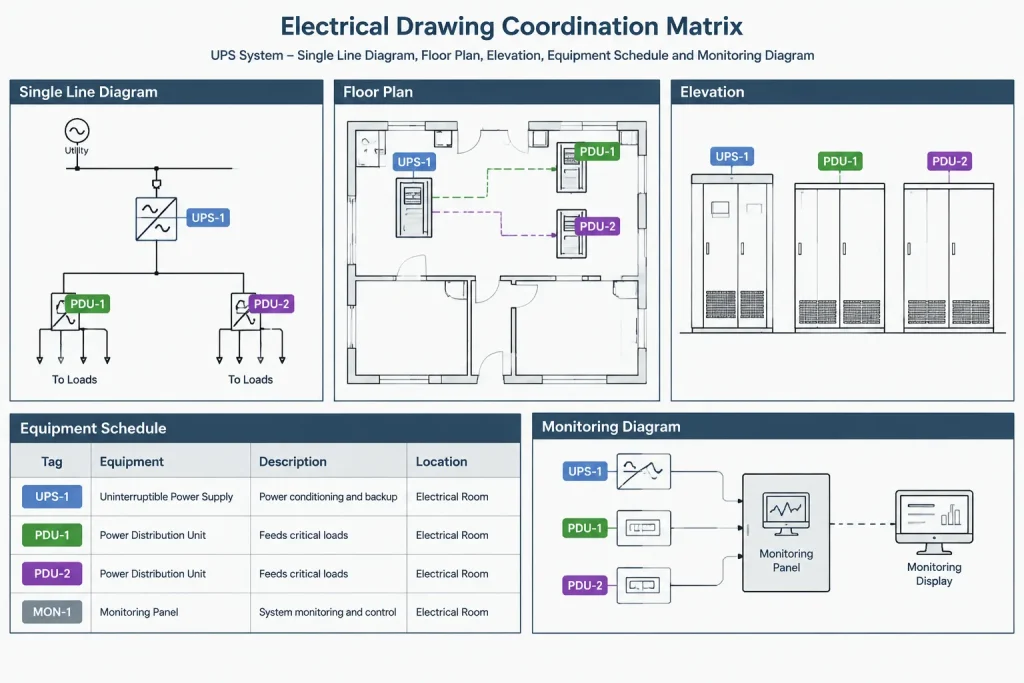
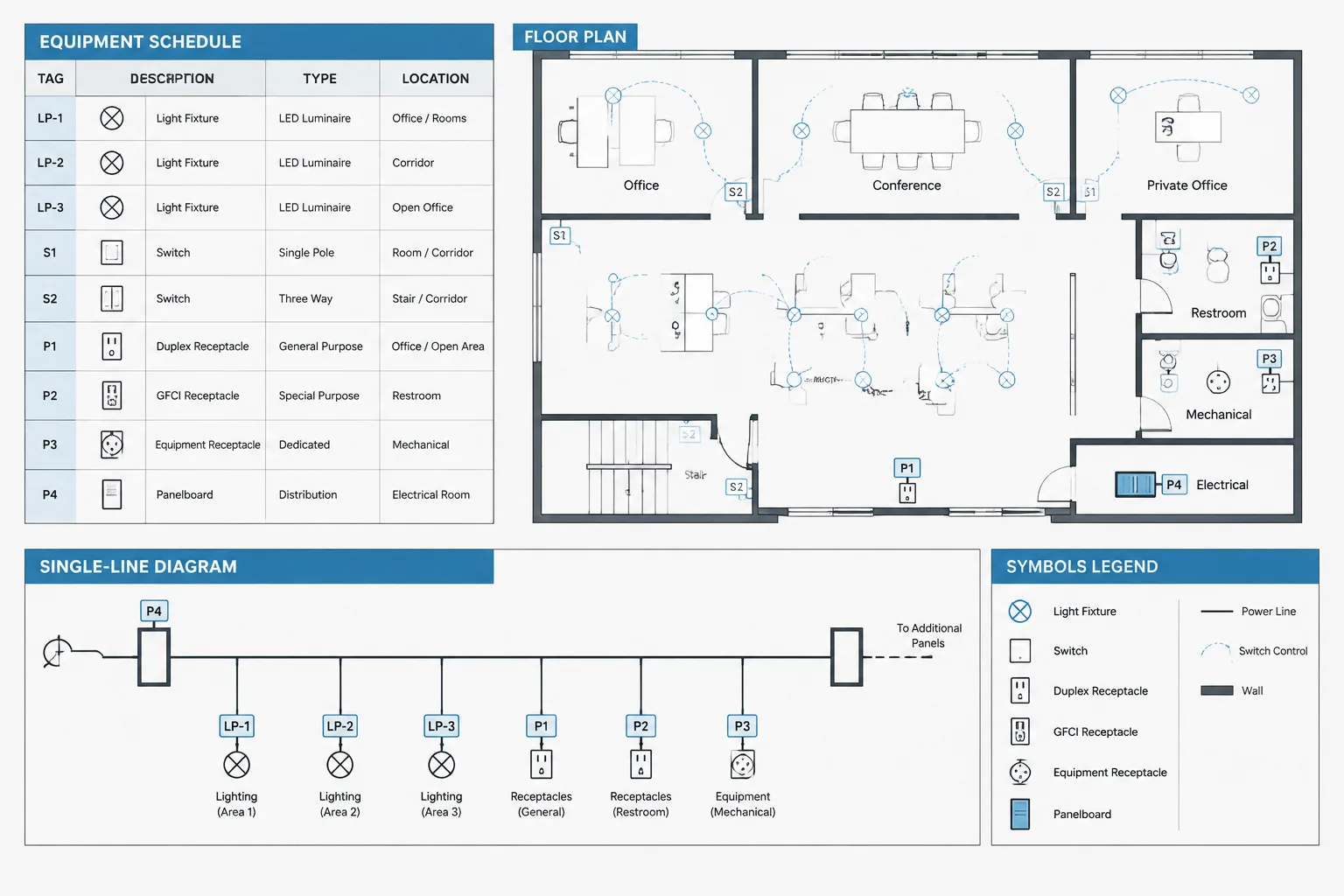
No single view should be expected to communicate every aspect of a UPS installation. The one-line diagram explains the electrical relationship, while plans and elevations establish location and coordination intent. Schedules, notes, and details carry additional identifiers and requirements.
| Drawing type | Primary purpose | Typical UPS information |
|---|---|---|
| Single-line diagram | Show the power path and major equipment relationships | Inputs, outputs, bypass path, protective devices, distribution connections, and equipment tags |
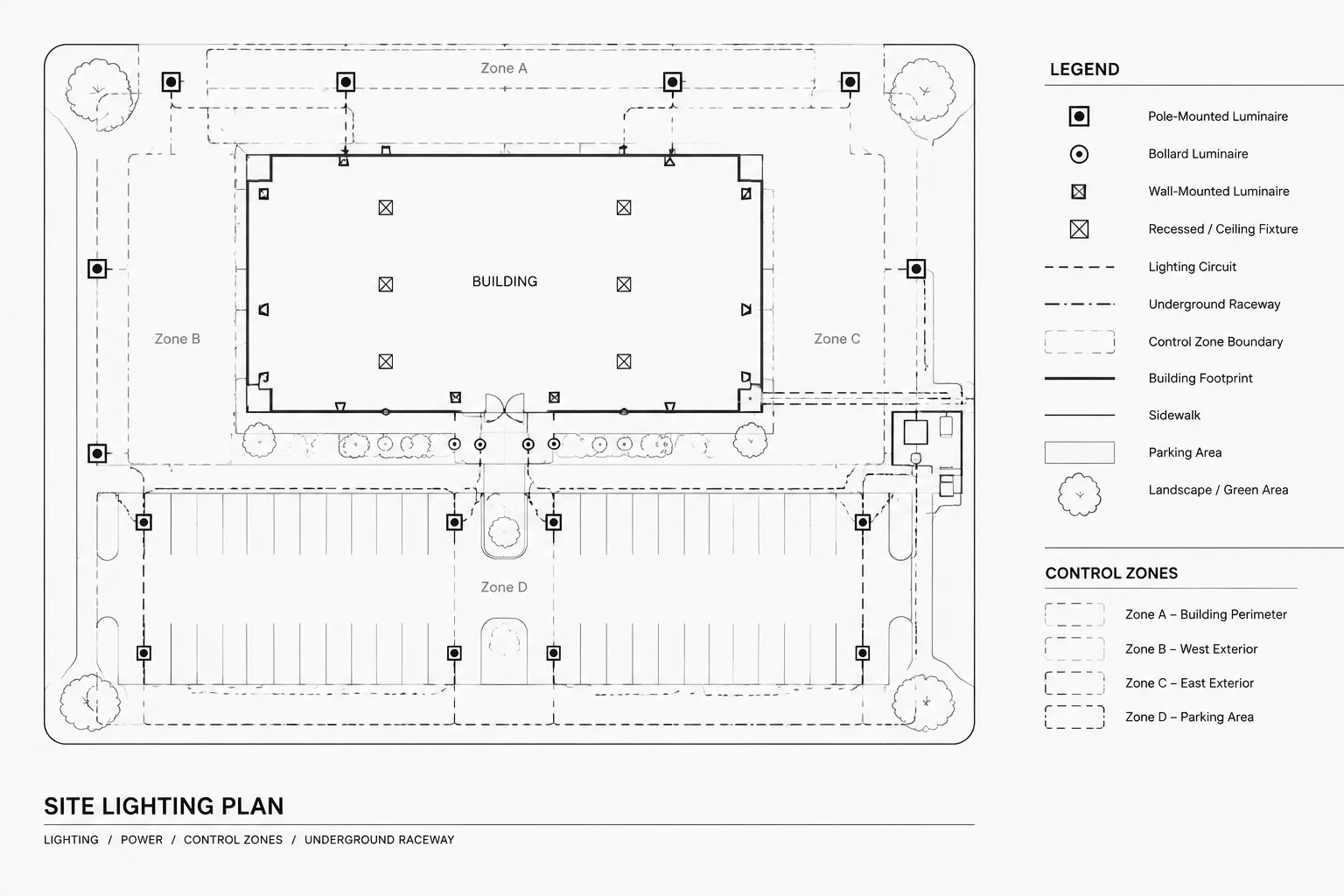
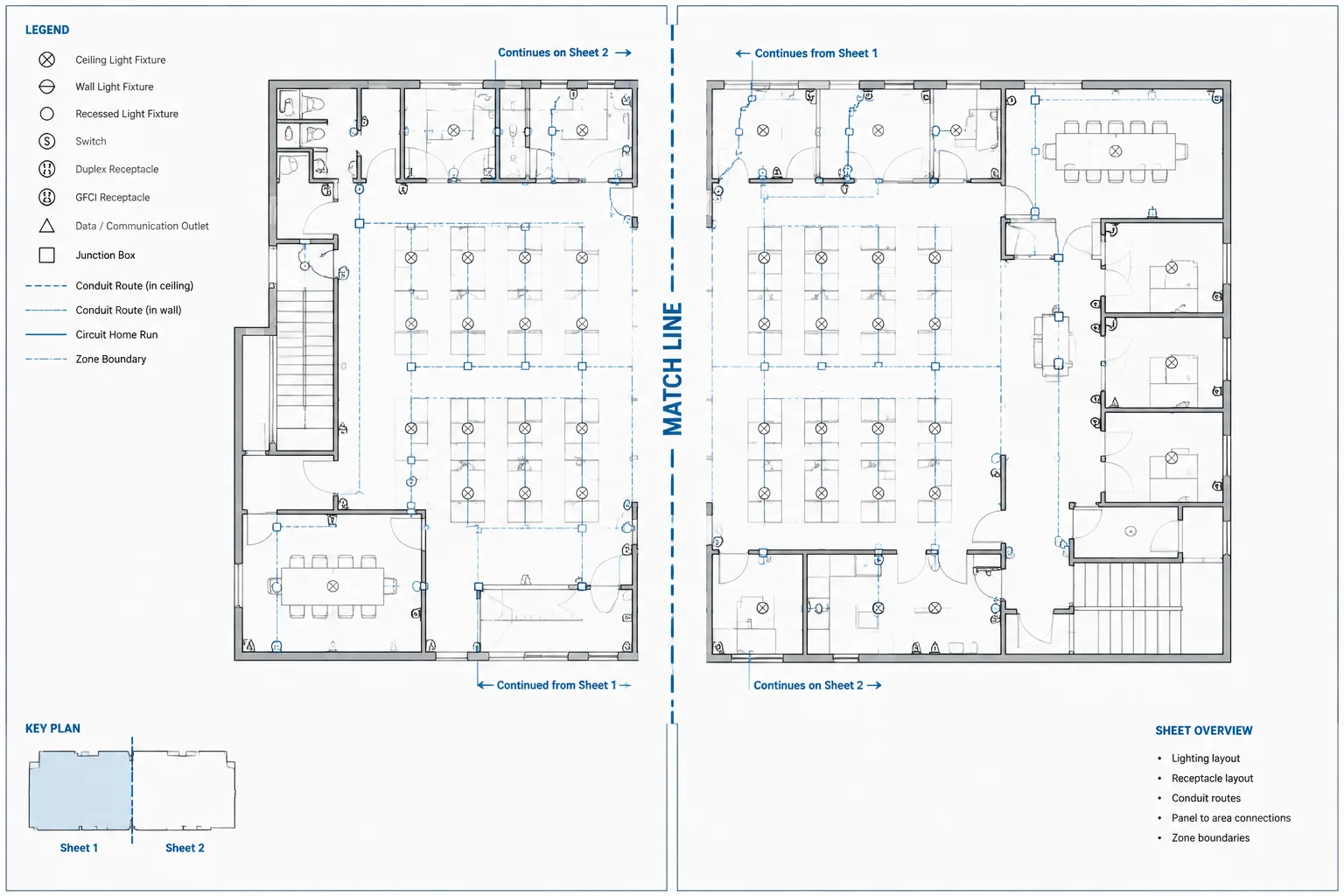
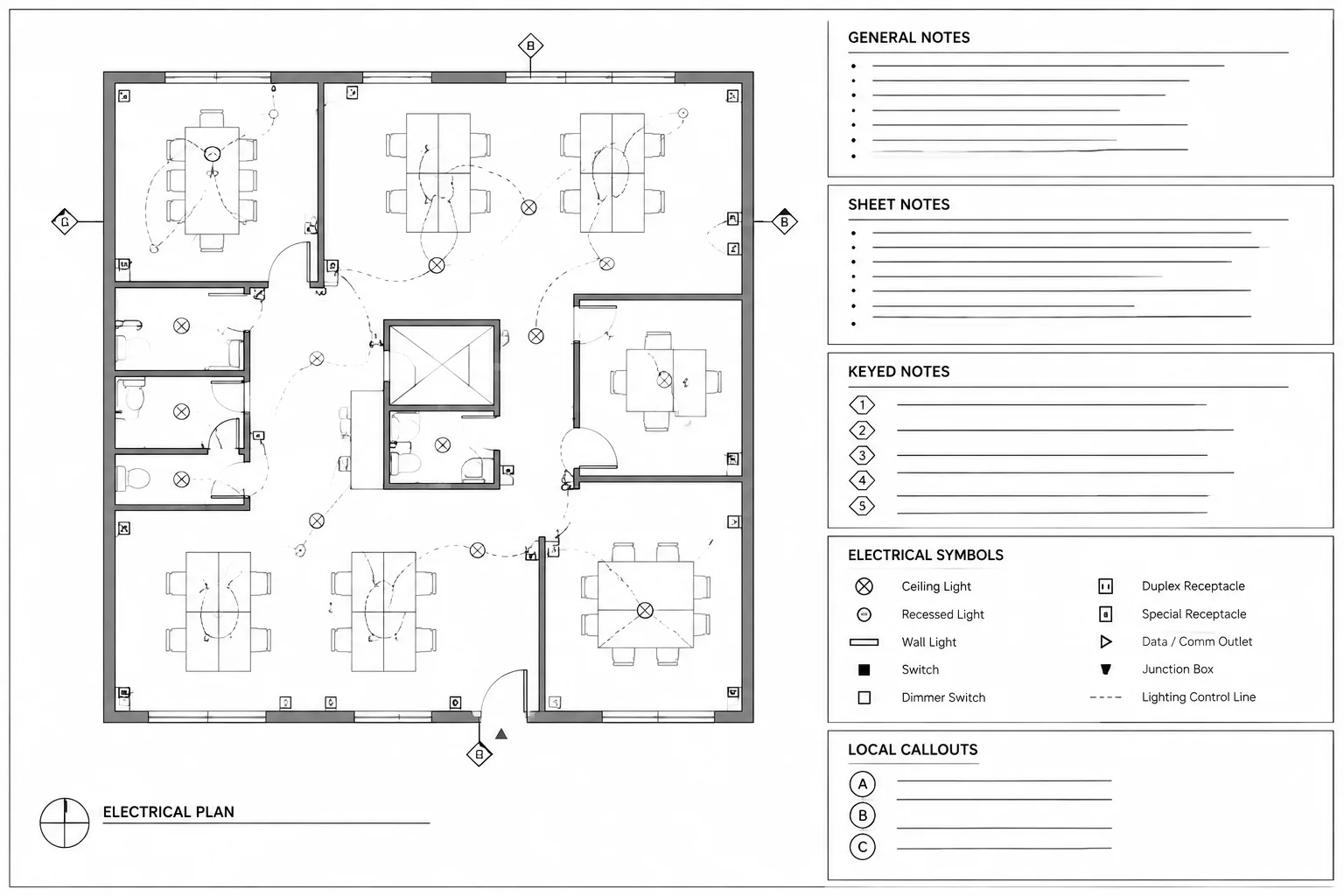
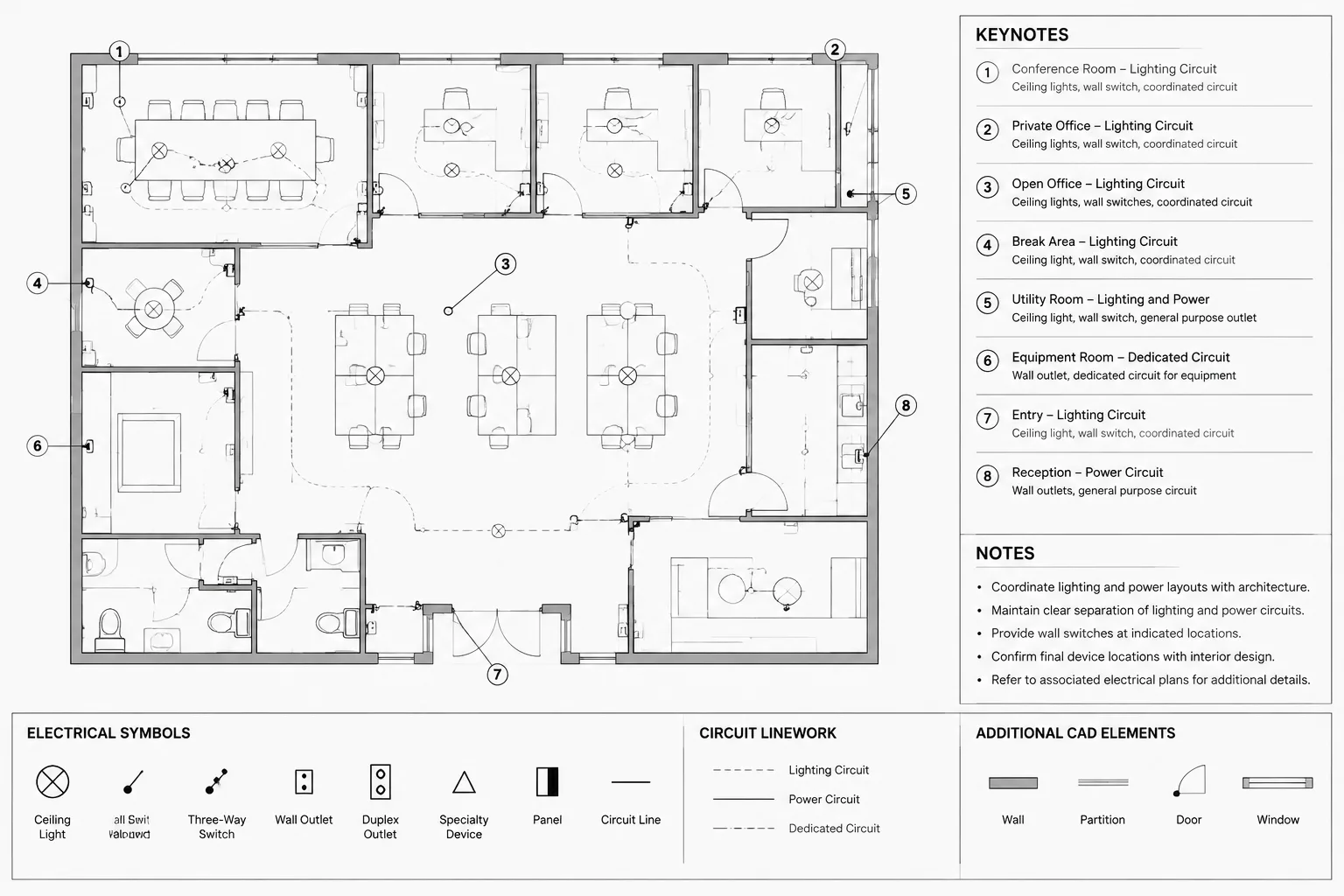
| Electrical floor plan | Locate equipment and indicate routing intent | Footprints, tags, connection points, nearby panels, and referenced details |
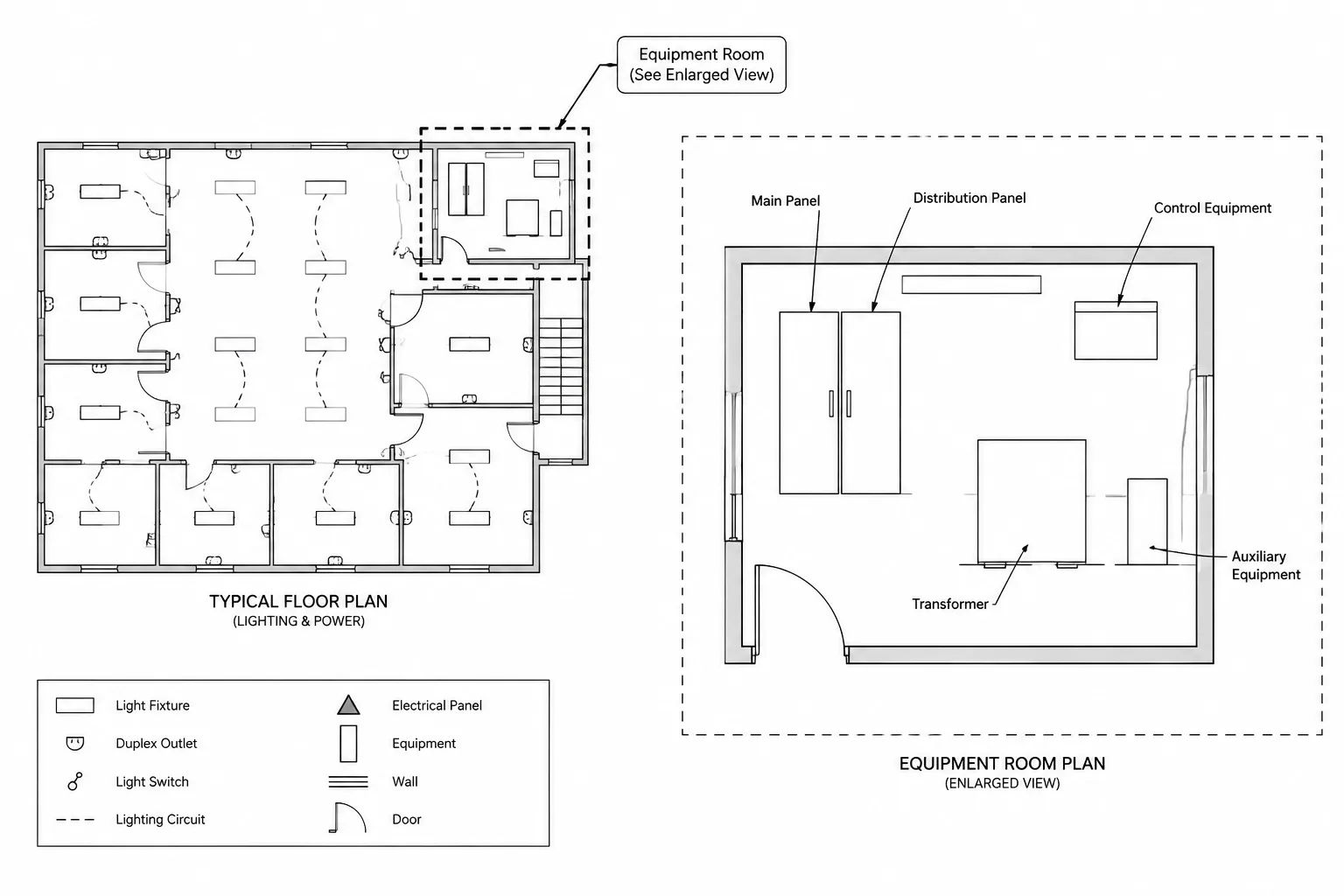
| Equipment layout or enlarged plan | Coordinate the physical arrangement | Verified footprints, orientation, adjacent cabinets, access zones, and pathway approach |
| Elevation or section | Clarify vertical and wall relationships | Equipment height relationships, overhead routing, wall-mounted accessories, and support coordination |
| Equipment schedule | Organize project data | Tag, description, source, served equipment, location, and references to verified selections |
| Control or monitoring diagram | Document non-power interfaces | Alarm contacts, network or communications interfaces, remote panels, and responsibility boundaries |
Draft the one-line around recognizable power paths
The one-line should allow a reader to follow the UPS input, conversion path, output, and any bypass route without tracing ambiguous crossing lines. Use a consistent flow direction and keep related devices visually grouped. When the system includes separate normal and bypass inputs, label each path according to its source rather than relying only on line position or color.
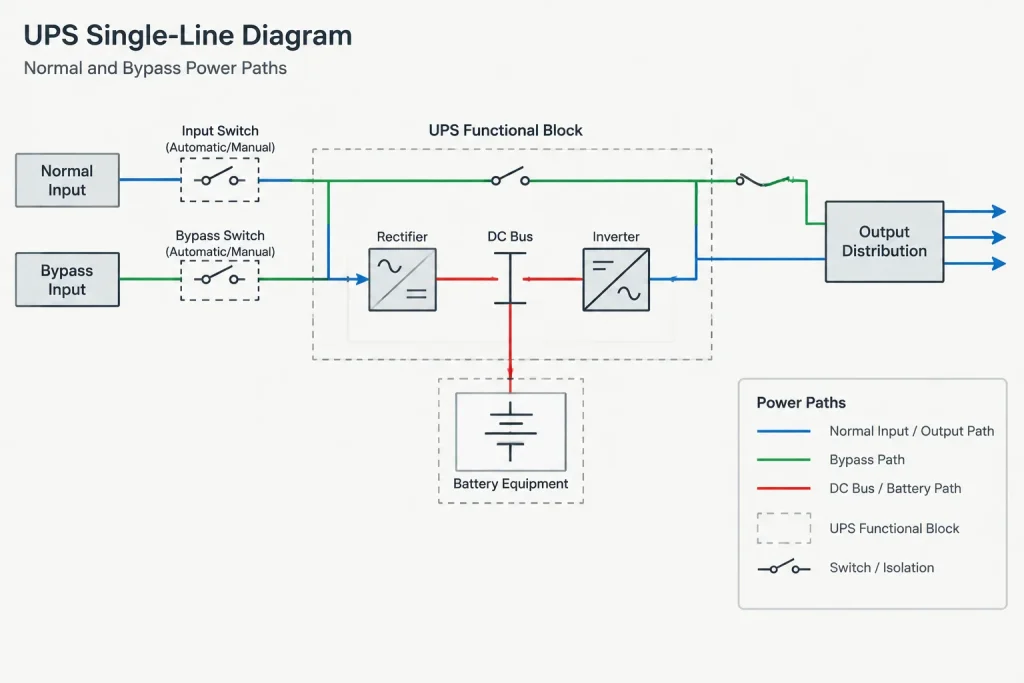
Represent internal UPS functions at the level needed for the project. A conceptual block may be sufficient for an early diagram, while a later issue may require a more developed representation based on verified supplier information. Do not show internal switches, protective devices, or operating states merely because they appear in a reusable block.
Make bypass information explicit
The word bypass may describe different arrangements. A drawing should distinguish an internal bypass function from external maintenance bypass equipment or another alternate path. Use separate tags and clear linework where separate devices are involved. If the exact arrangement is not yet selected, identify the diagram as conceptual and provide an unresolved-item note rather than presenting an assumed topology as final.
Check that every source and destination shown on the UPS one-line can be reconciled with the relevant panel schedule, equipment schedule, or downstream diagram. Naming the output only as “critical loads” may be too vague if the drawing set contains identifiable distribution equipment.
Use verified footprints on plans and layouts
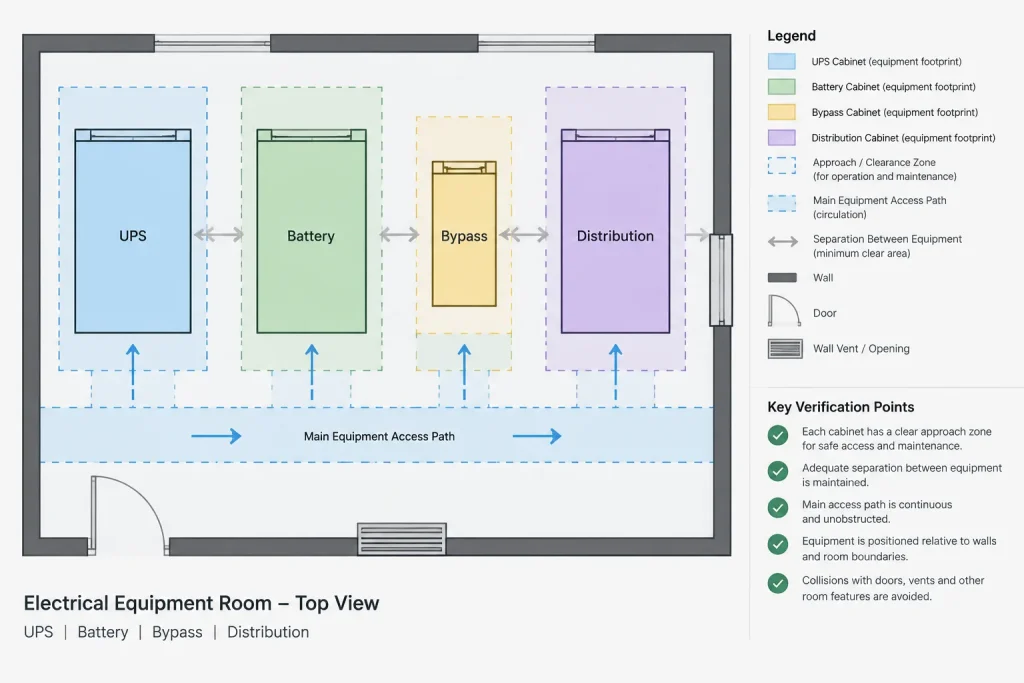
A conceptual UPS symbol is useful for early space planning, but it should not be mistaken for a verified equipment footprint. Replace placeholder geometry as selections become available, and record the source of the updated dimensions in the project workflow. Include adjacent battery or bypass cabinets as separate objects when they are physically separate equipment.
Insertion points should support predictable updates. For example, a cabinet block may use a stable corner or center reference, while connection-point markers can remain separate if their locations are not yet confirmed. Avoid placing conduits or cable pathways directly against an assumed terminal area unless the approach has been coordinated with verified product information.
Layouts may need to communicate several different zones:
- The actual equipment footprint
- Door-swing or panel-opening graphics based on verified information
- Access and service areas requiring project-specific confirmation
- Battery equipment relationships
- Pathway approach areas and connection sides
- Structural bases, housekeeping pads, or anchorage references
Place these elements on suitable layers so equipment outlines, reference zones, routing, and annotations can be controlled independently. Any clearance or service-zone graphics should be treated as coordination information that requires verification, not as a universal dimension supplied by the CAD library.
Separate power routing from controls and monitoring
UPS systems often exchange status, alarm, control, or communications information with other systems. These connections can make a power one-line difficult to read if they are drawn with the same graphic treatment as feeders.
Use a separate control or monitoring diagram when the interfaces become complex. On plans, route low-voltage interface linework according to the project drafting convention and identify the destination system. A line that ends at a generic note such as “to monitoring” may not provide enough information for coordination.
Interface documentation should identify the connected equipment and clarify scope without inventing terminal assignments. Terminal numbers, protocol details, and contact functions should come from verified project or supplier information. When these details remain unresolved, use a tracked placeholder or interface schedule rather than copying data from a different UPS model.
Build coordinated tags and schedules
Assign each major physical item its own equipment tag when separate identification is needed. The main UPS, battery cabinet, external bypass cabinet, and output distribution equipment should not automatically share one identifier simply because they operate as a system.
Keep the tag consistent across floor plans, one-lines, elevations, schedules, and details. If a diagram uses a functional label in addition to the equipment tag, make the distinction clear. A block attribute can help manage repeated identifiers, but extracted data still requires review because attributes may be duplicated, left blank, or disconnected from the visible label.
A UPS coordination schedule may include fields for:
- Equipment tag and description
- Drawing location or room reference
- Normal input source
- Bypass source, where applicable
- Output destination
- Associated battery or external cabinet references
- Plan, one-line, detail, and vendor-document references
- Selection or verification status
Avoid filling uncertain fields with assumed ratings or configurations. A clearly identified pending item is more useful than false precision.
Apply a verification-first CAD workflow
Establish a conceptual diagram
Draft the intended functional relationship using generic, clearly labeled symbols. Identify unresolved sources, destinations, and bypass decisions.
Place coordinated plan objects
Locate conceptual footprints on the electrical plan and enlarged equipment layout. Coordinate them with architectural rooms, structural features, mechanical systems, and planned pathway approaches.
Update from controlled project information
Replace assumptions only when reliable project data becomes available. Record revisions to footprints, connection locations, cabinet arrangements, and diagram topology so related views can be updated together.
Reconcile the drawing set
Trace each input and output between the one-line, plans, and schedules. Confirm that tags, source names, destinations, and equipment quantities agree.
Publish with unresolved items visible
Do not hide missing information inside a polished block. Use drawing notes, coordination schedules, or issue tracking to identify items that still require confirmation.
Final drawing review checklist
- Every UPS-related cabinet has a consistent and readable tag.
- Normal input, bypass input, and output paths are distinguishable.
- One-line source and destination names agree with schedules and plans.
- Internal and external bypass functions are not represented as the same device.
- Placeholder footprints are identified and scheduled for verification.
- Connection sides and pathway approaches are based on controlled information.
- Power, control, alarm, and communications linework use distinct conventions.
- Vendor-supplied and project-supplied scope boundaries are documented.
- Plan, elevation, detail, and diagram references point to current drawing locations.
- No generic CAD block is treated as proof of equipment configuration, dimensions, or project suitability.
Well-coordinated UPS system drawings in CAD function as a connected documentation set rather than a collection of equipment symbols. By separating conceptual information from verified data, distinguishing power and bypass paths, and reconciling tags across views, drafters can create drawings that remain useful as the system develops from early design through final coordination.
Use an information hierarchy across the drawing set
When the same UPS appears in several views, establish which document governs each type of information. The one-line may govern functional connectivity, the equipment layout may govern location and orientation, and the schedule may collect descriptive data and cross-references. This hierarchy reduces the risk of separate views becoming competing sources.
Repeated information should still agree wherever it appears. If a source name, destination, cabinet tag, or bypass description changes, review every affected view rather than correcting only the sheet where the discrepancy was found.
Distinguish status from equipment identity
Graphic states such as a normally available route, alternate route, or conceptual connection should not be confused with the identity of the equipment. Use tags to identify physical objects and use line types, notes, or diagram annotations to explain functional relationships. Keep these conventions defined in the drawing legend.
Avoid using color as the only distinction between paths. Printed sets, exports, and external references may not preserve color reliably. Labels and linework should remain understandable in a monochrome review.
Manage revisions as linked changes
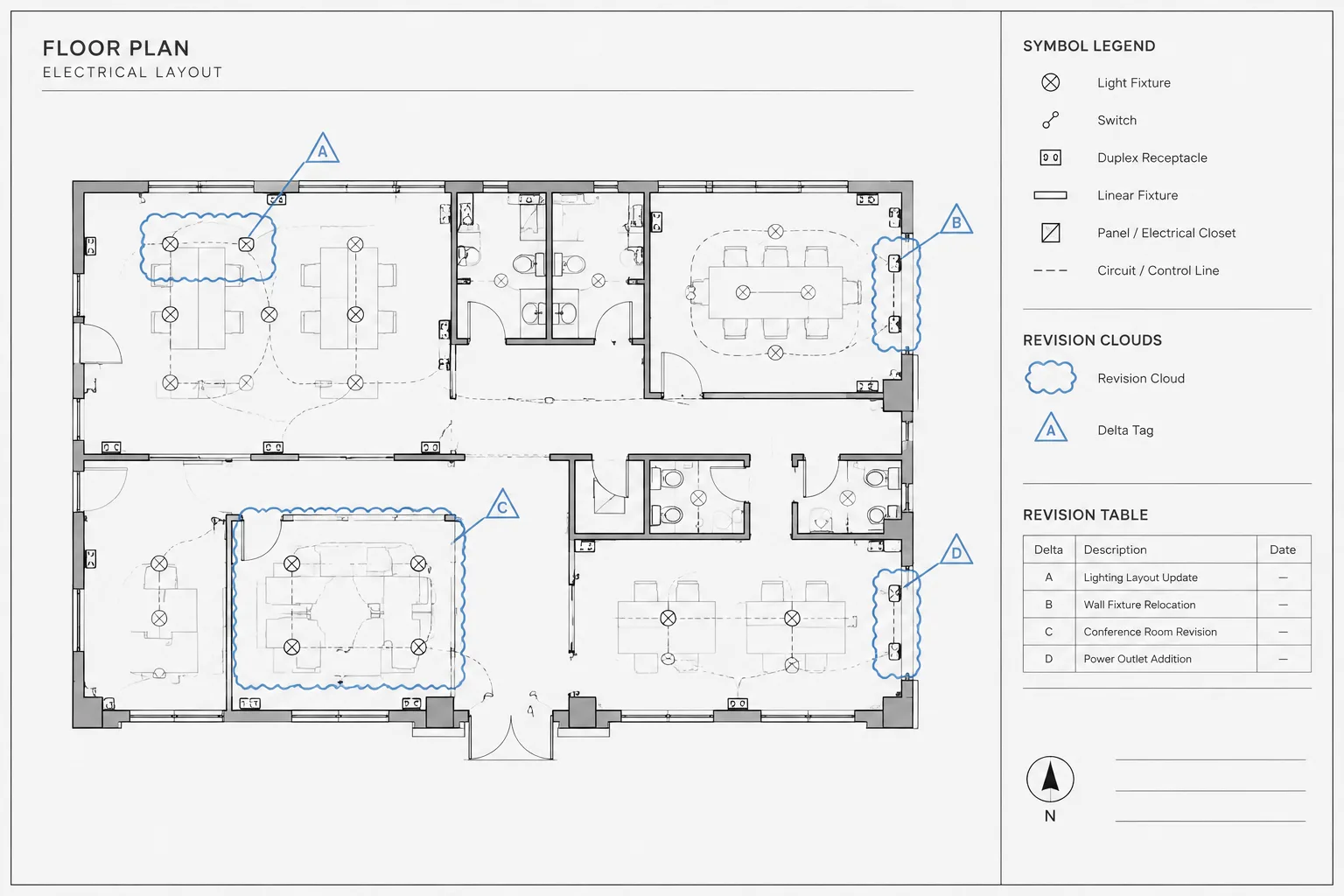
A UPS-related revision often affects more than one drawing. A change to the bypass arrangement may alter the one-line, equipment layout, schedule, feeder references, monitoring diagram, and associated notes. Treat these as a linked revision group and record which views were checked.
Where supplier information is incorporated, retain a clear distinction between confirmed data and drafting interpretation. A reviewed document reference, project status field, or coordination note can help later users understand why a footprint or connection arrangement changed.
Review from both directions
Perform a forward trace from each source through the UPS system to the identified downstream equipment. Then perform a reverse trace from the supported distribution back to its source. This exposes missing labels, inconsistent tags, and paths that appear complete in one direction but cannot be reconciled in the other.
Complete a similar cross-view review for each physical cabinet. A reviewer should be able to move from its plan tag to the schedule, diagram, detail, and relevant supplier reference without guessing whether two labels describe the same object.
Frequently asked questions
What should a UPS CAD block represent?
A block should represent only the information appropriate to its drawing purpose. A conceptual diagram symbol may show the functional role of the UPS, while a plan block may show a footprint and orientation. Neither should imply unverified internal architecture, terminal locations, access zones, or cabinet arrangements.
How should a UPS bypass path be shown on a one-line?
Show it as a clearly labeled path with identifiable sources, destinations, and associated devices. Distinguish an internal bypass function from separate external bypass equipment. If the topology has not been confirmed, mark it as conceptual or unresolved instead of presenting an assumed arrangement as final.
Should batteries and bypass cabinets share the UPS equipment tag?
Not automatically. Physically separate equipment generally benefits from separate identification when it must be located, scheduled, referenced, or coordinated independently. The drawing can still show that the items belong to the same functional system.
How can CAD layers improve UPS documentation?
Layers can separate equipment outlines, conceptual zones, power routing, control interfaces, annotations, and reference geometry. This allows each information class to be reviewed or plotted independently without merging verified equipment geometry with provisional coordination graphics.
What should be done when supplier data is unavailable?
Use clearly identified conceptual symbols and tracked placeholders. Record what remains unresolved, avoid assumed dimensions or terminal details, and update every related drawing when controlled project information becomes available.
Why should power and monitoring connections use different graphics?
Distinct graphics prevent alarm, communications, and control interfaces from being mistaken for power feeders. The drawing legend should explain the conventions, and complex interfaces may be moved to a dedicated diagram for clarity.

Leave a Reply
You must be logged in to post a comment.