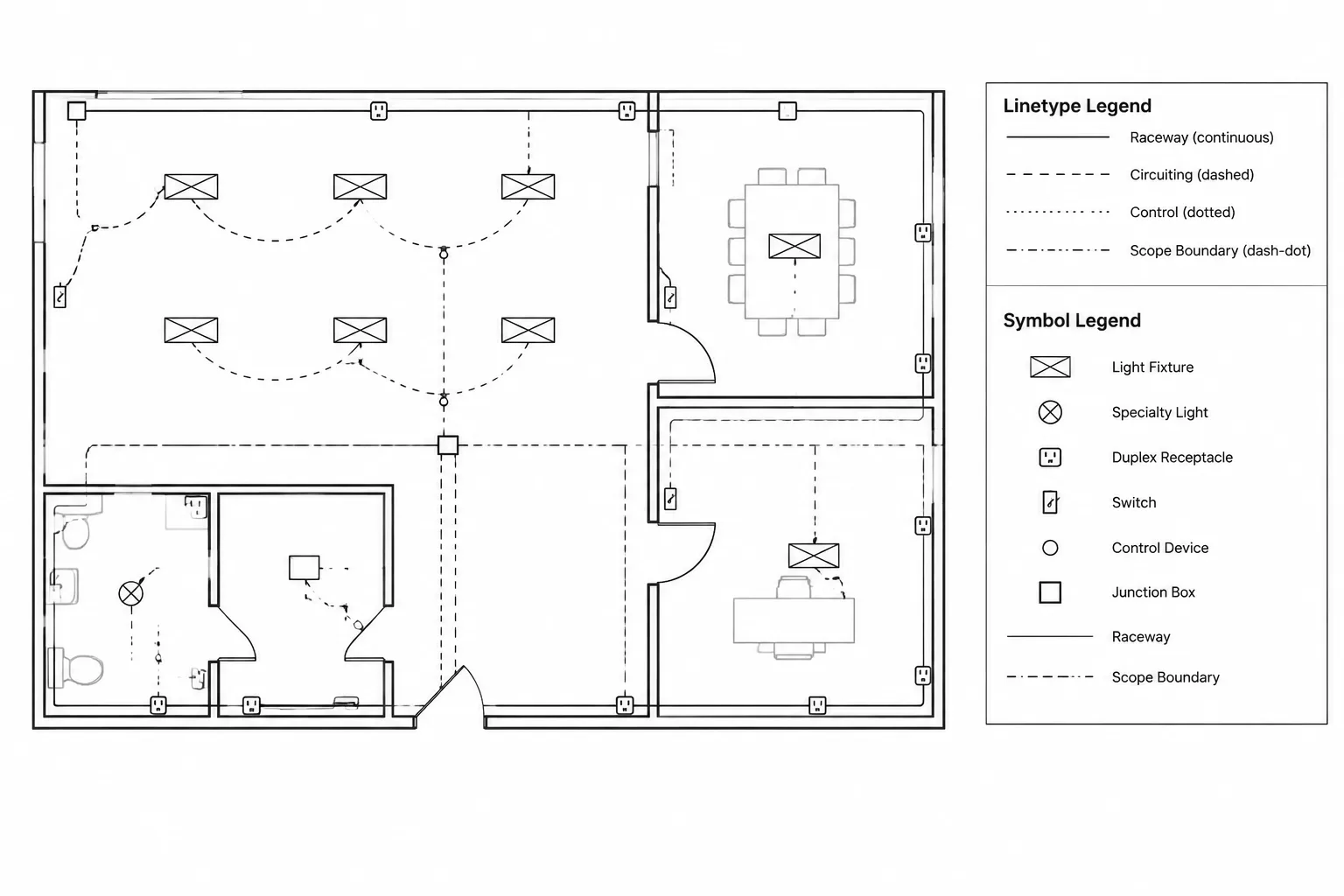
Electrical CAD linetypes are most useful when they communicate a defined drawing purpose rather than serving as decoration. This reference explains how to organize, interpret, plot, and review line patterns so that physical routes, logical connections, project boundaries, and work status remain distinct.
The guidance applies to drafting and documentation workflows. Final conventions should always be coordinated with the project legend, layer standard, consultant backgrounds, and issued drawing requirements.
Electrical CAD linetypes do more than change the appearance of linework. When used deliberately, they help readers distinguish physical pathways, diagram connections, scope boundaries, hidden conditions, and status information. When used inconsistently, however, dashed and patterned lines can create uncertainty about what is connected, what is concealed, and what is merely a graphic reference.
A reliable linetype system begins with meaning rather than appearance. The drafting team should decide what each line represents, assign it to a controlled layer or object category, explain unfamiliar patterns in the legend, and test the result at the intended plotting scale. This approach produces drawings that remain understandable in CAD, in PDF output, and on printed sheets.
What a Linetype Communicates
A linetype is a repeating graphic pattern applied to a line, arc, polyline, or similar object. Common visual forms include continuous lines, dashed lines, dotted lines, and combinations of dashes and dots. Electrical drawings may use these patterns to differentiate several kinds of information:
- Branch-circuit or control relationships shown diagrammatically on a plan
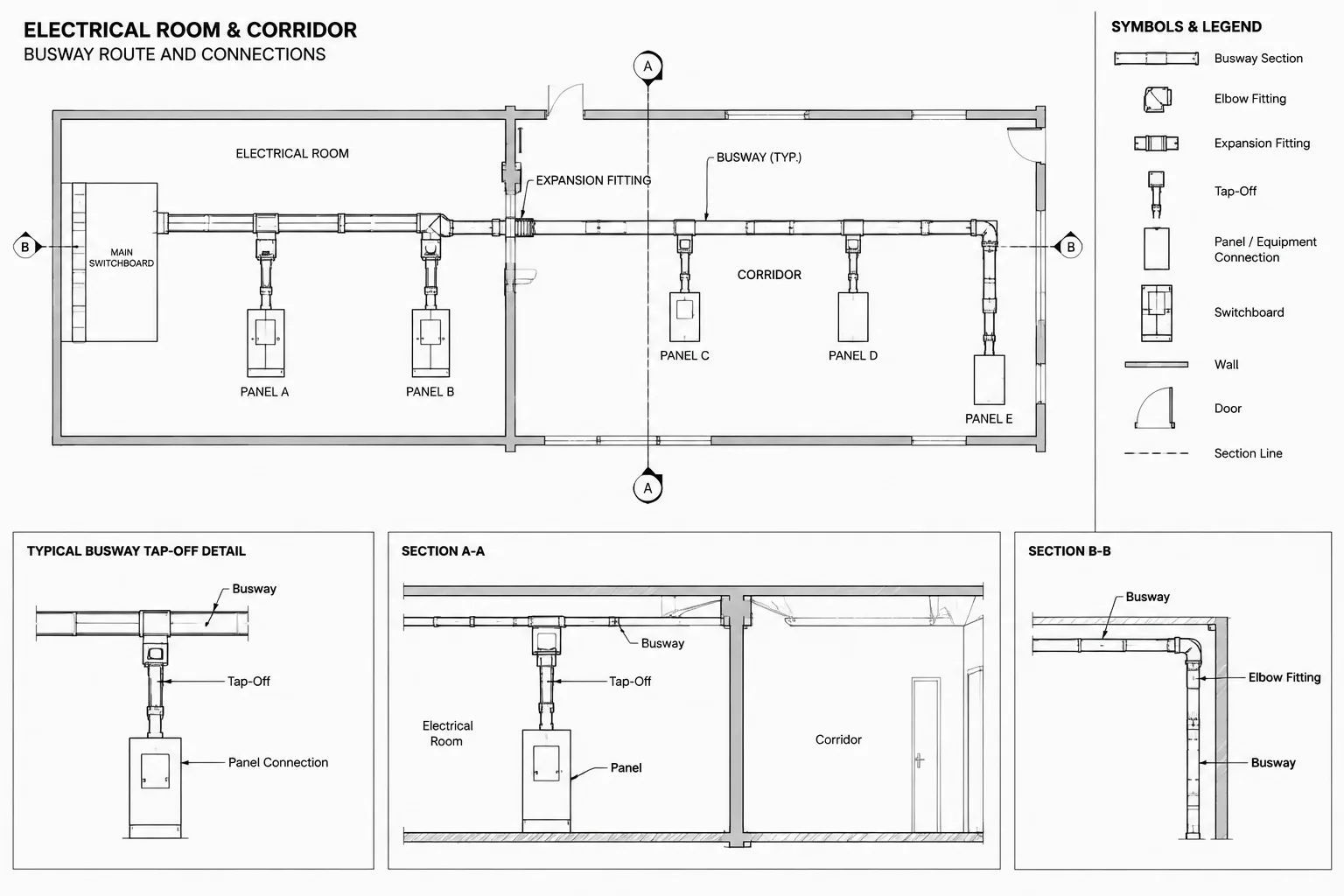
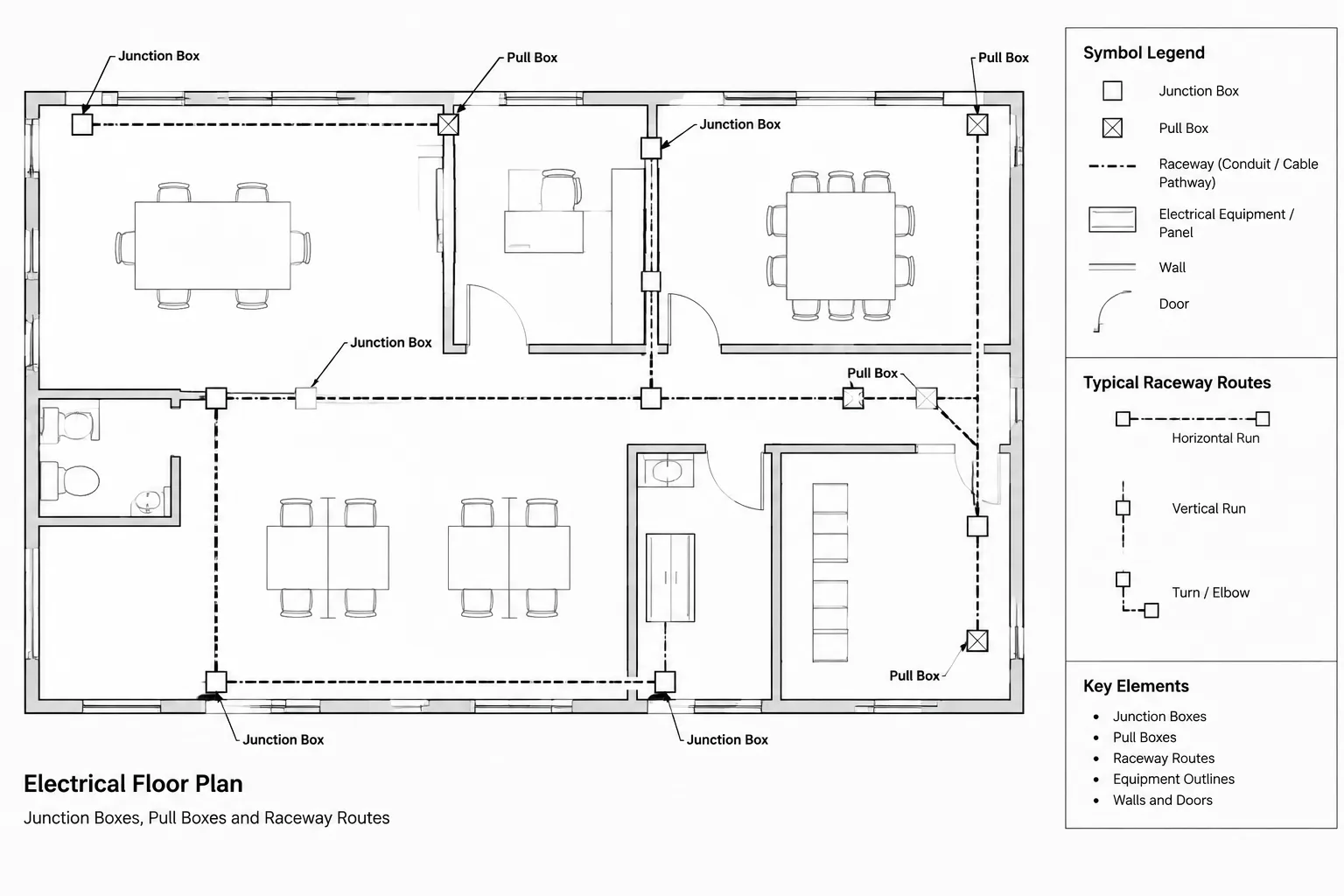
- Conduit, cable tray, underground duct, or other pathway routes
- Concealed, overhead, below-grade, or otherwise nonvisible conditions
- Existing, new, removed, or future work
- Control zones, work areas, limits of demolition, or scope boundaries
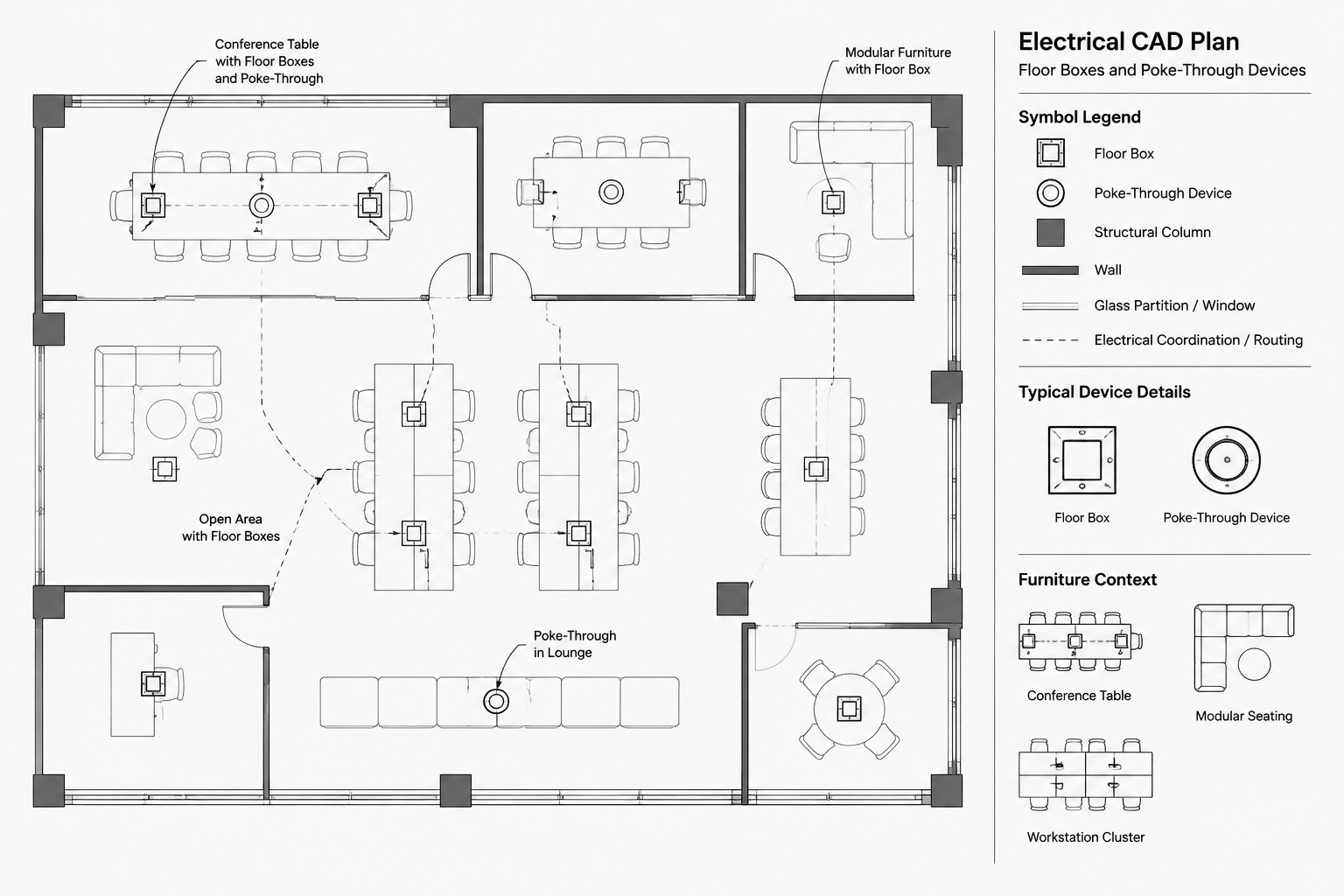
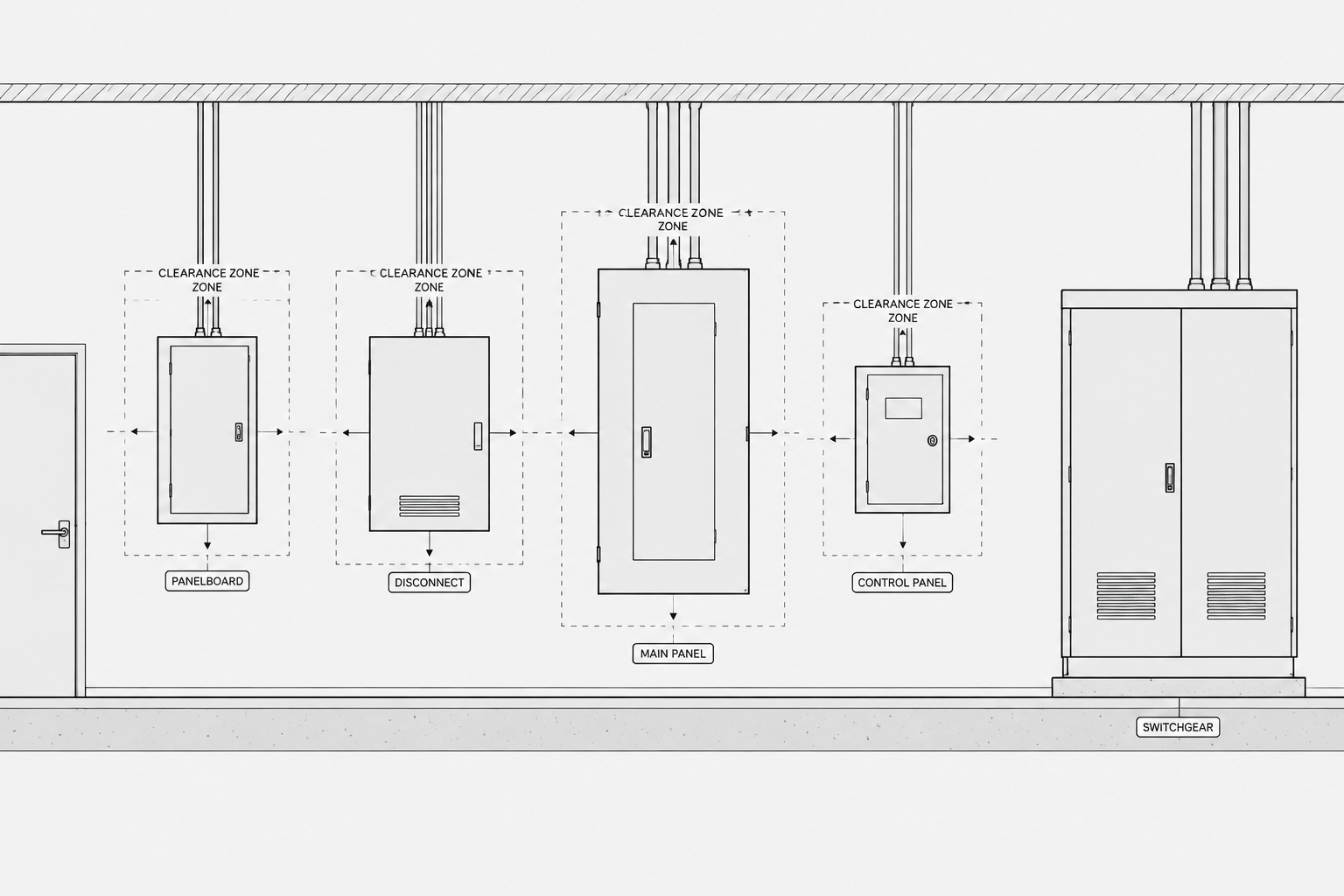
- Match lines, centerlines, clearance outlines, and reference geometry
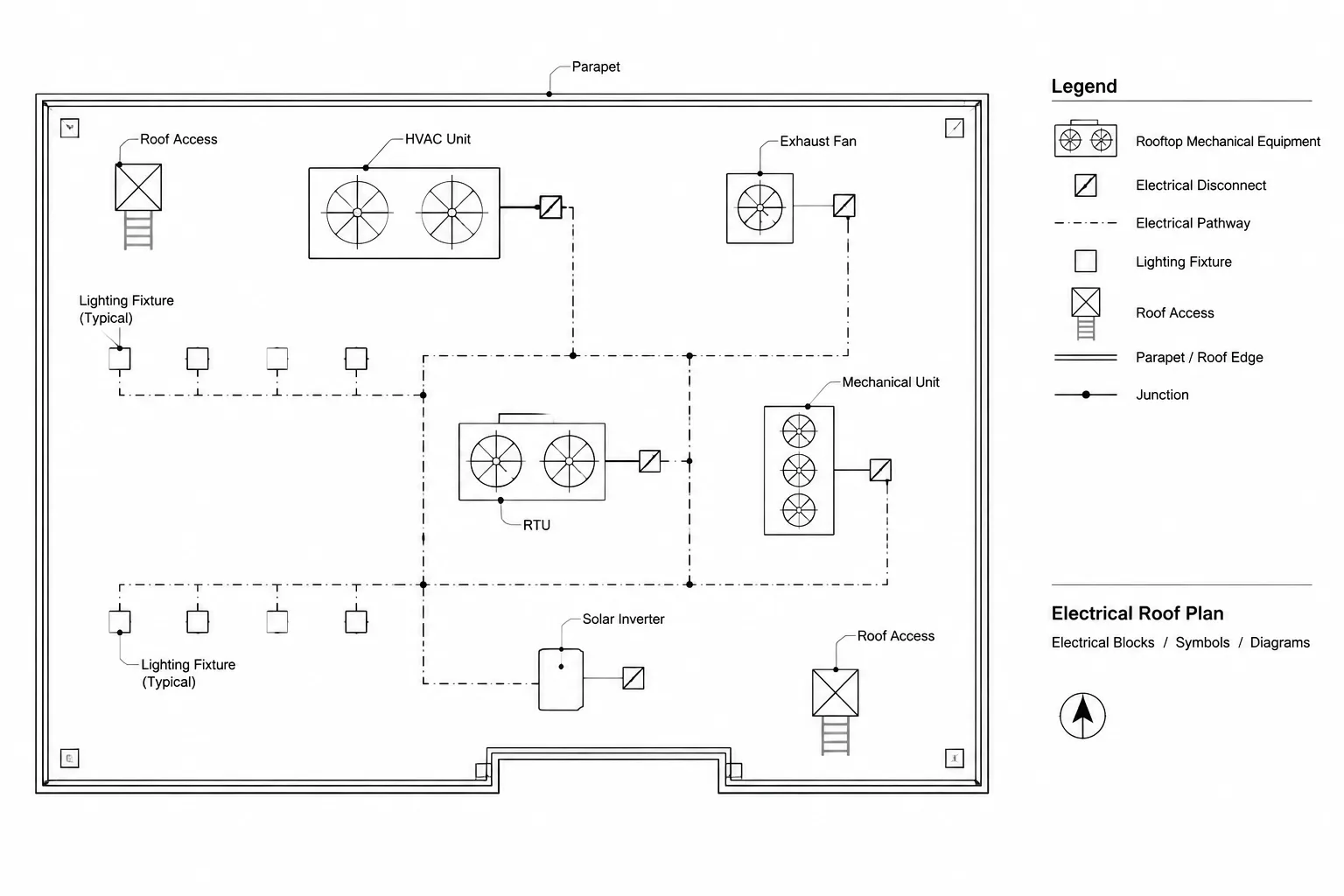
- Connections in single-line, schematic, and interconnection diagrams
No single dashed pattern has a universal electrical meaning in every project. A dashed line might indicate underground conduit in one drawing set, existing work in another, and a control relationship in a third. The line must therefore be interpreted together with its layer, label, nearby symbols, drawing type, and legend.
Separate Physical Routes from Diagrammatic Connections
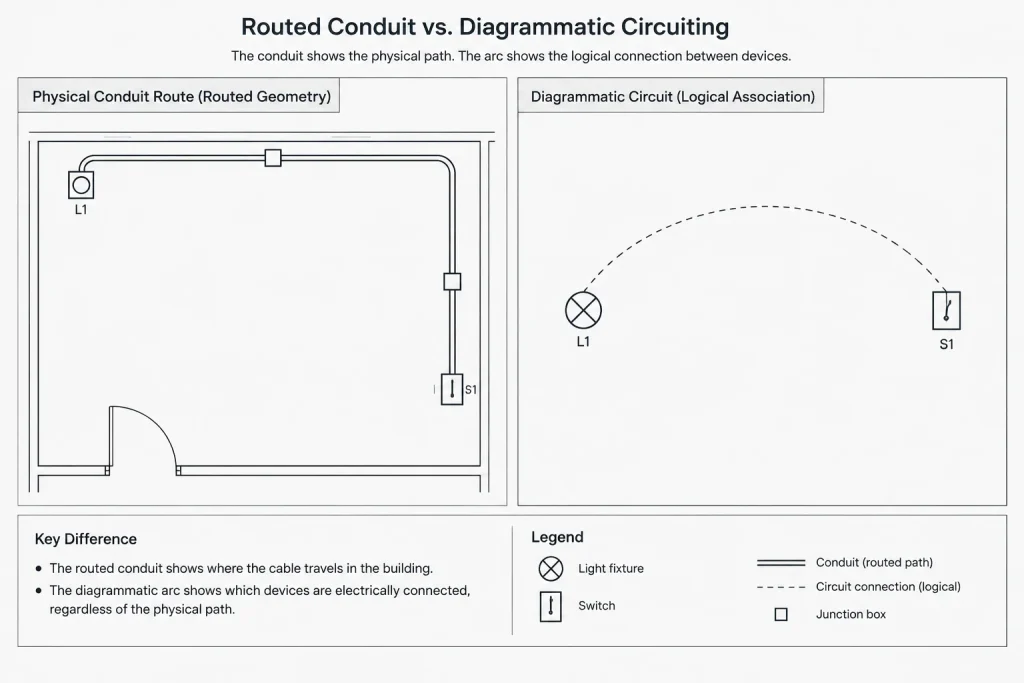
One of the most important drafting decisions is whether a line represents a physical route or a logical relationship.
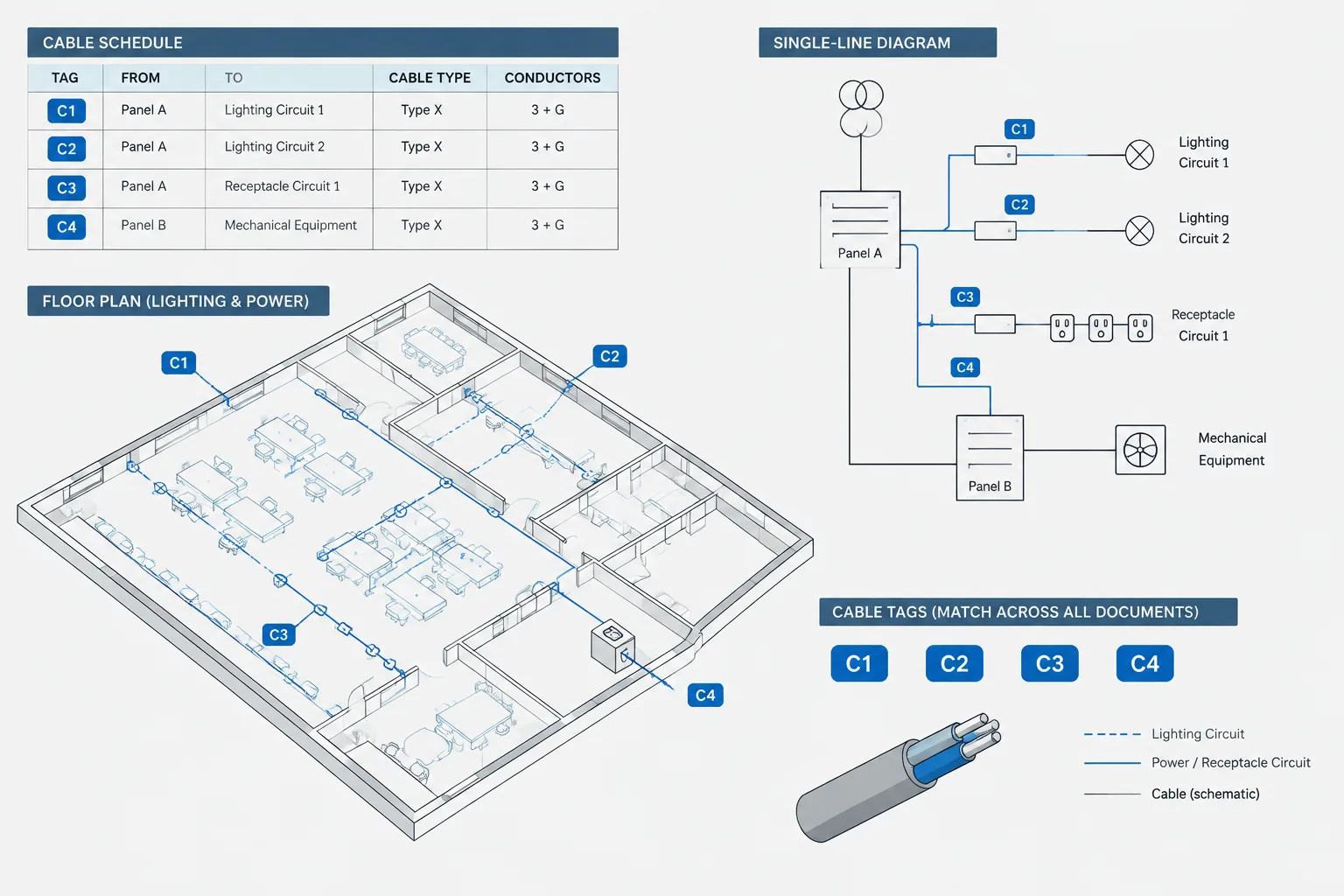
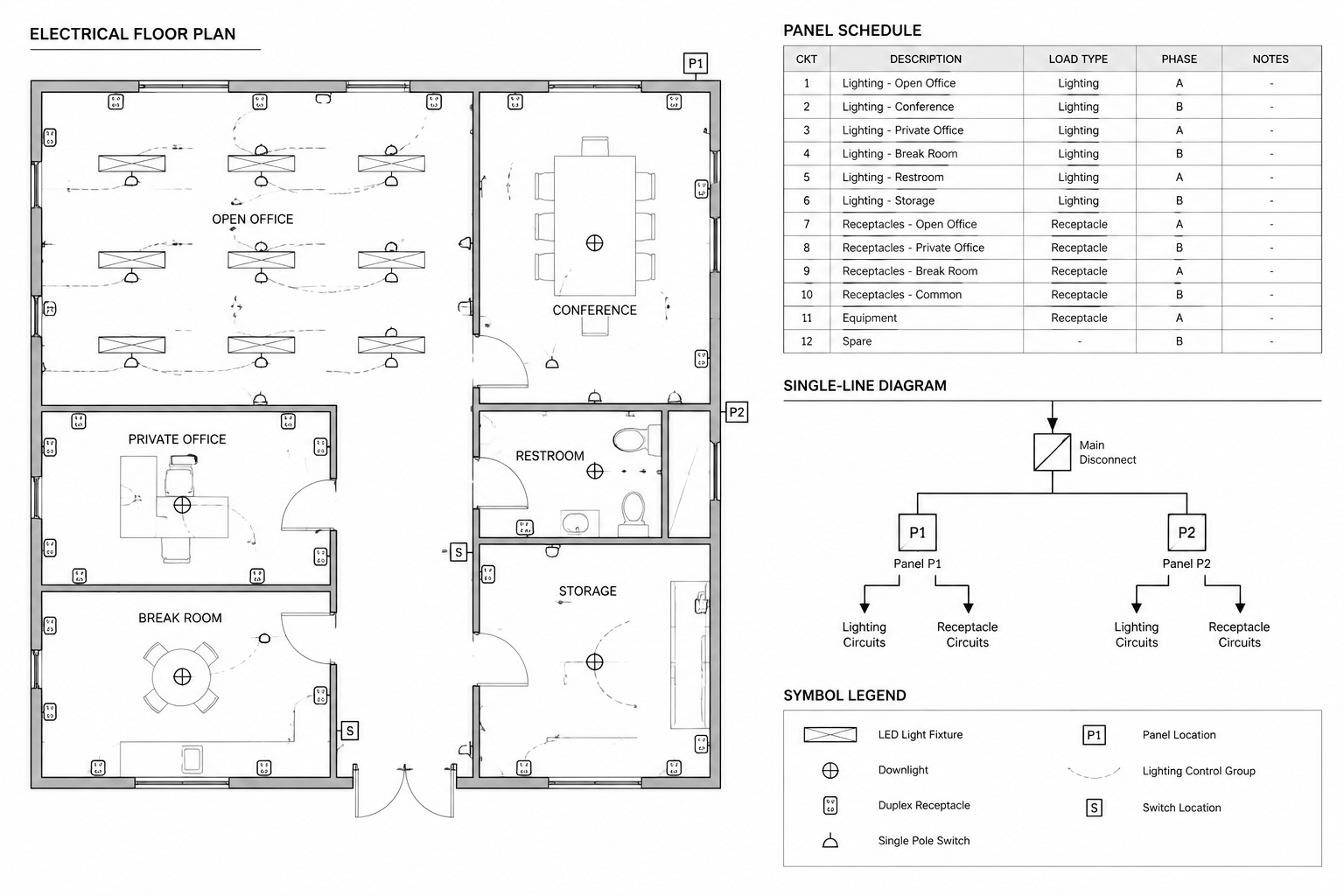
A conduit or cable route generally communicates pathway intent. Its location, bends, transitions, endpoints, and coordination with building elements may matter. A circuiting arc between devices may communicate grouping or electrical association without defining the actual installed path. Likewise, a control line may show that a sensor affects a lighting zone while saying little about cable routing.
These categories should not look so similar that a reader can mistake one for another. Differences can be created through linetype, lineweight, annotation, layer color in the working file, or a combination of these controls. Linetype alone should not carry all the meaning when the distinction is important.
| Line category | Typical drafting purpose | Useful supporting information |
|---|---|---|
| Physical pathway | Shows conduit, cable, tray, or duct routing intent | Route tags, size references, elevations, sections, or schedule links |
| Diagrammatic circuiting | Groups devices or connects them to a circuit reference | Circuit tags, panel references, home-run notation, or notes |
| Control relationship | Associates switches, sensors, relays, zones, or controlled loads | Control IDs, zone labels, sequence references, or diagrams |
| Boundary line | Defines an area rather than a routed electrical element | Boundary label, keynote, hatch, or local note |
| Status linework | Differentiates existing, demolition, future, or new work | Phase note, legend entry, plan title, or status tag |
Build Linetype Meaning into the Layer Structure
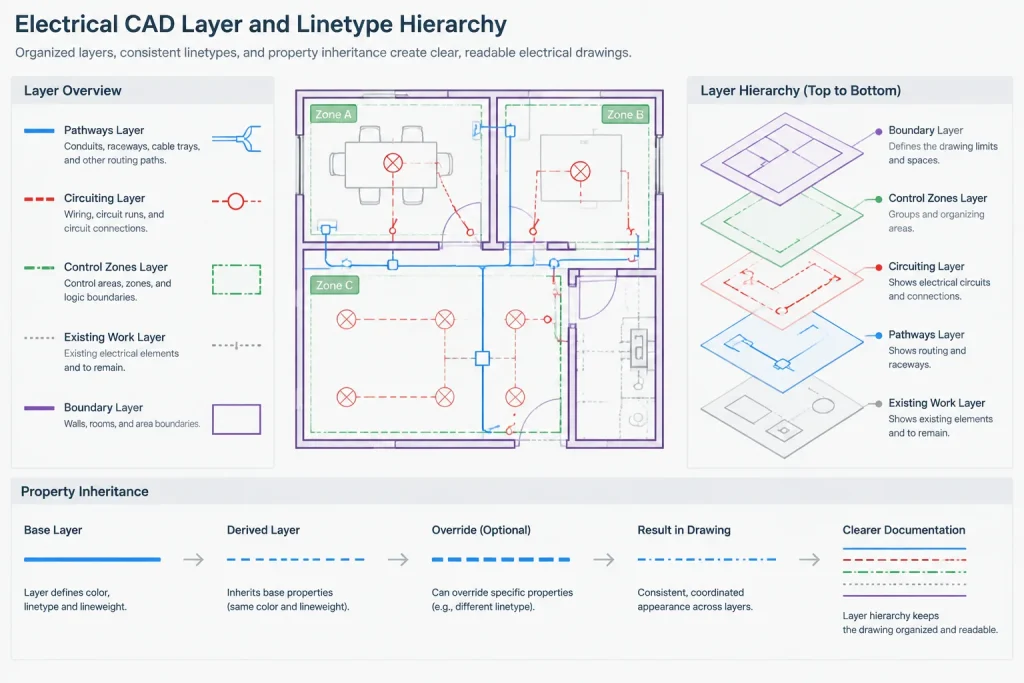
For repeated information, control the linetype through layers rather than assigning patterns individually to each object. A layer-based system makes global changes easier and reduces the chance that visually similar objects carry different meanings.
Layer names should describe the content or function, not merely its appearance. A layer named for an underground feeder route is more informative than a layer named only for dashed lines. Appearance may change to suit a client template or plot style, while the underlying purpose remains the same.
Object-level overrides can still be useful for a documented exception, but they should not become the default drafting method. Excessive overrides make troubleshooting difficult because an object may not respond when its layer is updated. If a line displays incorrectly, review its layer assignment, object properties, block definition, and referenced-file source before forcing a new appearance.
Coordinate Linetypes with Color and Lineweight
Color can help drafters identify systems while working, but many electrical sheets are ultimately reviewed in monochrome or grayscale. A distinction visible only through color may disappear in the published output. Linetypes should therefore be tested with the actual plotting workflow.
Lineweight provides visual hierarchy but does not replace semantic labeling. A heavier continuous line may emphasize a major route, yet it does not automatically explain whether the route is a feeder, raceway, boundary, or bus. Use lineweight to organize importance and linetype to distinguish categories, then reinforce both with tags and notes where necessary.
Avoid stacking too many graphic differences onto one line. An unusually complex pattern combined with heavy weight, screening, and dense annotation may become harder to read than a simple line with a clear identifier.
Control Pattern Scale in Model and Sheet Views
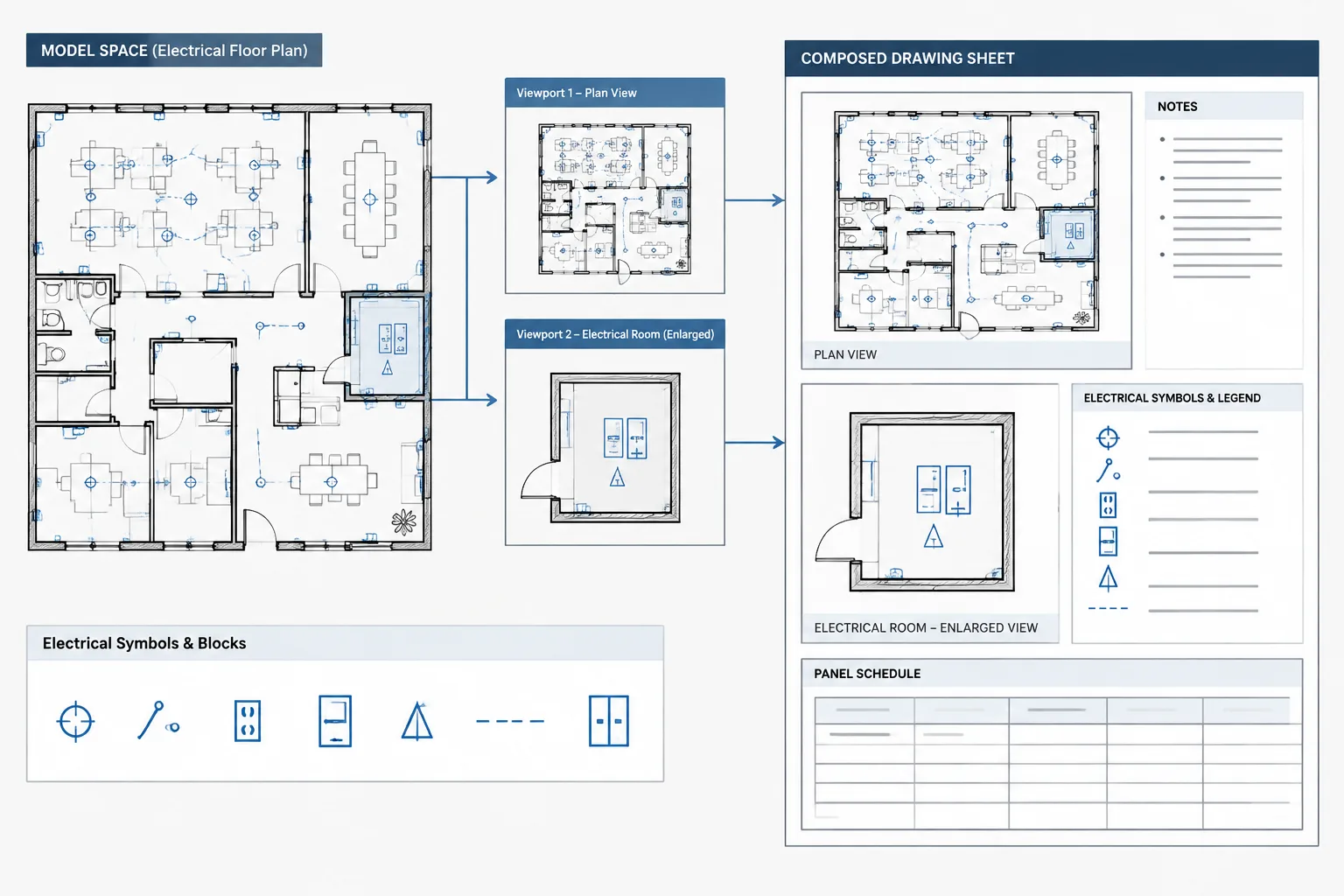
A linetype that looks clear while drafting can become nearly continuous or excessively fragmented when plotted. This often results from the relationship between the object, drawing scale, viewport, and linetype display settings.
The goal is visual consistency on the sheet. Similar line categories should present a comparable dash pattern even when they appear in viewports with different scales. Enlarged plans may require particular attention because the same model geometry can be shown at a different scale from the overall floor plan.
Before publication, examine the output rather than relying only on the model-space display. Confirm that:
- Dashed lines retain recognizable gaps at the plotted scale.
- Short segments still reveal their intended pattern.
- Polyline curves and corners do not create misleading interruptions.
- Patterns remain visible beneath screening, hatches, or background geometry.
- Adjacent line categories can be distinguished in monochrome output.
- Referenced drawings do not introduce conflicting linetype scales or definitions.
Use Existing, Demolition, and Future Linetypes Carefully
Project status is often communicated through a combination of line pattern, screening, layer, and plan context. This information must remain consistent across plans, diagrams, elevations, and details. If existing equipment is screened on a floor plan but shown with the same weight as new equipment on a single-line diagram, the drawing set may imply different scope.
Do not assume that every dashed object represents demolition or every screened object represents existing work. The project legend and graphic conventions should explicitly define the approach. Where status could affect interpretation, add a tag or note instead of depending on graphic style alone.
Future work also needs precise wording. A future pathway, space reservation, and future equipment connection are different concepts. The line pattern should be supported by annotation that states what is actually included in the documented scope.
Account for Blocks and External References
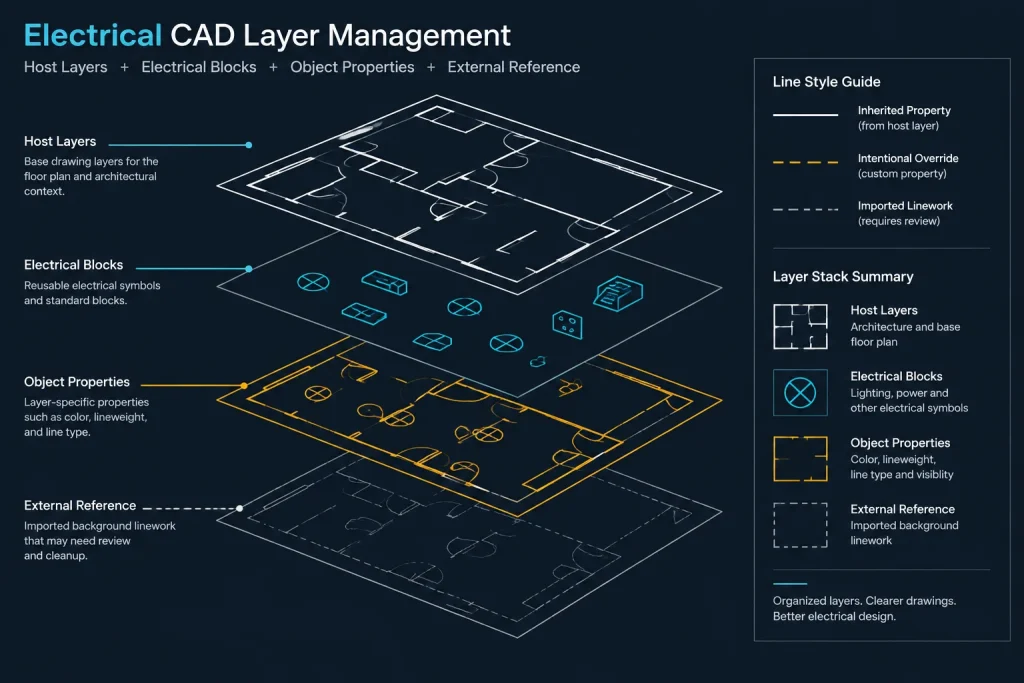
Linetypes can be embedded inside electrical blocks or inherited from the block insertion layer. A reusable symbol generally behaves more predictably when its internal objects follow the intended library convention and avoid unnecessary overrides. Complex linetypes inside small symbols may also degrade at common plan scales, so simple geometry is often more portable.
External references introduce another coordination issue. A consultant background may contain its own linetype definitions, layer conventions, and display scales. Similar pattern names do not guarantee identical meaning. Preserve the source information, map it deliberately where required, and avoid silently converting important linework based only on visual resemblance.
Create a Practical Linetype Legend
A legend should explain project-specific conventions that readers cannot confidently infer. It does not need to catalog every continuous line used in the file. Concentrate on patterns that communicate electrical system type, pathway condition, work status, or a drawing boundary.
Each sample should be long enough to display the pattern clearly and should use the same plotting controls as the actual drawing. Pair the sample with plain-language wording. If a route also requires tags or endpoint symbols, show those conventions elsewhere in the legend or in a representative detail.
Quality-Control Workflow
A focused linetype review can be incorporated into drawing issue checks:
- Classify the line: Determine whether it represents a route, connection, status, boundary, or reference.
- Check its layer: Confirm that the layer name and properties match that purpose.
- Inspect overrides: Identify objects whose linetype or scale differs from the layer without a documented reason.
- Compare related views: Review plans, diagrams, details, and schedules for consistent terminology and status.
- Verify the legend: Make sure project-specific patterns are shown and accurately described.
- Plot-test the sheets: Review monochrome or final-format output at the intended sheet size.
- Check crowded areas: Look for patterns hidden by hatches, masks, equipment blocks, or background linework.
- Confirm route continuity: Ensure that breaks are intentional and that endpoints, transitions, and off-sheet references are identifiable.
Keep the Graphic System Simple
A drawing set does not become clearer merely by adding more linetypes. Too many similar dash patterns force readers to repeatedly consult the legend, and subtle differences may disappear when sheets are reduced or printed.
Use a limited, purposeful set of electrical CAD linetypes, reserve distinctive patterns for meaningful differences, and support critical information with labels. The best system is not the most elaborate one. It is the one that lets a reader quickly determine what a line represents, where it continues, and how it relates to the rest of the electrical documentation.
A Meaning-First Method for Selecting Linetypes
When choosing or reviewing a line pattern, begin by completing a simple sentence: This line represents… If the answer describes only its appearance, such as dashed or dotted, the drafting purpose has not yet been defined. A useful answer identifies the represented object, relationship, condition, or boundary.
After establishing that meaning, confirm the supporting controls:
- Drawing context: Determine whether the line appears on a plan, diagram, detail, elevation, or reference view.
- Object function: Decide whether it represents installed geometry, routing intent, an electrical association, work status, or an administrative limit.
- Layer ownership: Assign the line to a layer whose name describes its function and can be managed consistently.
- Annotation support: Add a tag, note, endpoint symbol, or legend entry when the graphic pattern cannot communicate the full meaning.
- Output behavior: Verify that the distinction remains visible in the published sheet rather than only in the working CAD display.
Document the Convention for Future Editors
A linetype system should remain understandable after the original drafter is no longer working in the file. Record project-specific meanings in the legend and keep layer descriptions aligned with those meanings. If an exception is necessary, document why it exists instead of relying on an unexplained object override.
This record is especially important when blocks, external references, and consultant files are combined. Visual similarity does not prove that imported linework has the same purpose as a host drawing category. Review the source layer and drawing context before mapping or restyling it.
Review Meaning Before Appearance
If a line looks wrong, avoid changing its pattern immediately. First determine what the object is supposed to communicate. Then inspect its layer, inherited properties, block contents, external-reference source, and sheet output. This order prevents a display correction from accidentally changing the documented meaning.
Frequently Asked Questions
Does a dashed line have a standard meaning on every electrical drawing?
No. Its meaning depends on the drawing type, project conventions, layer assignment, adjacent symbols, labels, and legend. A dashed pattern may describe a concealed route, work status, control relationship, or boundary in different drawing sets.
Can the same linetype represent both a raceway and a circuit connection?
It can occur, but using the same appearance for different purposes may create ambiguity. Physical routing and diagrammatic association should be differentiated through linetype, lineweight, labeling, layer controls, or another clearly documented graphic method.
Why does a dashed line appear continuous in the plotted drawing?
The visible gaps may be affected by object length, viewport presentation, pattern scale, polyline behavior, or the plotting workflow. Review the final-format output and inspect inherited properties before applying an object-level override.
Should linetypes be assigned by layer or by individual object?
Layer-based control is generally easier to maintain for repeated categories. Object-level assignments are better reserved for deliberate, documented exceptions because widespread overrides can make later revisions and troubleshooting difficult.
How should existing and demolition work be distinguished?
Use the project-defined combination of line pattern, screening, layer, annotation, and drawing context. Do not depend on a dashed or screened appearance alone when the work status affects scope interpretation.
What should an electrical linetype legend include?
Include project-specific patterns that communicate system type, pathway condition, work status, control relationships, or boundaries. Pair each sample with plain-language wording and reproduce the same plotting behavior used on the actual sheets.
Leave a Reply
You must be logged in to post a comment.