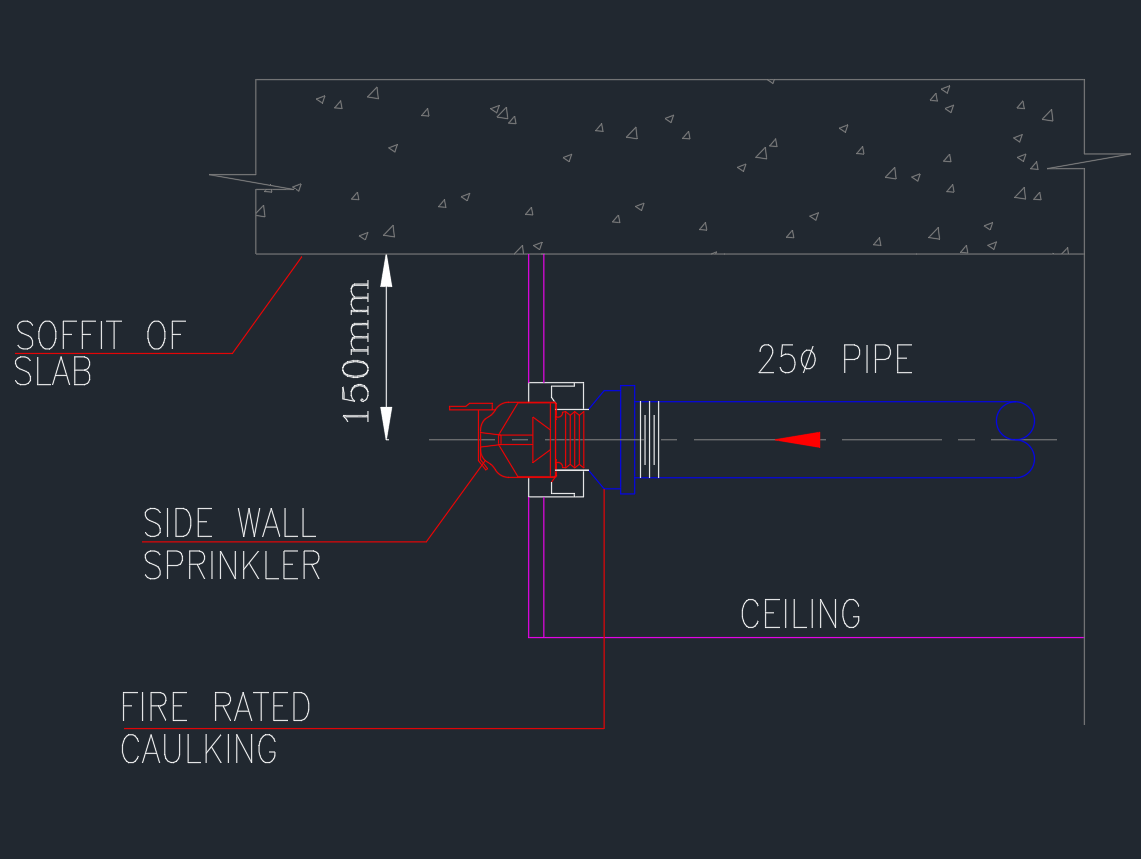
This page provides an AutoCAD detail for horizontal sidewall sprinkler equipment for use in fire-protection and coordinated building drawings. The detail can support drafting workflows where sprinkler placement must be communicated alongside architectural, reflected-ceiling, mechanical, and electrical information.
Before incorporating the DWG into project documents, review its geometry, annotation, layer organization, and displayed orientation. A reusable CAD detail is a drafting resource; final placement and installation information must still be checked against the selected sprinkler product, approved design criteria, and project requirements.
Looking for a comprehensive **detail for Horizontal Sidewall Sprinkler**? Our DWG file provides a high-quality CAD Block specifically designed for fire protection system design. This detailed drawing showcases the precise installation and arrangement of a horizontal sidewall sprinkler, making it ideal for architects, engineers, and contractors. Perfect for use in AutoCAD and other compatible CAD software, this file streamlines your MEP and fire safety design projects. The DWG detail ensures compliance with industry standards, allowing seamless integration into commercial, residential, or industrial building plans. Download now for efficient and accurate project documentation.
Please log in or register to download this file.
What a Horizontal Sidewall Sprinkler Detail Communicates
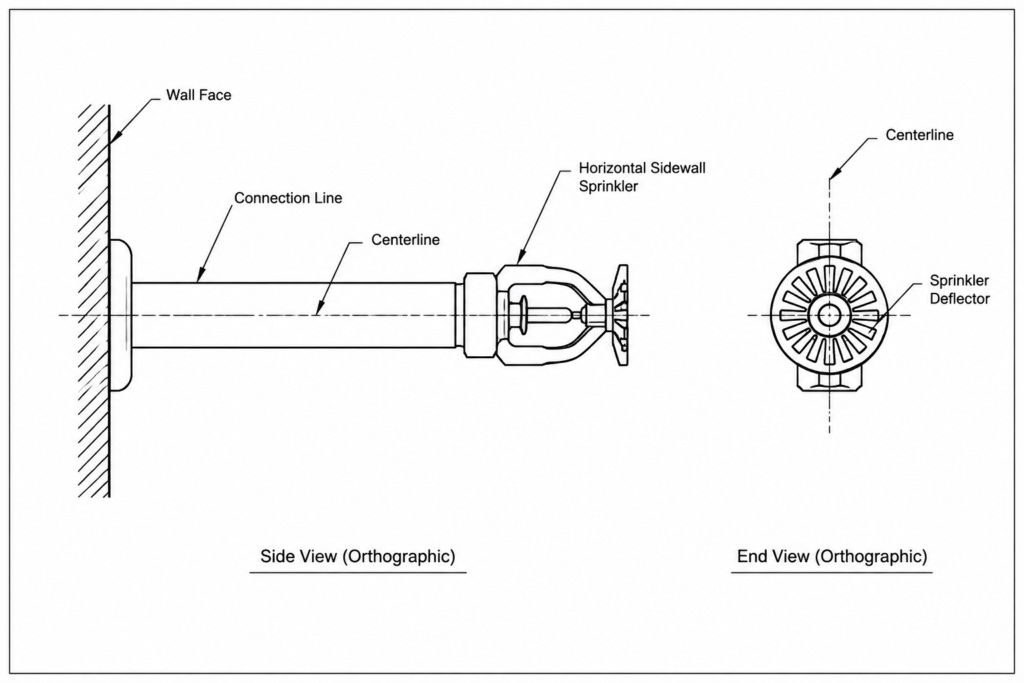
A horizontal sidewall sprinkler is represented as projecting from a wall rather than dropping from a ceiling. A useful detail should make the wall relationship, sprinkler orientation, connection context, and surrounding construction easy to interpret. Depending on the content of the downloaded file, the drawing may be used as a detail reference, a coordination graphic, or a starting point for an office CAD standard.
The most important drafting distinction is orientation. Rotating a generic sprinkler symbol without checking the detail can create an incorrect or ambiguous representation. The sprinkler body, deflector, wall face, and connection should remain visually consistent with the intended installation direction.
Recommended DWG Review Workflow
- Inspect the drawing units: Confirm that the file behaves correctly when inserted or referenced in the destination drawing.
- Check the insertion point: A logical base point makes placement, rotation, and alignment more predictable.
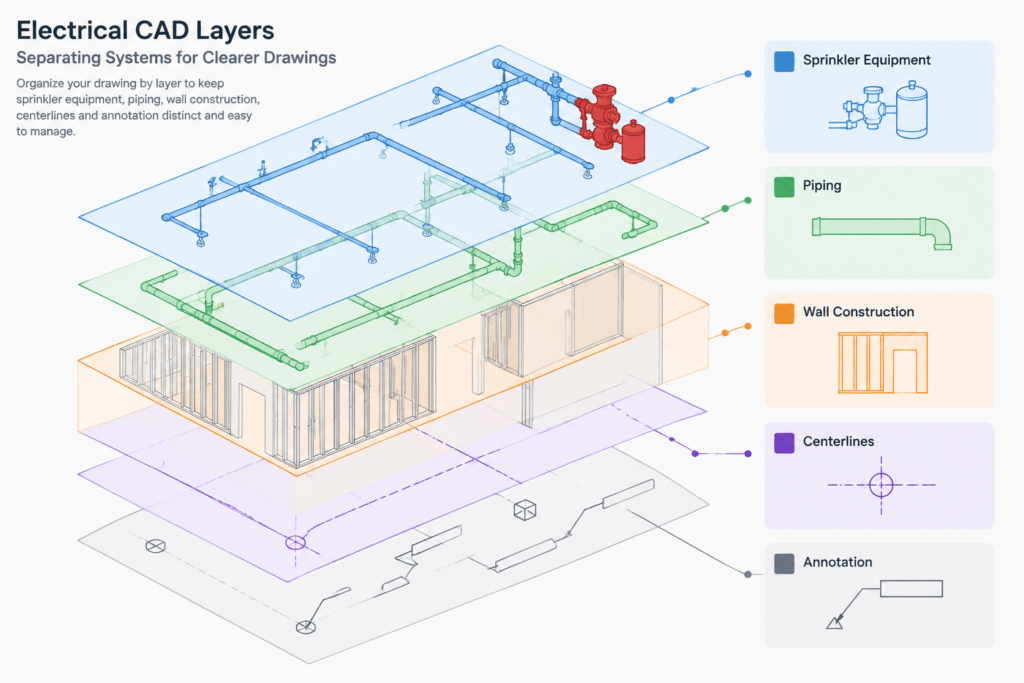
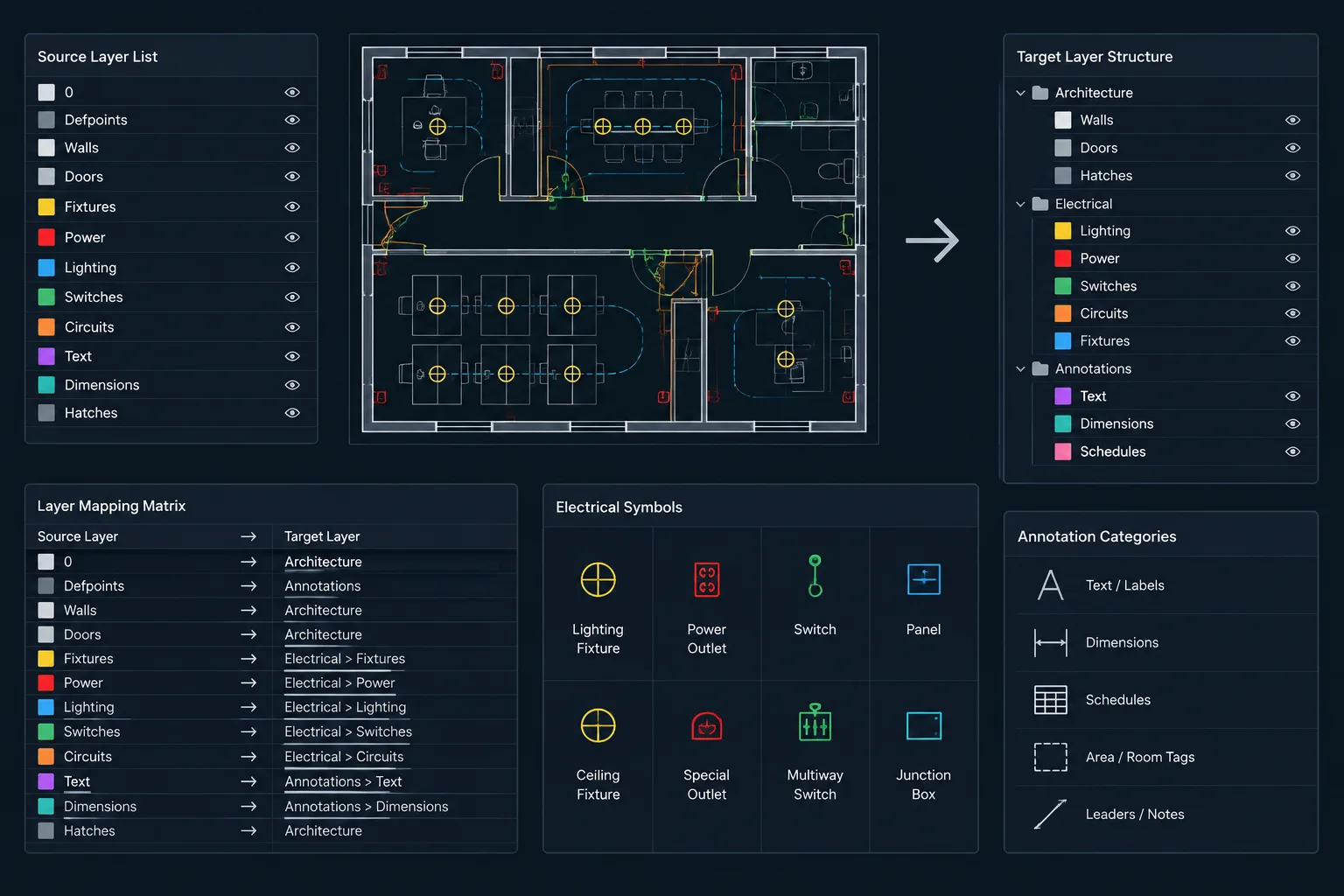
- Review layers: Separate equipment outlines, piping, wall construction, centerlines, notes, and dimensions where practical.
- Confirm linework: Remove unintended duplicate objects and check whether hidden or centerline conventions are used consistently.
- Examine annotation: Verify text style, leaders, abbreviations, and plotted readability before adopting the detail.
- Check block behavior: Determine whether the sprinkler is a reusable block, grouped geometry, or independent linework.
- Test plotting: Make sure lineweights and screening preserve the distinction between the sprinkler, connection, and background construction.
Coordination With Other Building Drawings
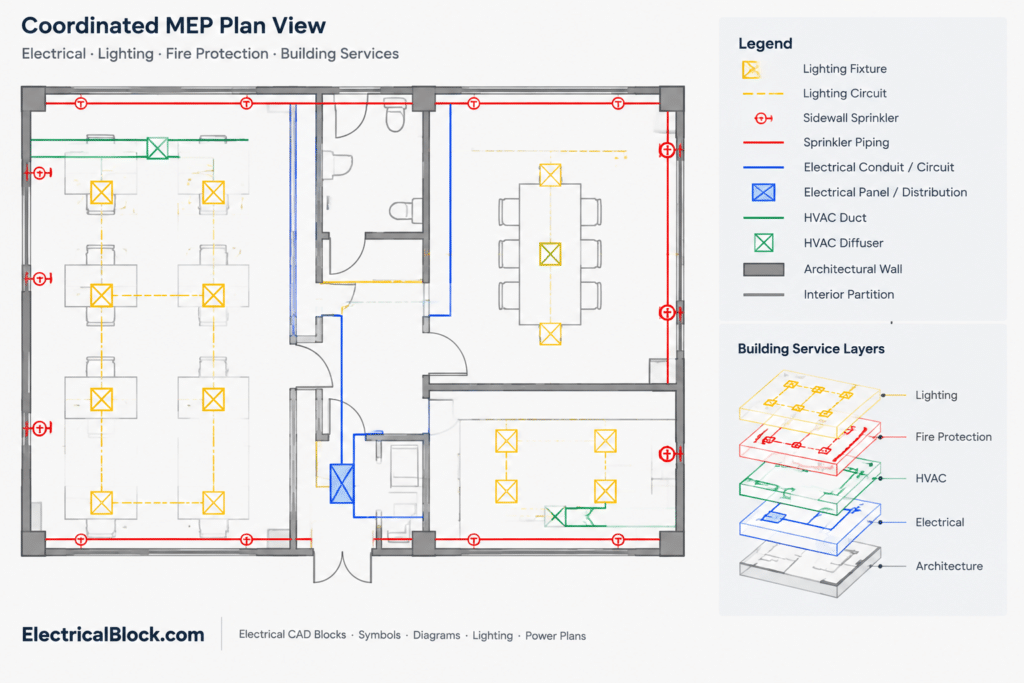
Sidewall sprinkler locations often need to be read in relation to walls, soffits, ceilings, casework, doors, glazing, structural features, and other mounted equipment. Coordination drawings should make these relationships visible without turning the installation detail into a cluttered composite.
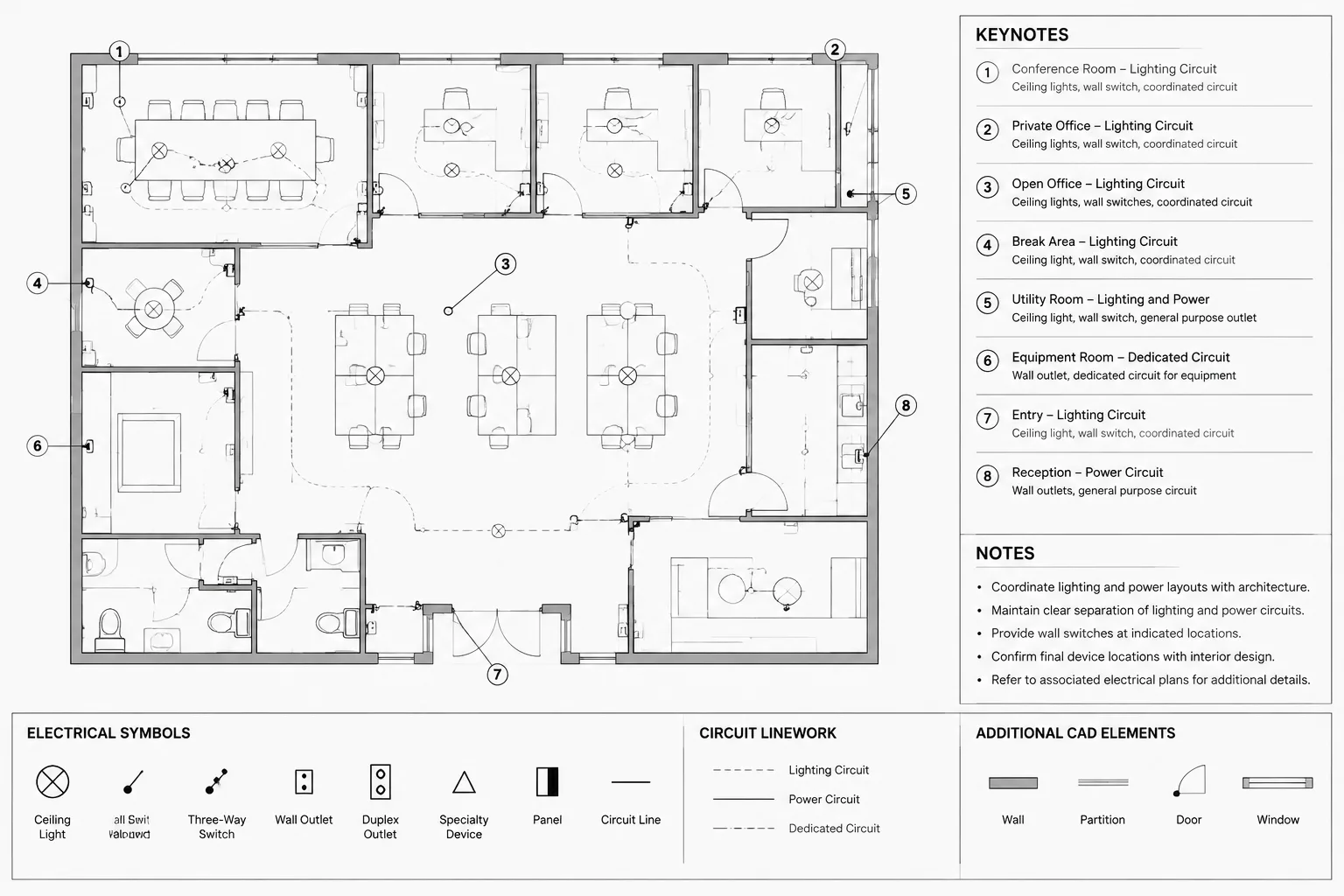
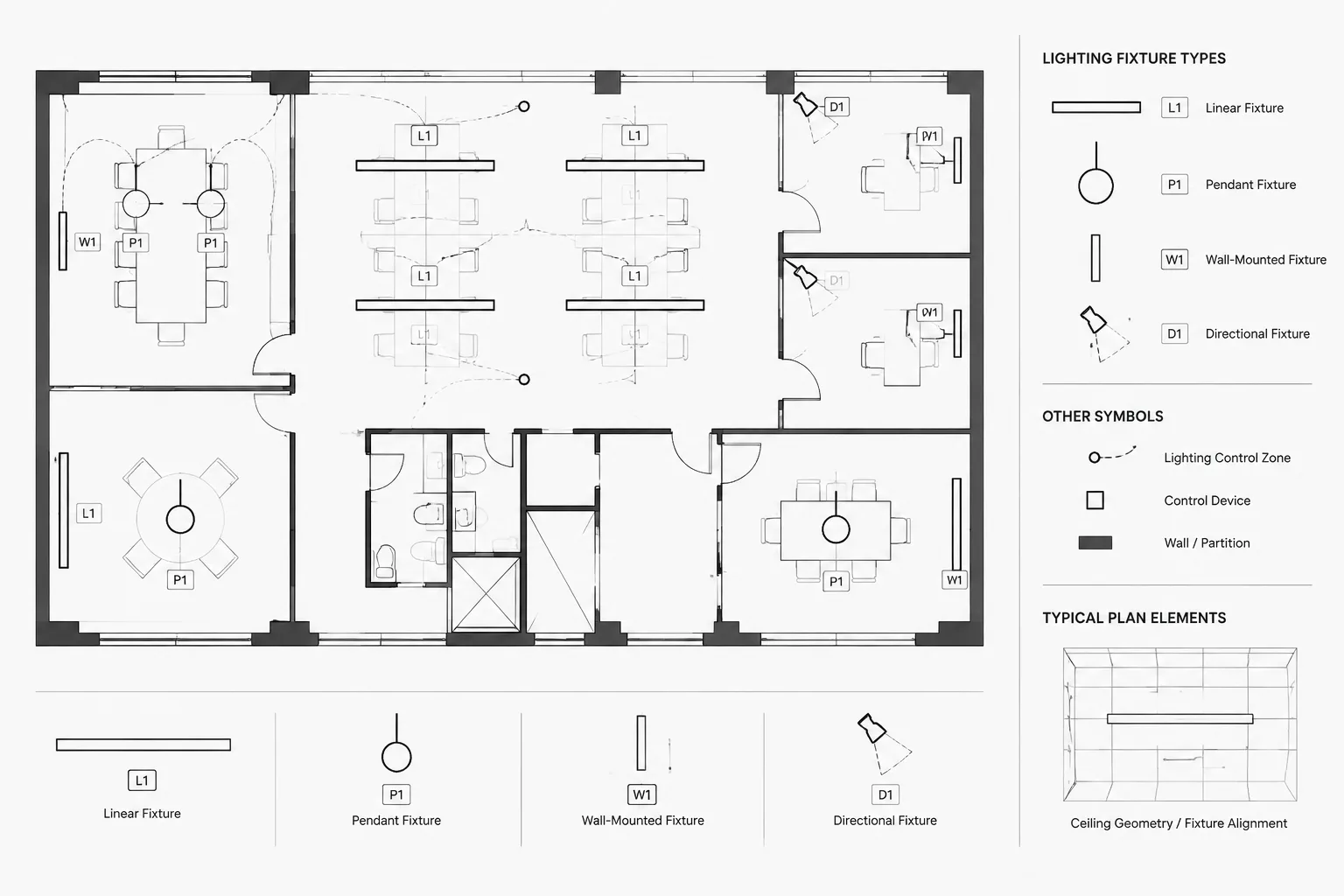
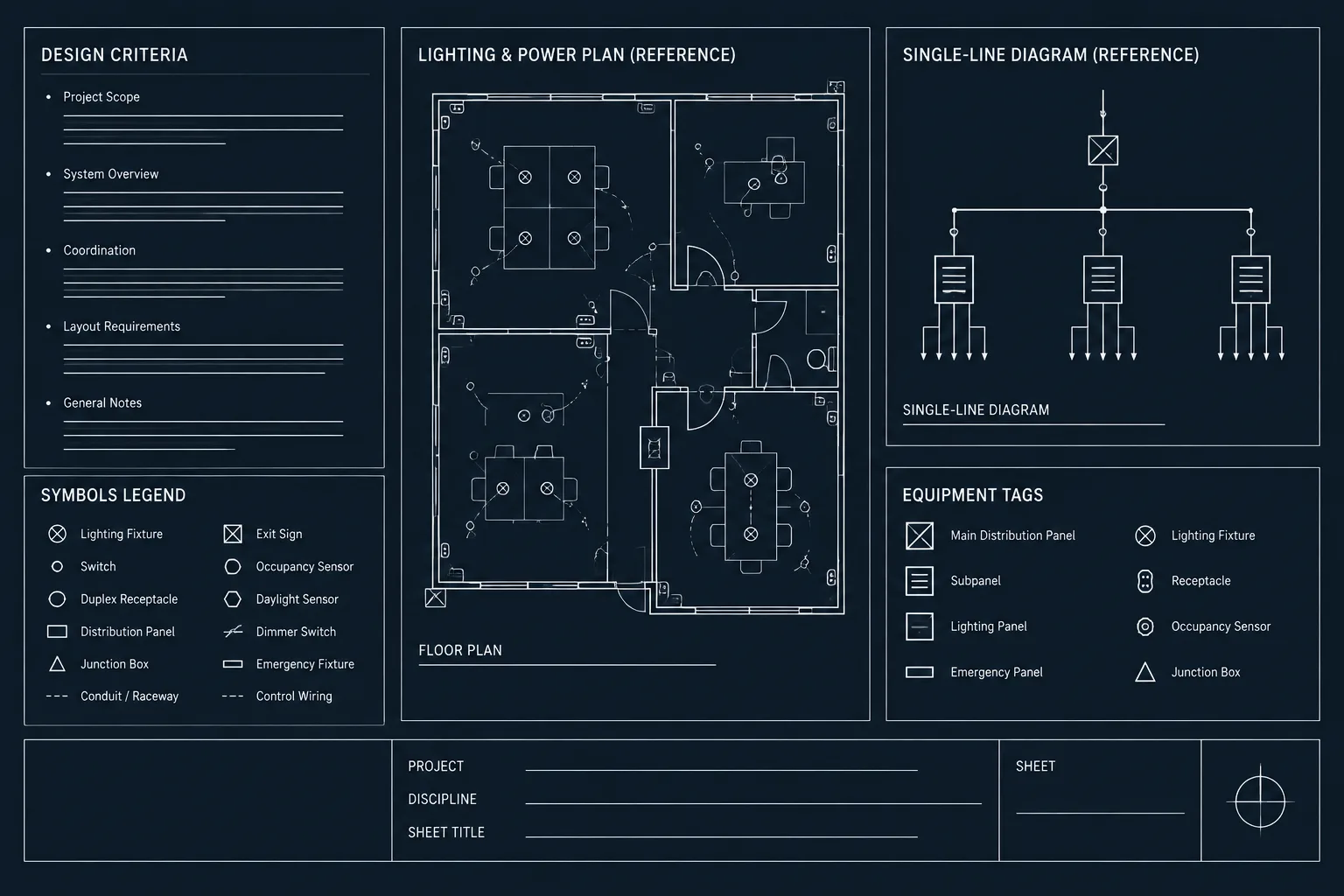
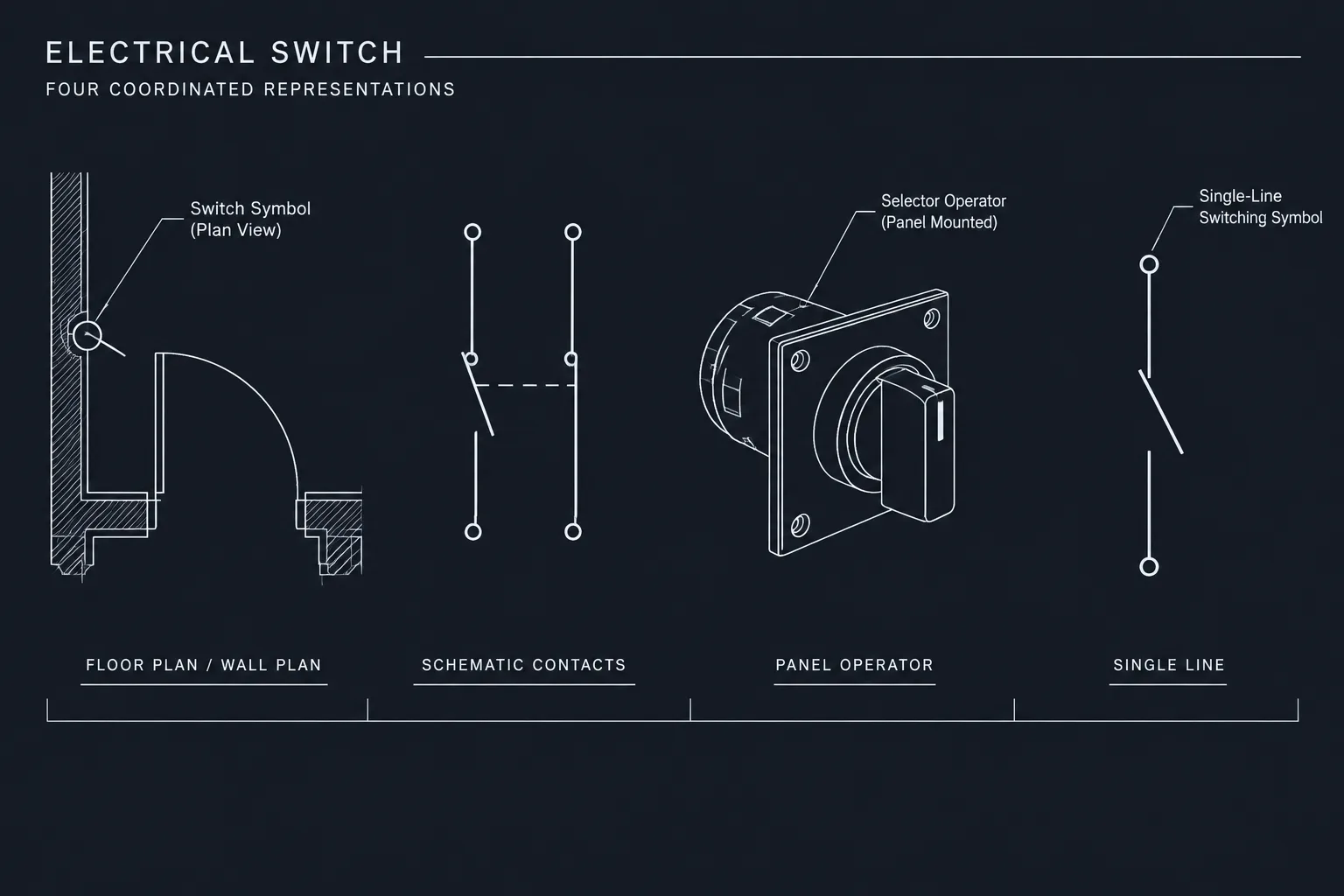
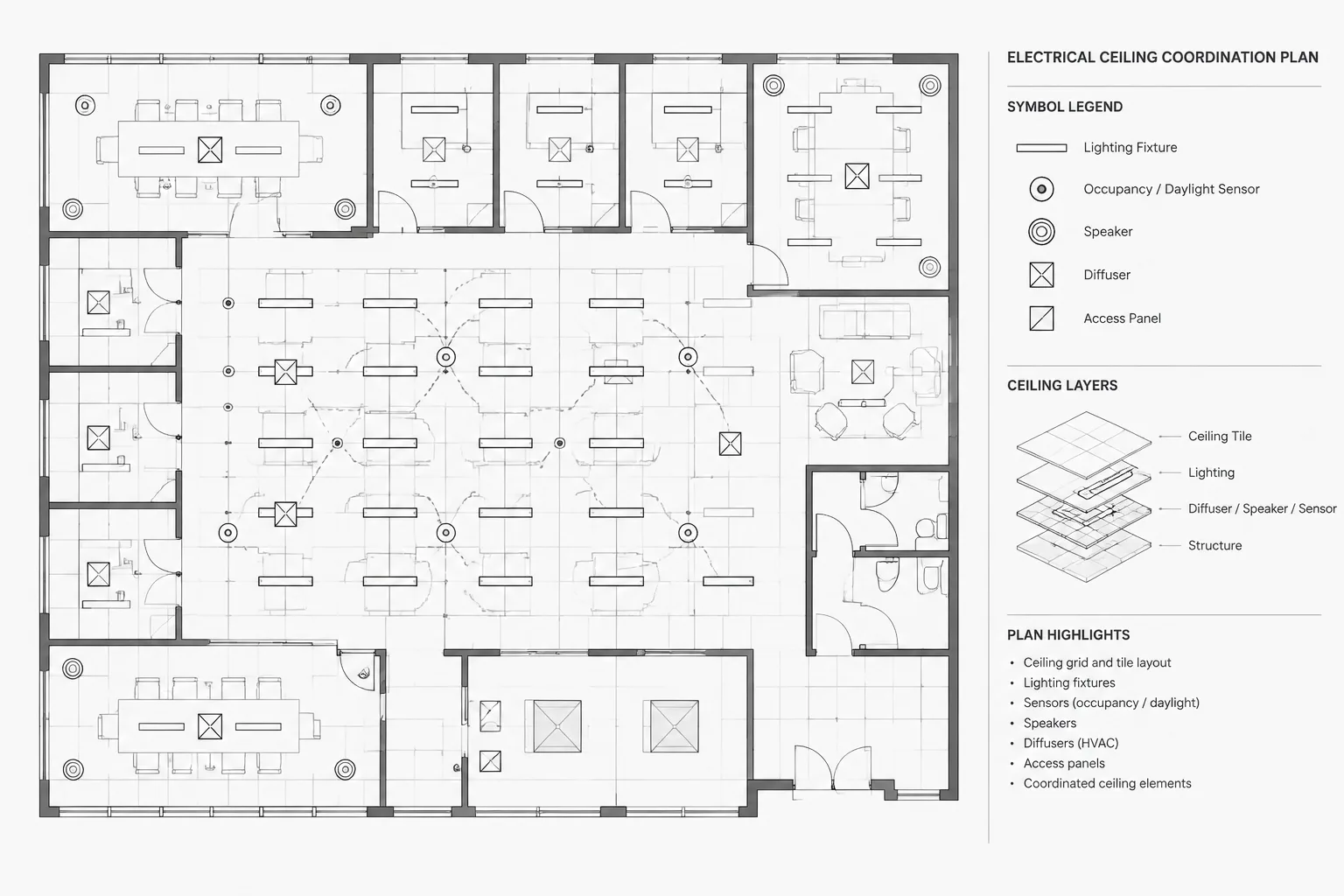
Electrical and fire-protection documentation may also share wall and ceiling space. Lighting, devices, raceways, cable pathways, signage, and life-safety components can appear near sprinkler symbols on coordinated plans. Use disciplined layers and external references so each trade remains identifiable while potential spatial conflicts can still be reviewed.
Useful Related Drawing Context
- Fire-protection plans and sprinkler legends
- Architectural floor plans and wall details
- Reflected-ceiling plans
- MEP coordination plans
- Equipment schedules and keyed-note systems
- CAD layer, linetype, and annotation standards
Verification Before Project Use
A CAD block does not establish product approval, hydraulic suitability, coverage, obstruction clearance, or code compliance by itself. Those decisions depend on the actual sprinkler, its listing information, the governing project criteria, and the coordinated design. Compare the drawing with current manufacturer documentation and the approved fire-protection design before issuing it for construction.
If the downloaded detail contains generic geometry, identify it as schematic or typical according to the project documentation method. Avoid adding manufacturer-specific notes unless the geometry and product data have been verified for the selected equipment.
Frequently Asked Questions
What is a horizontal sidewall sprinkler CAD detail?
It is a drafting representation of a sprinkler arranged to project horizontally from a wall. The detail may show the sprinkler, wall relationship, connection, notes, and supporting construction context.
Can this DWG be inserted directly into a project drawing?
It can be used as a drafting resource, but its units, scale behavior, layers, base point, annotation, and geometry should be checked first. Project-specific requirements may require editing or additional coordination.
Is a detail the same as a sprinkler plan symbol?
No. A plan symbol is usually a simplified graphic used to mark equipment locations across a floor plan. A detail provides a closer representation of orientation, construction relationships, or connection context. The symbol and detail should use consistent naming and identification.
Does the CAD file confirm code compliance?
No. CAD geometry alone cannot confirm compliance. The final design must be evaluated using the applicable project criteria, approved product information, and required professional review.
Which layers are useful for this type of detail?
Common categories include sprinkler equipment, piping, wall construction, centerlines, dimensions, leaders, and notes. Exact layer names should follow the project or office CAD standard.
How should the detail be coordinated with electrical drawings?
Use architectural backgrounds or coordinated references to compare the sprinkler location with lighting, wall-mounted devices, raceways, and other nearby systems. Keep trade graphics on distinct layers so the issued documents remain readable.
Leave a Reply
You must be logged in to post a comment.