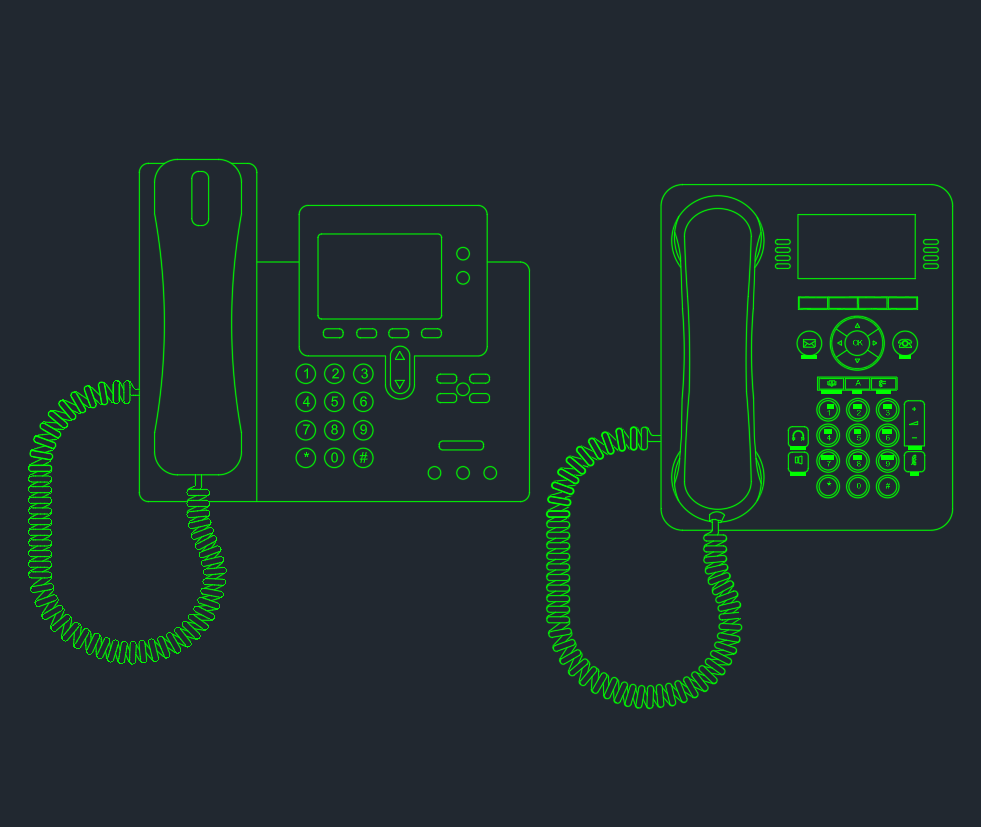
A desk phone CAD block helps populate office drawings with recognizable communication equipment without requiring each device to be drafted from scratch. This downloadable DWG file presents desk phones in various views and styles for use in workspace plans, furniture arrangements, and interior design documentation.
Use the block as a visual reference within an office layout, then coordinate its placement with furniture, workstations, circulation paths, and other drawing elements. The supplied file is intended to support drafting efficiency while leaving project-specific coordination and design decisions to the responsible design team.
Discover a high-quality DWG file featuring detailed Desk Phones CAD Blocks, perfect for architects, interior designers, and engineers. This downloadable CAD Block includes various views and styles of desk phones, making it an essential addition to your office design projects. The file is fully compatible with AutoCAD and other CAD software, ensuring easy integration into your layouts. Use this versatile Desk Phones DWG file to enhance workspace plans, furniture arrangements, or communication equipment designs, streamlining your workflow and achieving professional results in every project.
Please log in or register to download this file.
About the Desk Phones DWG File
This CAD block collection is useful for architects, interior designers, engineers, and drafting teams preparing office or commercial-space drawings. The different desk phone views and styles can make equipment layouts easier to read and help communicate the intended appearance of a workstation or reception area.
Practical Uses in Office Drawings
- Workspace plans: Show communication equipment in relation to desks, chairs, partitions, and circulation areas.
- Furniture arrangements: Add visual detail to workstation layouts without redrawing common office objects.
- Interior design documentation: Support clearer presentation drawings where equipment appearance and placement matter.
- Equipment layouts: Coordinate the visible location of desk phones with the surrounding office environment.
CAD Coordination Notes
Before incorporating the block into a project file, review its insertion behavior, drawing orientation, layer organization, and visual scale within the host drawing. Confirm that the selected view communicates the design intent at the drawing scale being used. The block represents desk phone equipment for drafting and presentation; it should not be treated as a wiring diagram, installation instruction, or confirmation of telecommunications requirements.
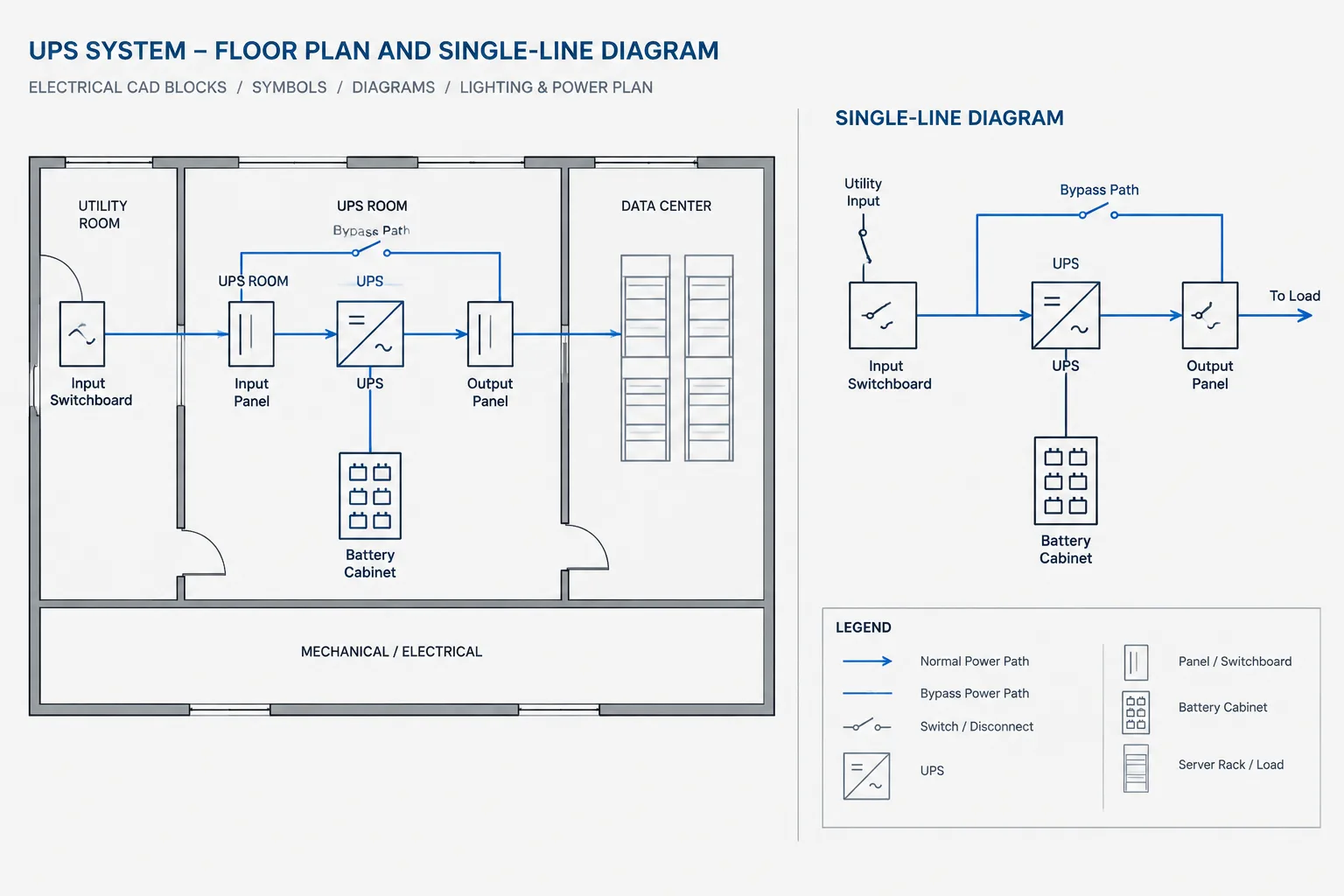
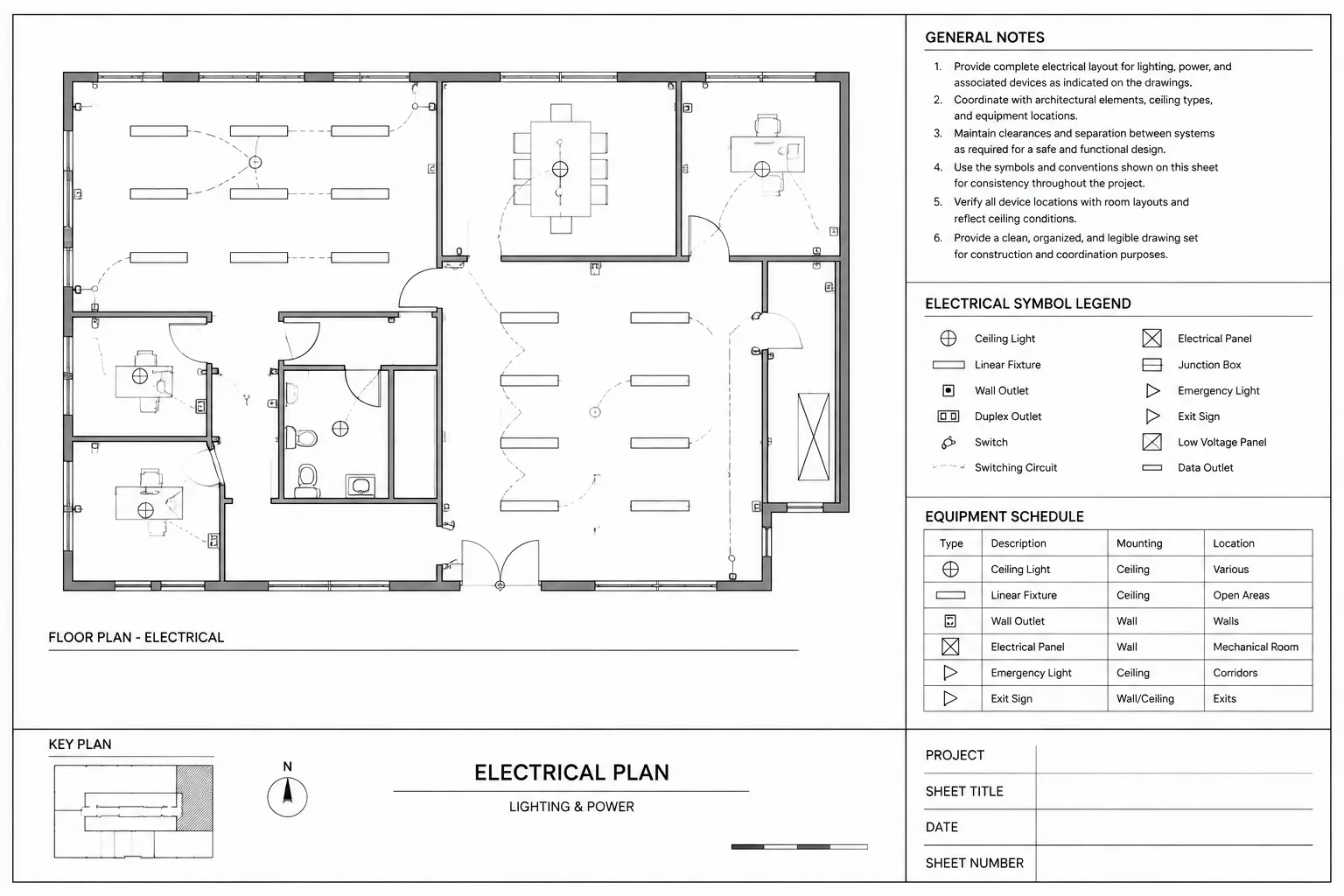
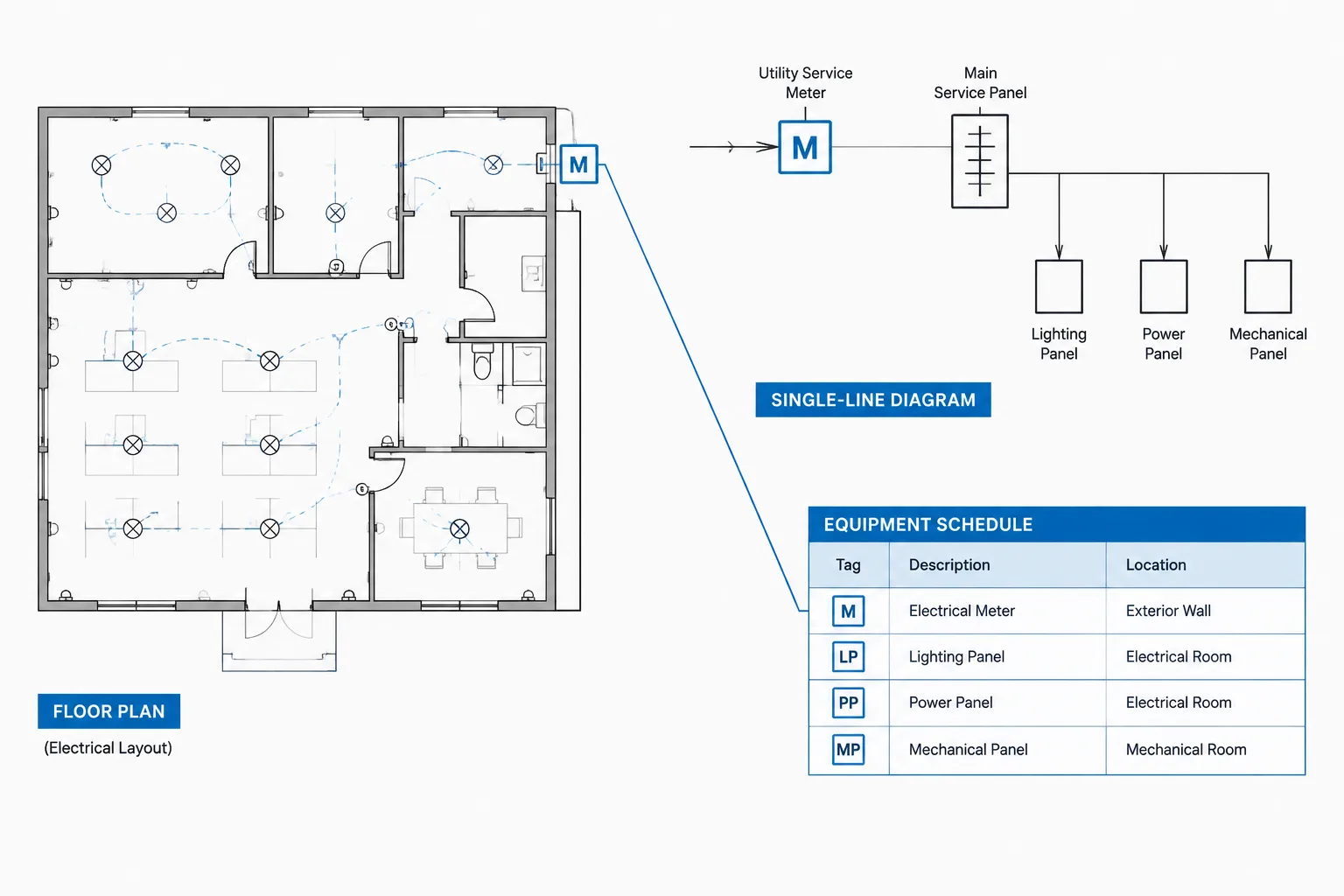
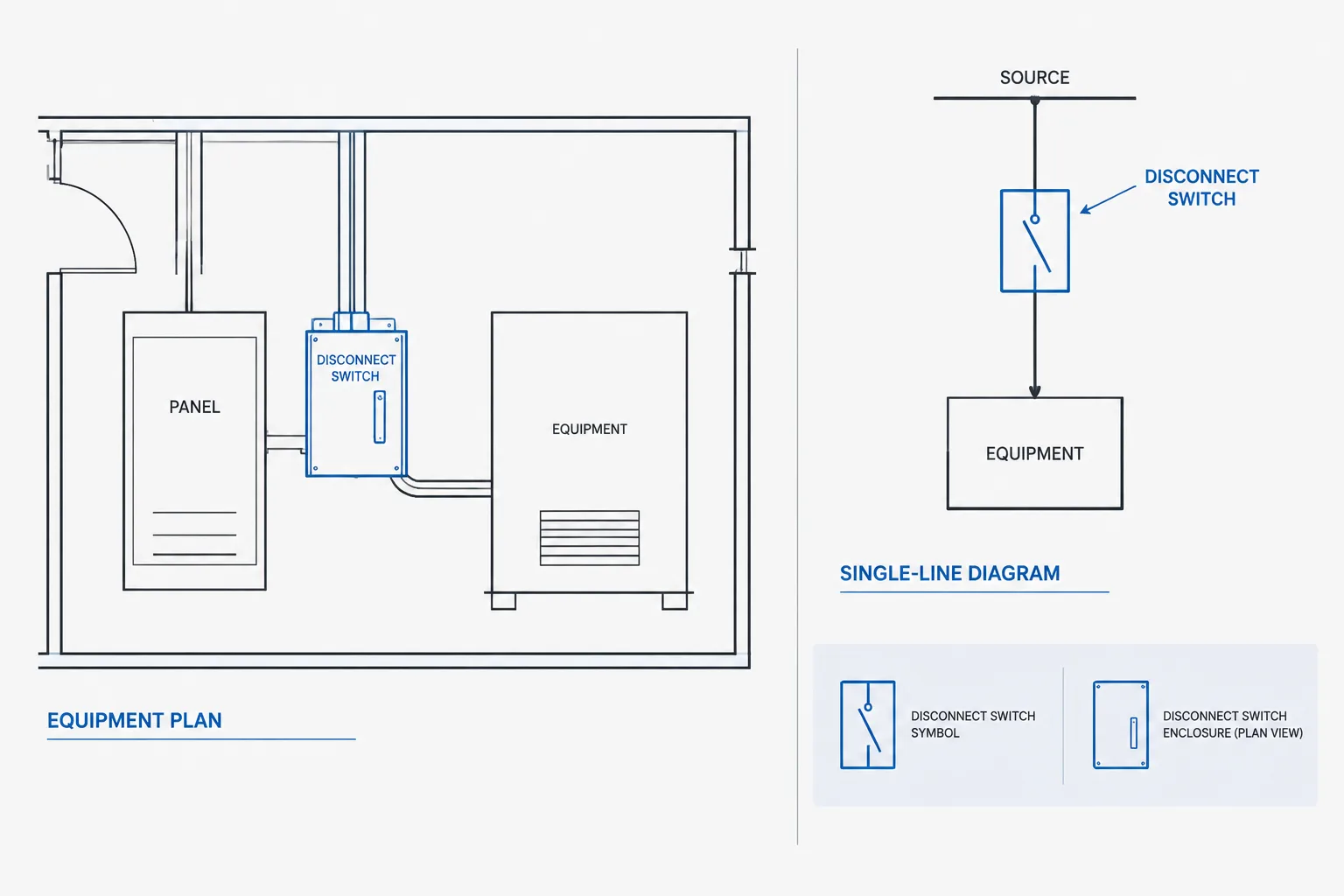
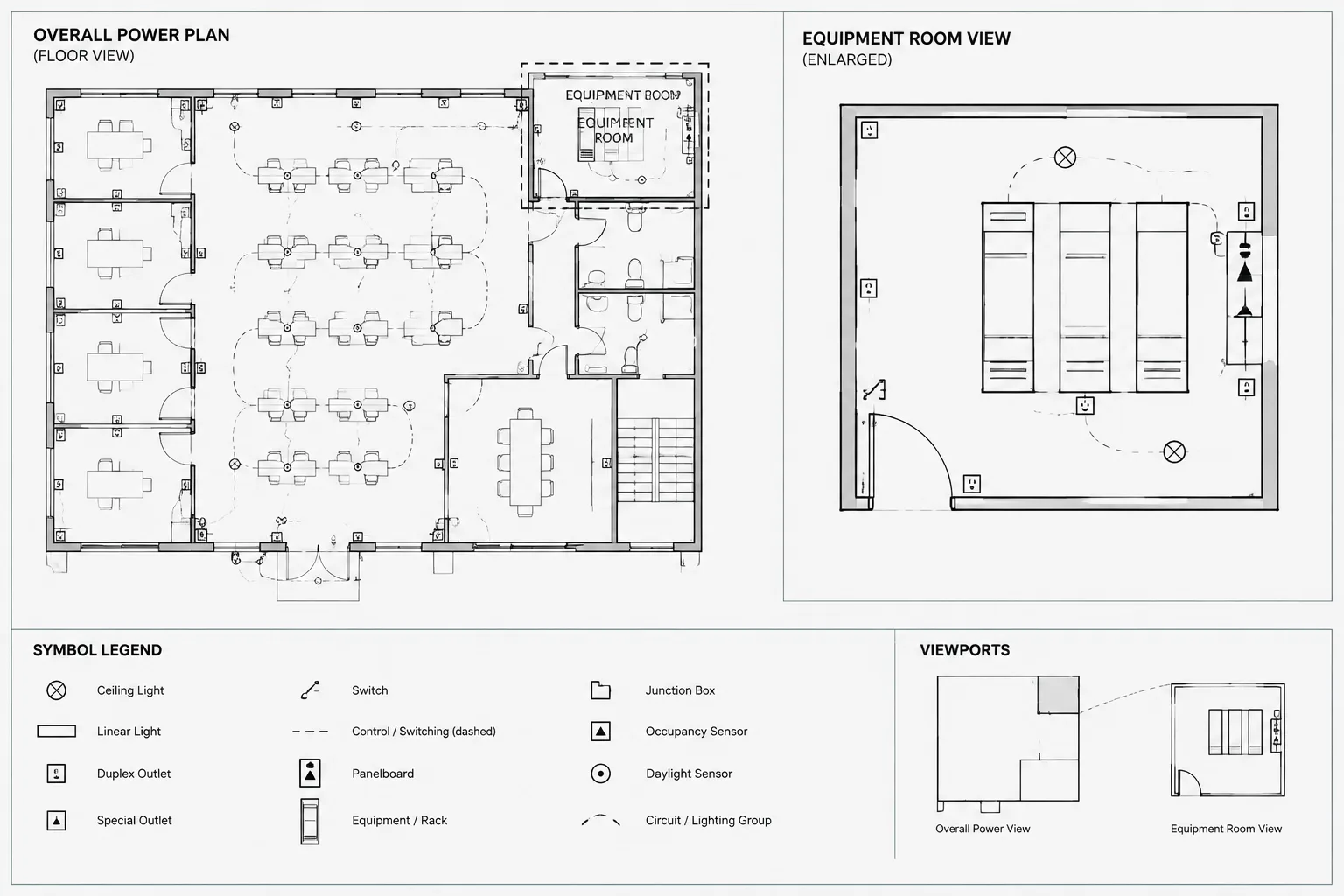
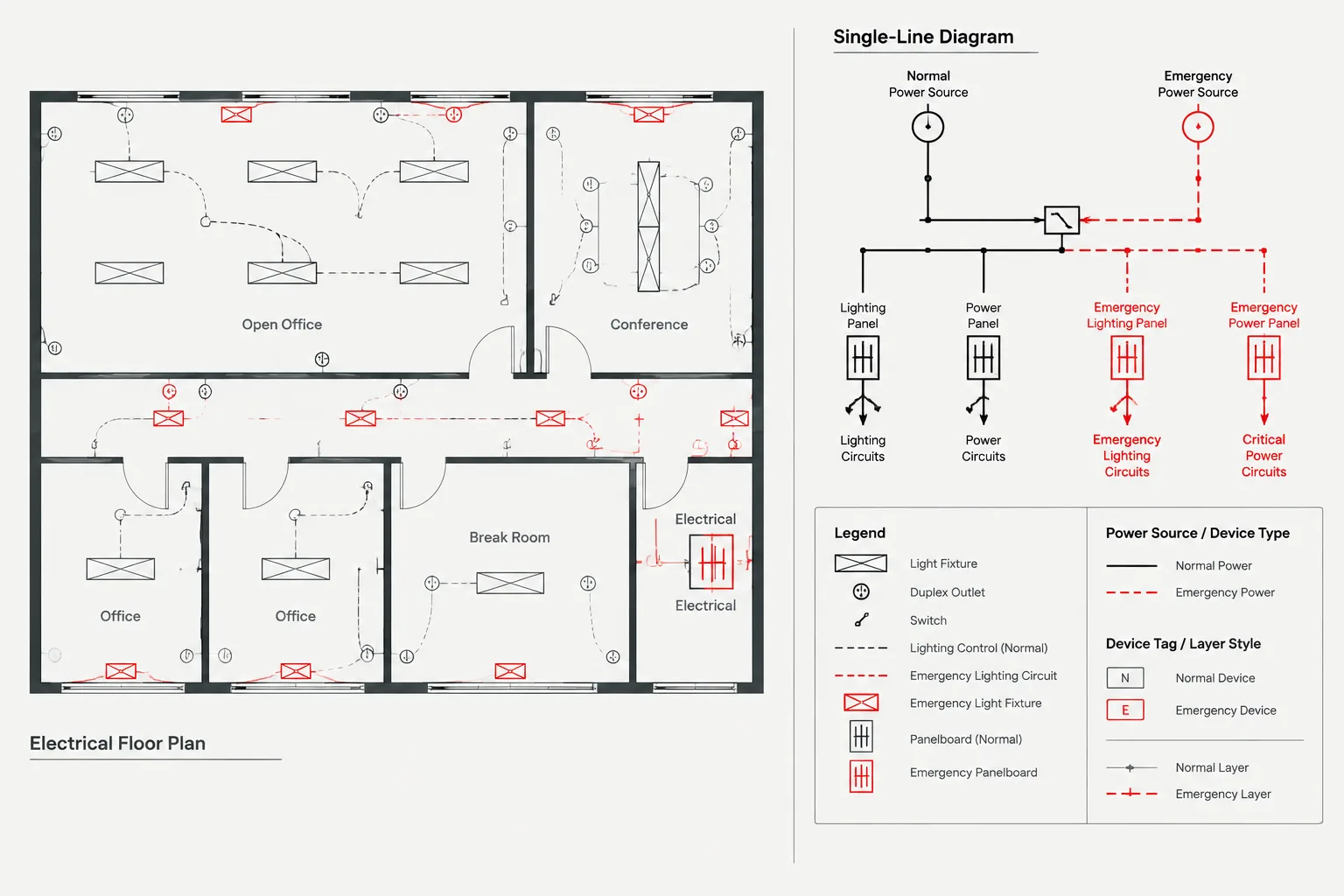
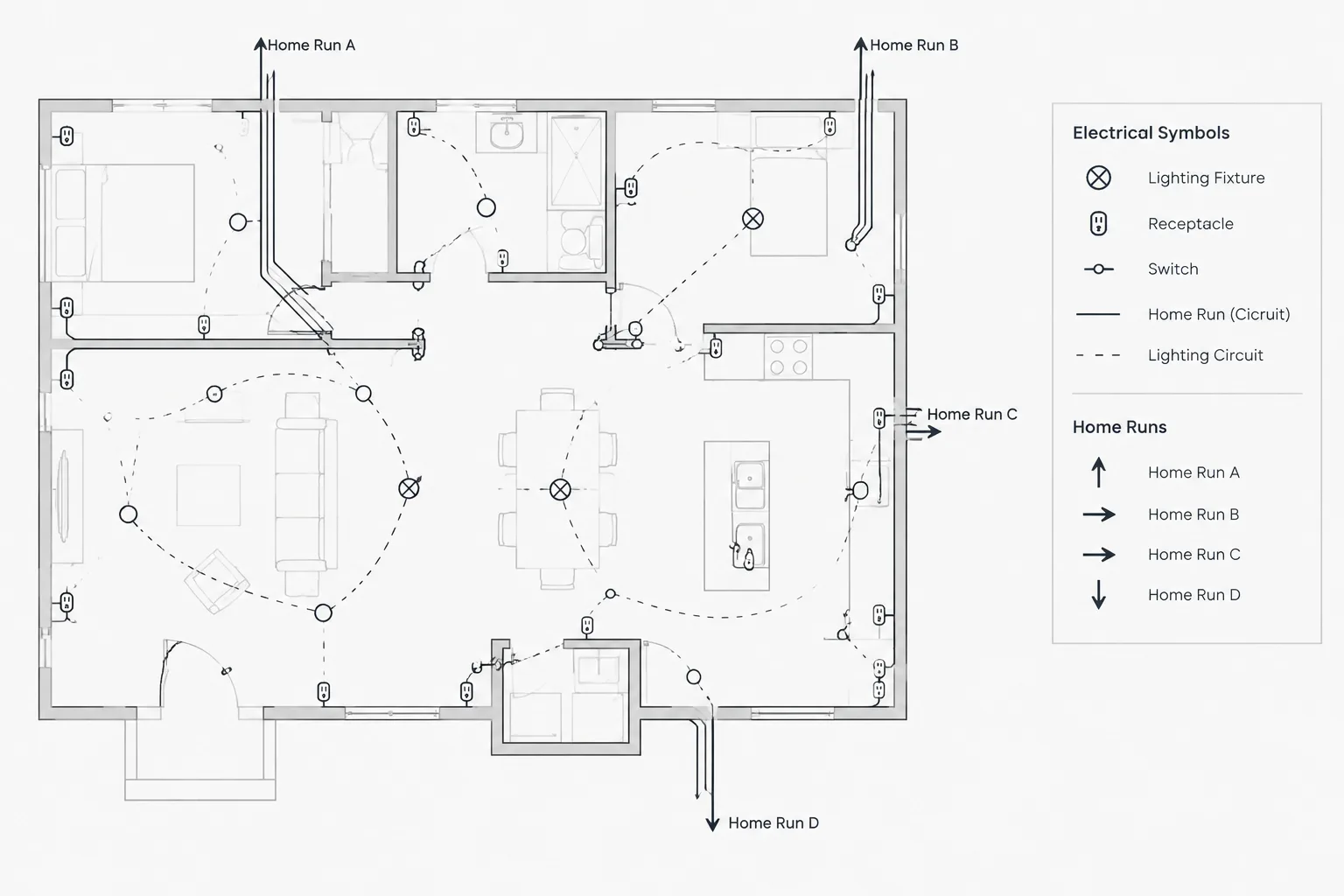
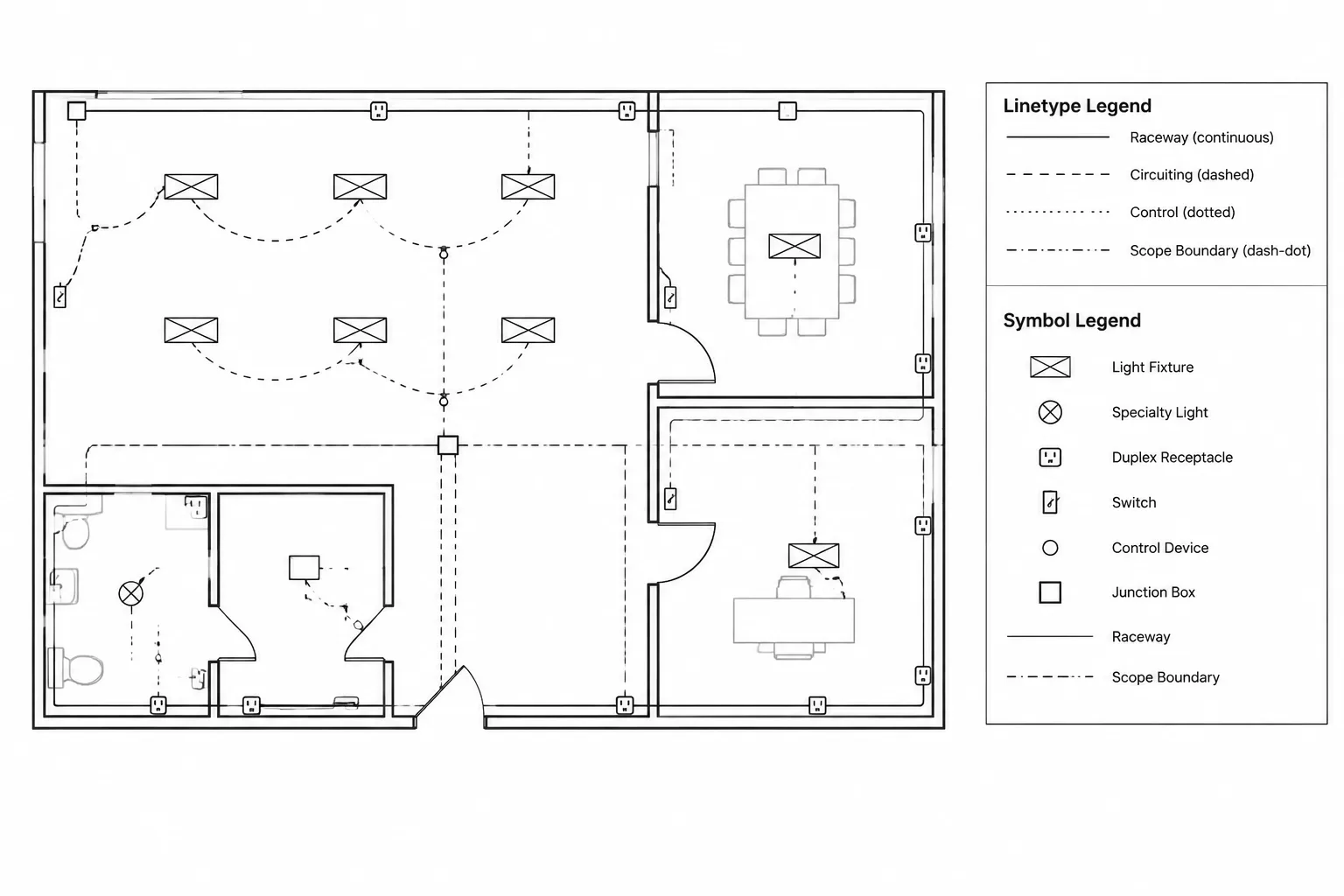
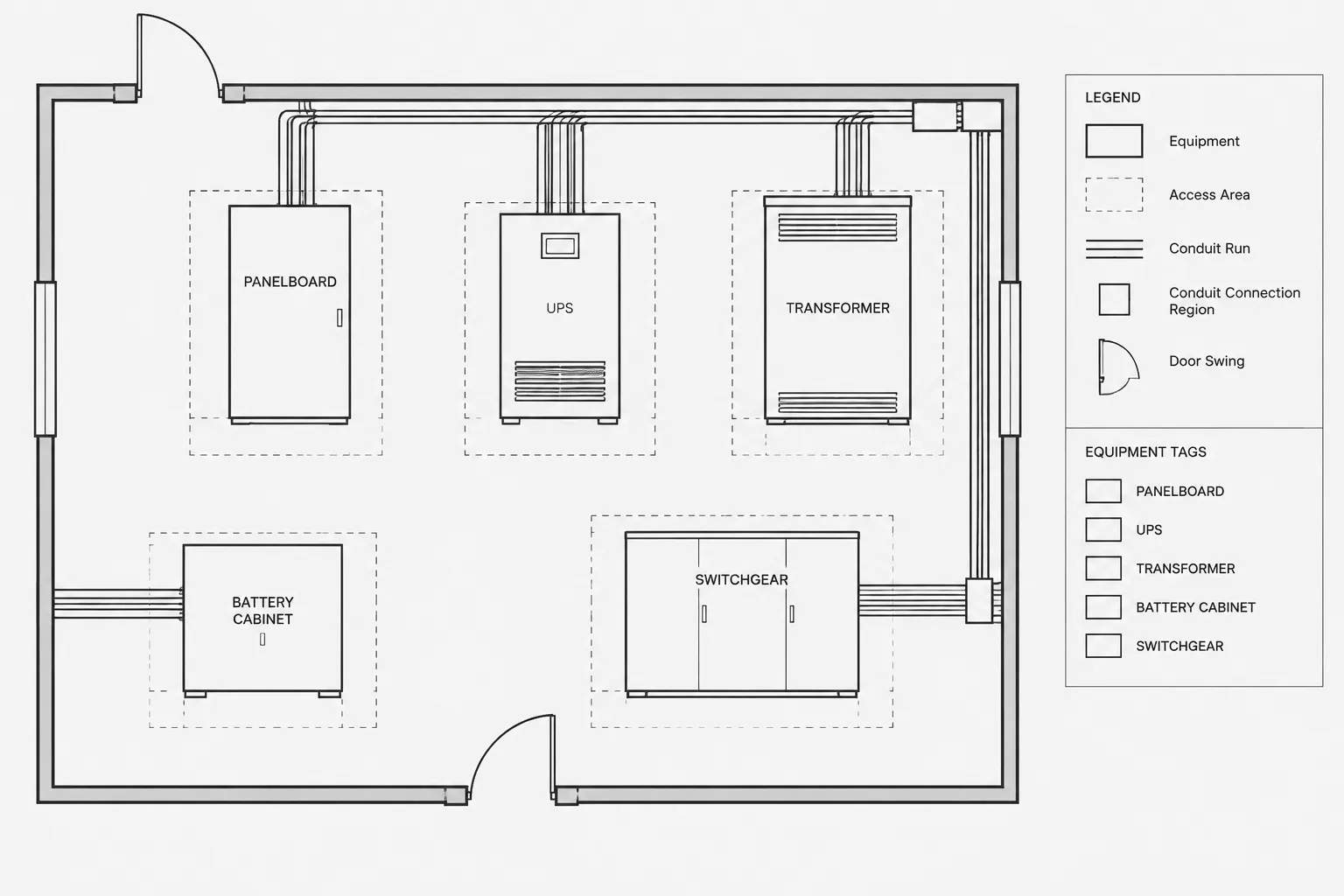
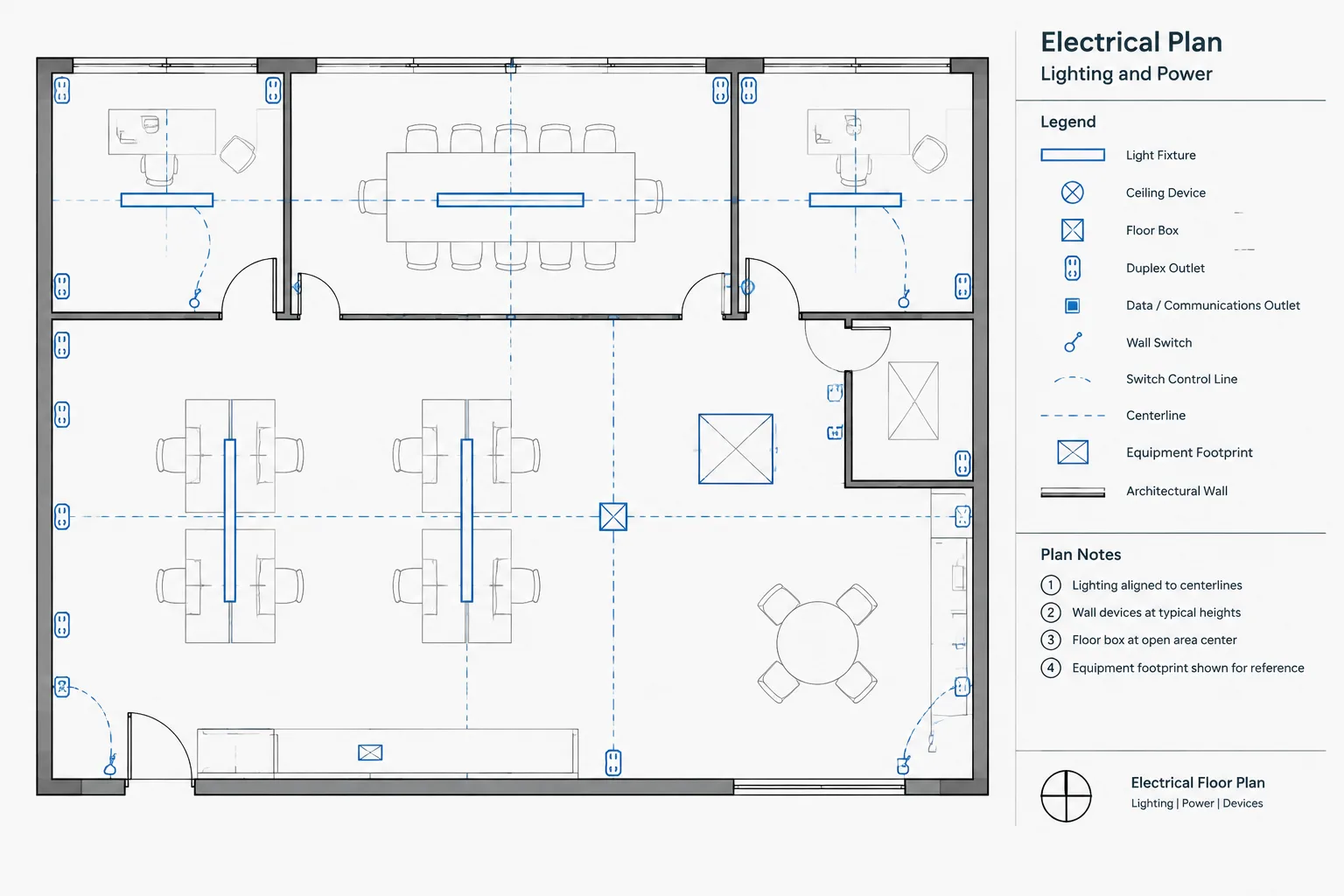
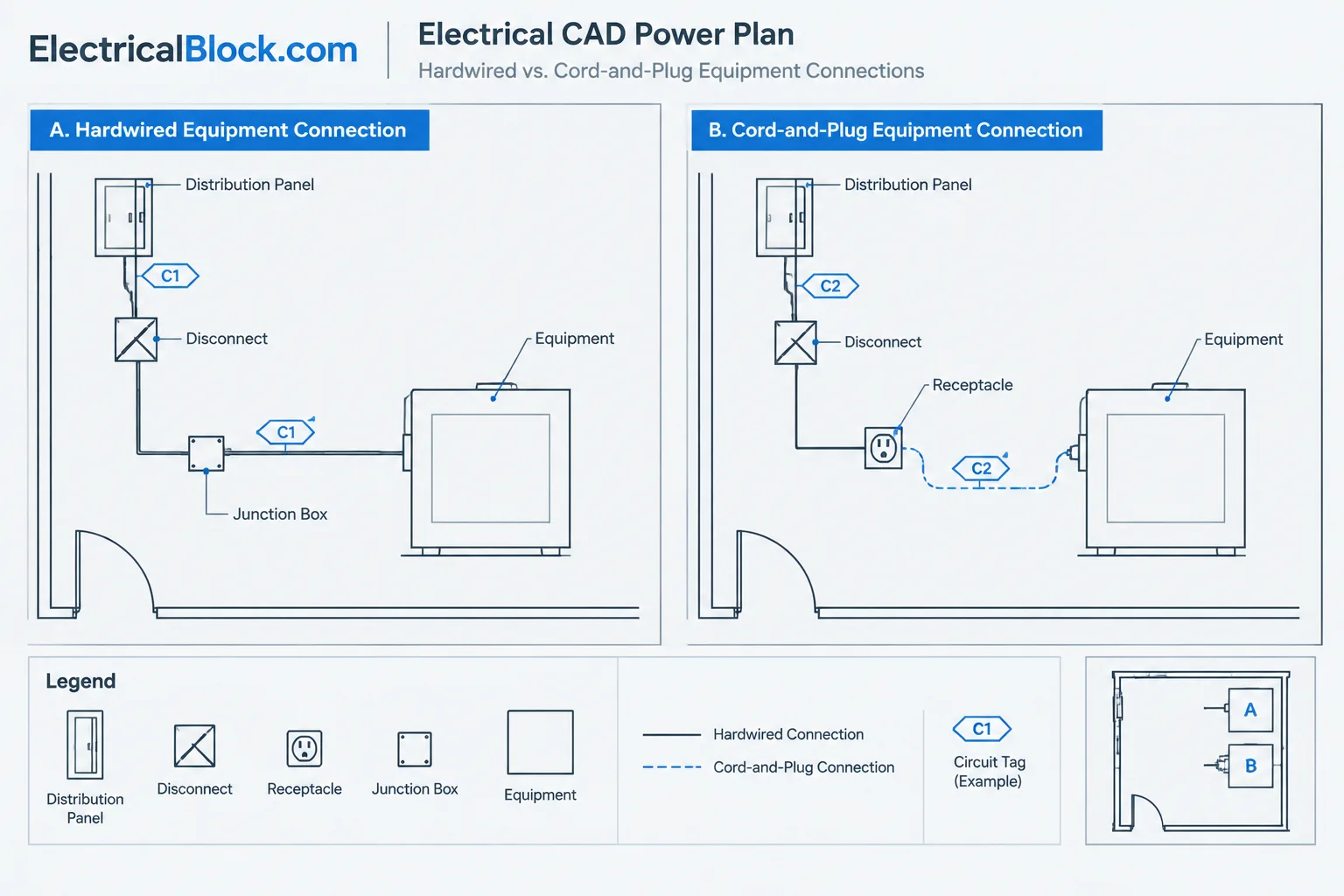
For a complete electrical or technology drawing set, coordinate this visual block with the project legend, furniture plan, power documentation, communications information, and any applicable office standards. Keep equipment symbols and graphic conventions consistent across related sheets so reviewers can distinguish visual furniture content from actual connection or distribution information.
Related CAD Reference Topics
This resource fits naturally with office furniture CAD blocks, equipment layout drawings, electrical legends, power-plan drafting, and communication-system documentation. Reviewing these related drawing elements together can improve consistency between architectural layouts and the electrical or low-voltage information developed for the project.
Frequently Asked Questions
What is included in this Desk Phones CAD Block?
The downloadable DWG contains detailed desk phone CAD blocks with various views and styles for use in office and workspace drawings.
Which software can open the file?
The source describes the file as compatible with AutoCAD and other CAD software. Confirm compatibility and import behavior in the software version used for your project.
Can I use the block in an office furniture plan?
Yes. The block can be used to show desk phones in workspace plans, furniture arrangements, and other office layout drawings.
Does the block provide wiring or telecommunications design information?
No. It is a visual CAD resource for representing desk phone equipment. Project-specific wiring, outlets, pathways, connections, and telecommunications requirements must be documented and coordinated separately by the responsible design professionals.
What should I check after inserting the block?
Check the block’s orientation, appearance, layer behavior, insertion scale, and relationship to nearby furniture and room elements before issuing the drawing.
Leave a Reply
You must be logged in to post a comment.