
An Electrical Legend DWG gives a project team a consistent visual reference for reading and producing electrical drawings. Instead of recreating common symbols from scratch, drafters can use a prepared CAD block to support clearer plans, legends, and coordination documents.
This resource is intended for architectural and engineering drafting workflows. Use the downloadable file below as a reference within your CAD environment, then confirm that its symbols, layers, text, and insertion behavior match the conventions used for your project.
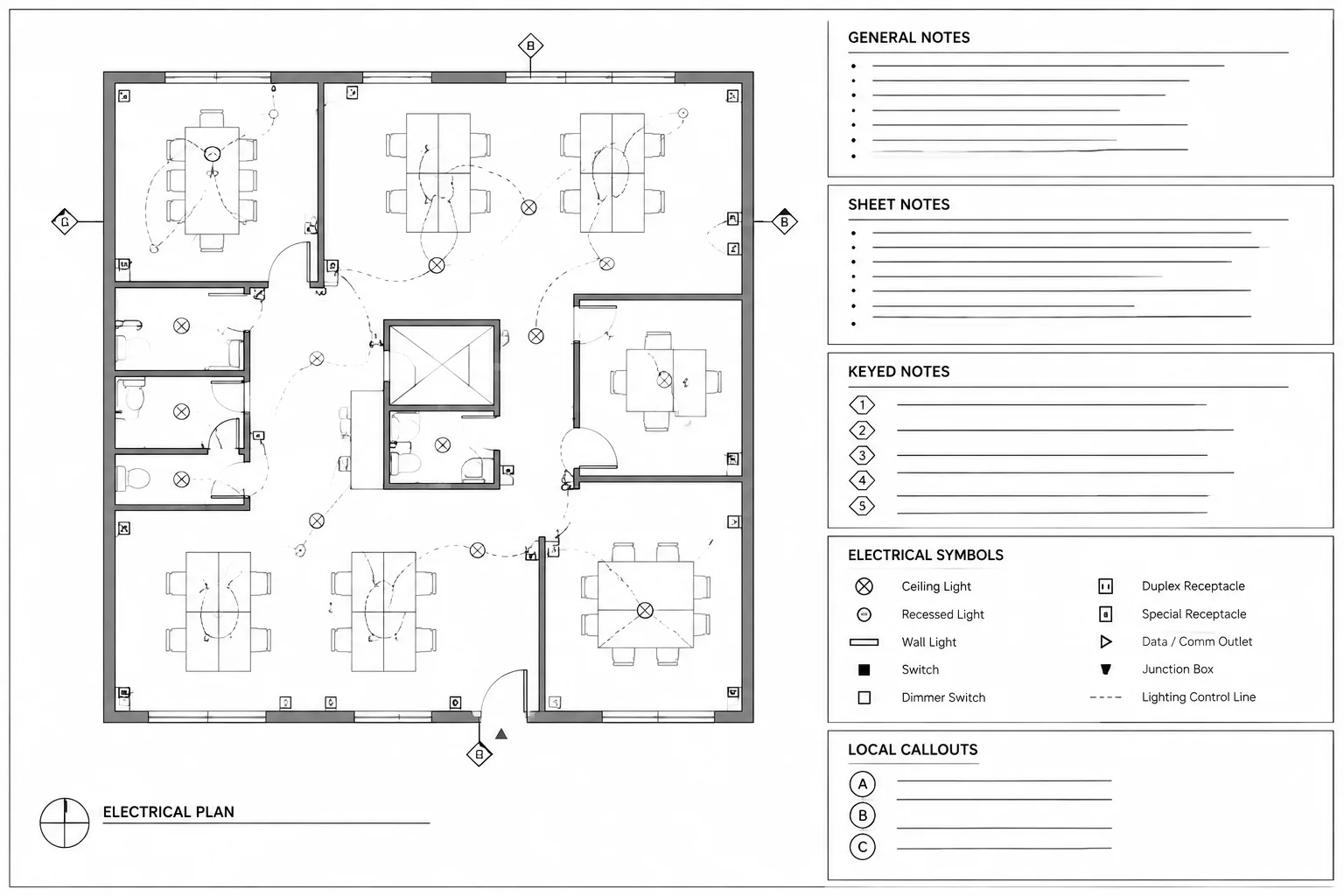
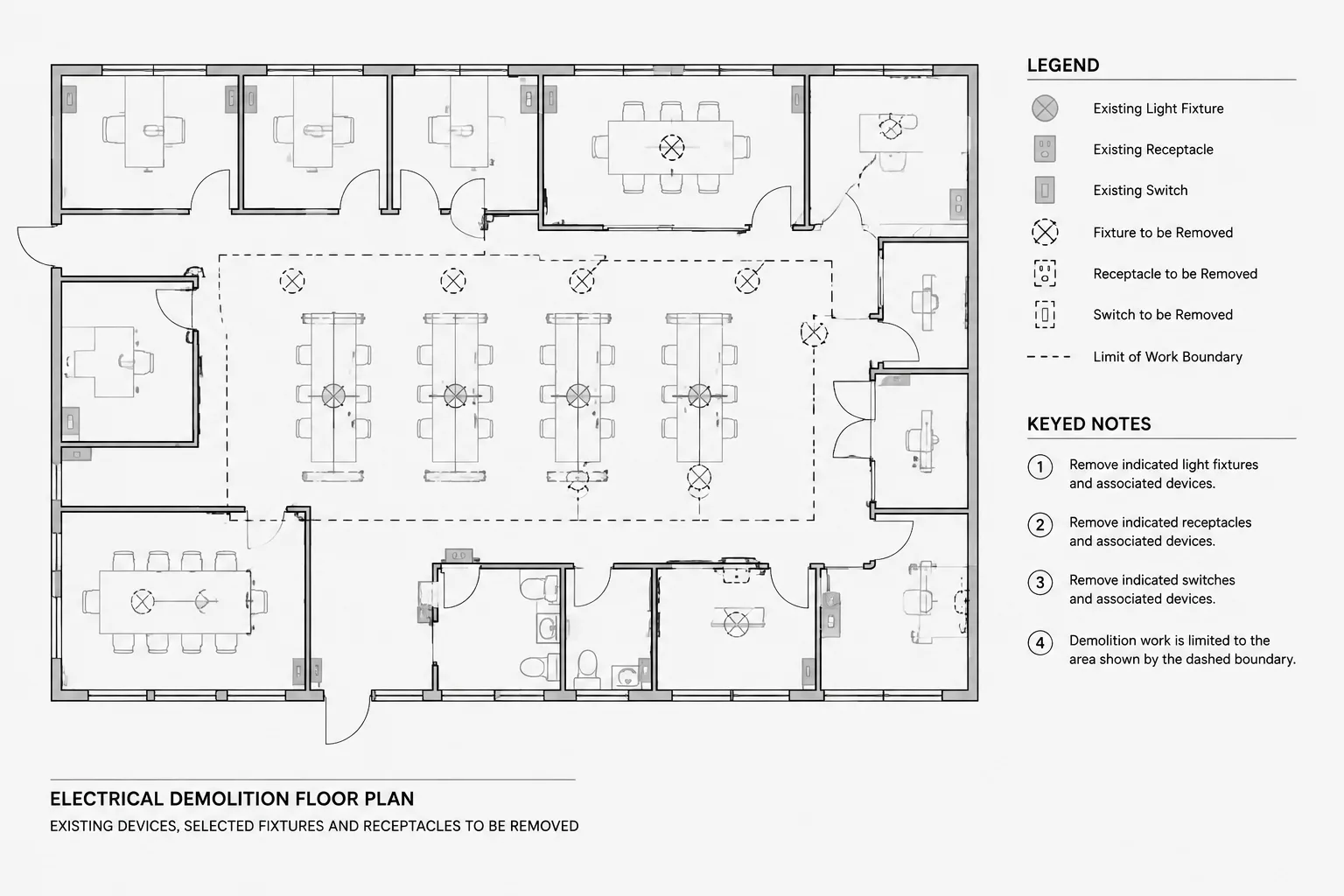
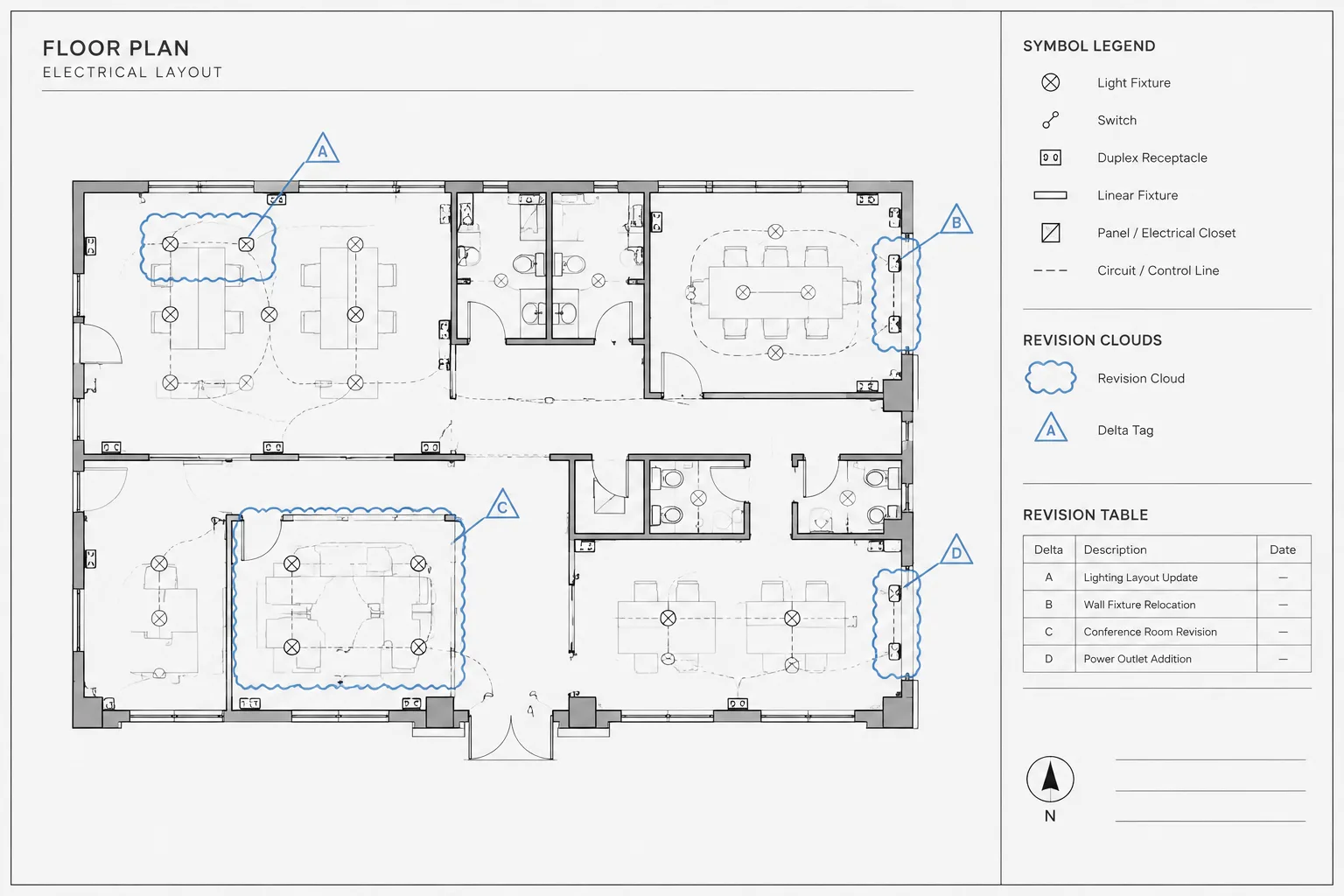
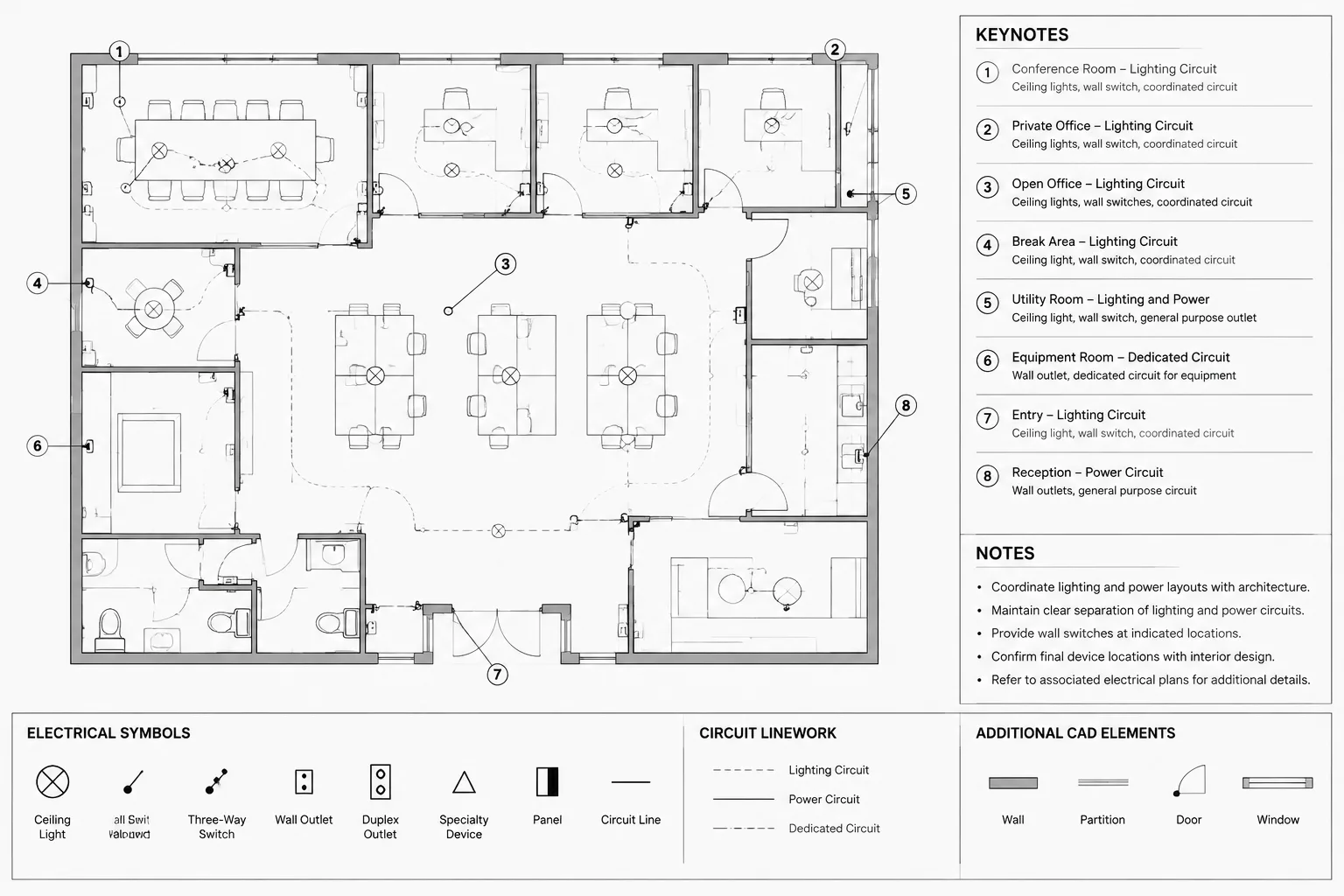
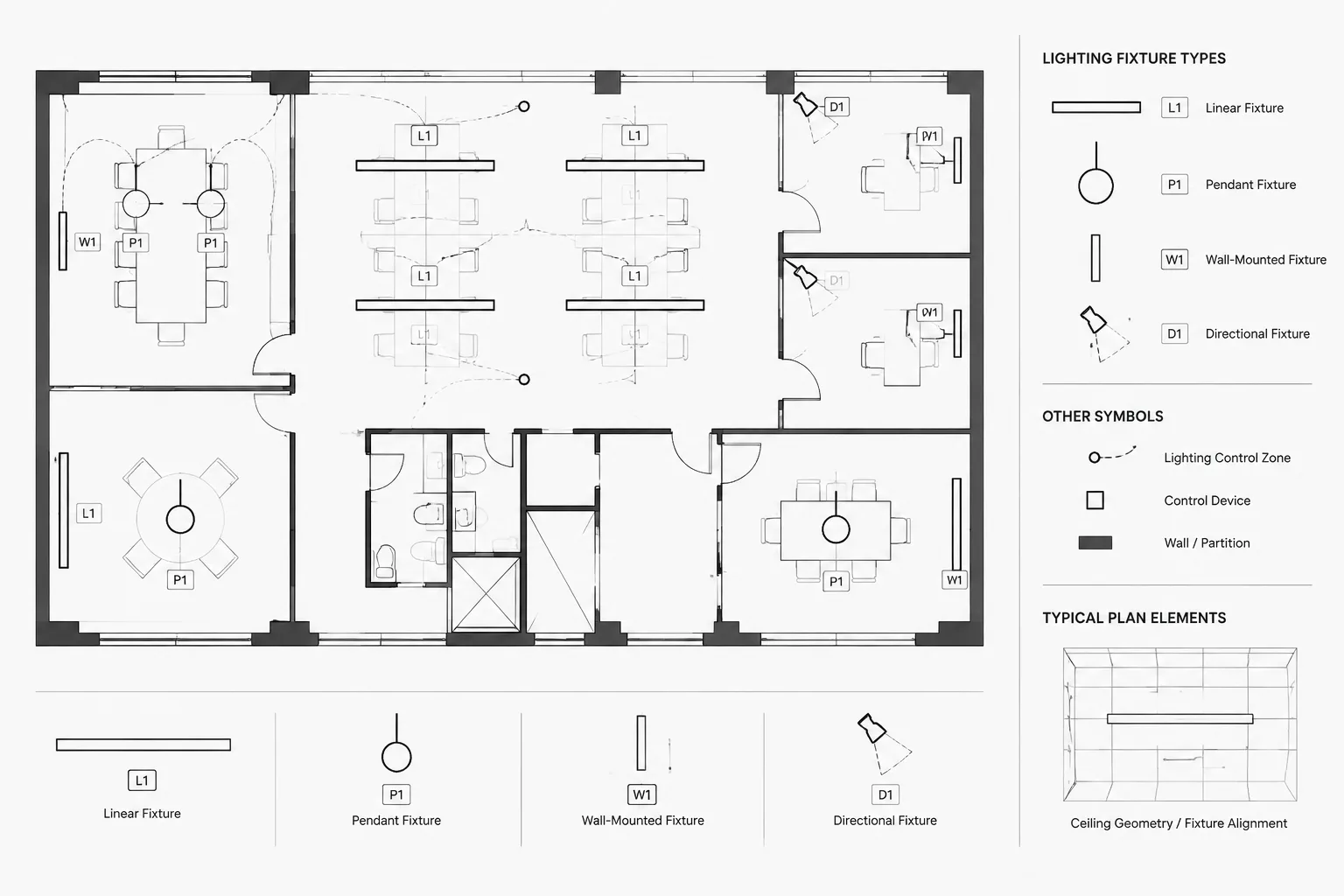
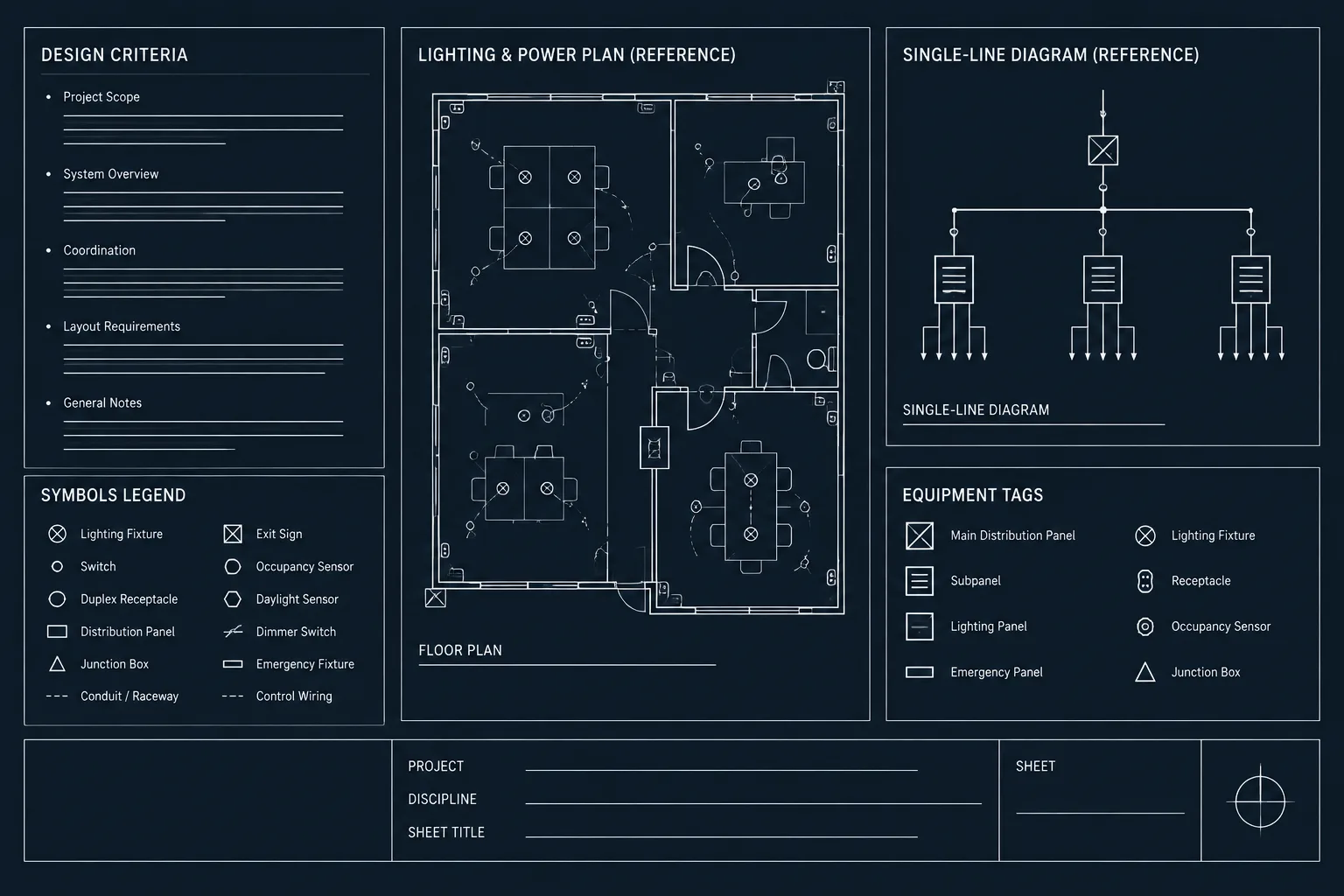
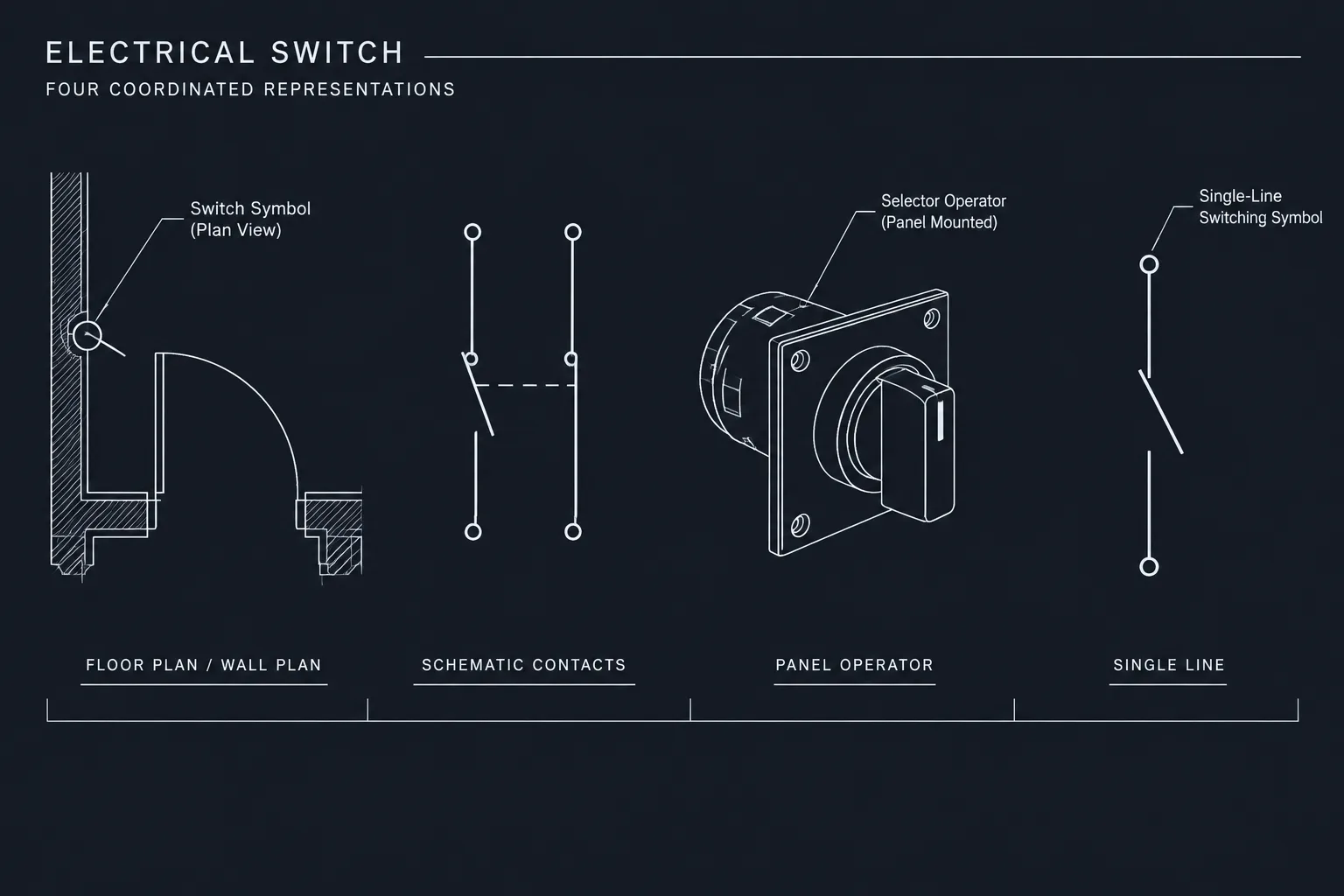
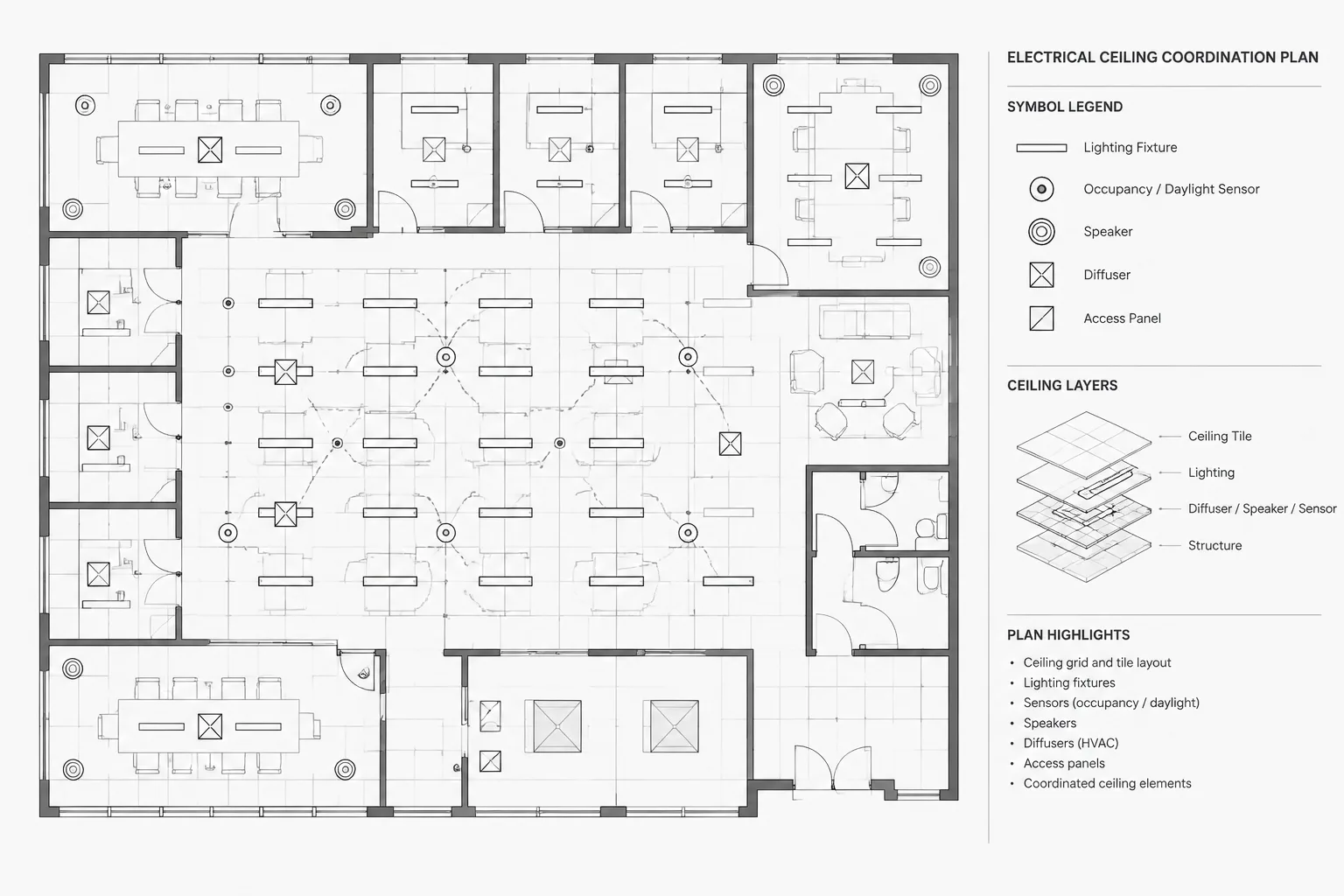
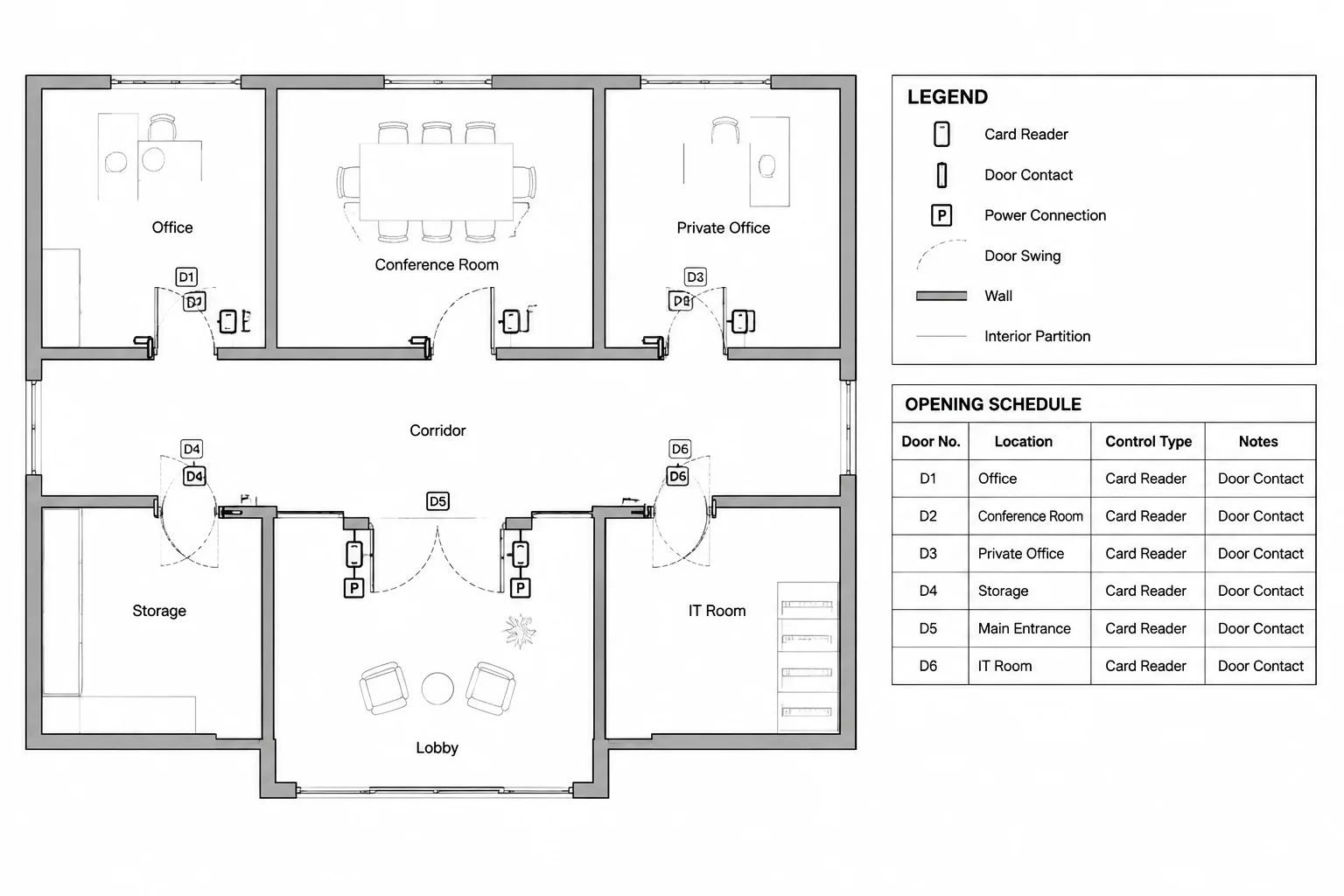
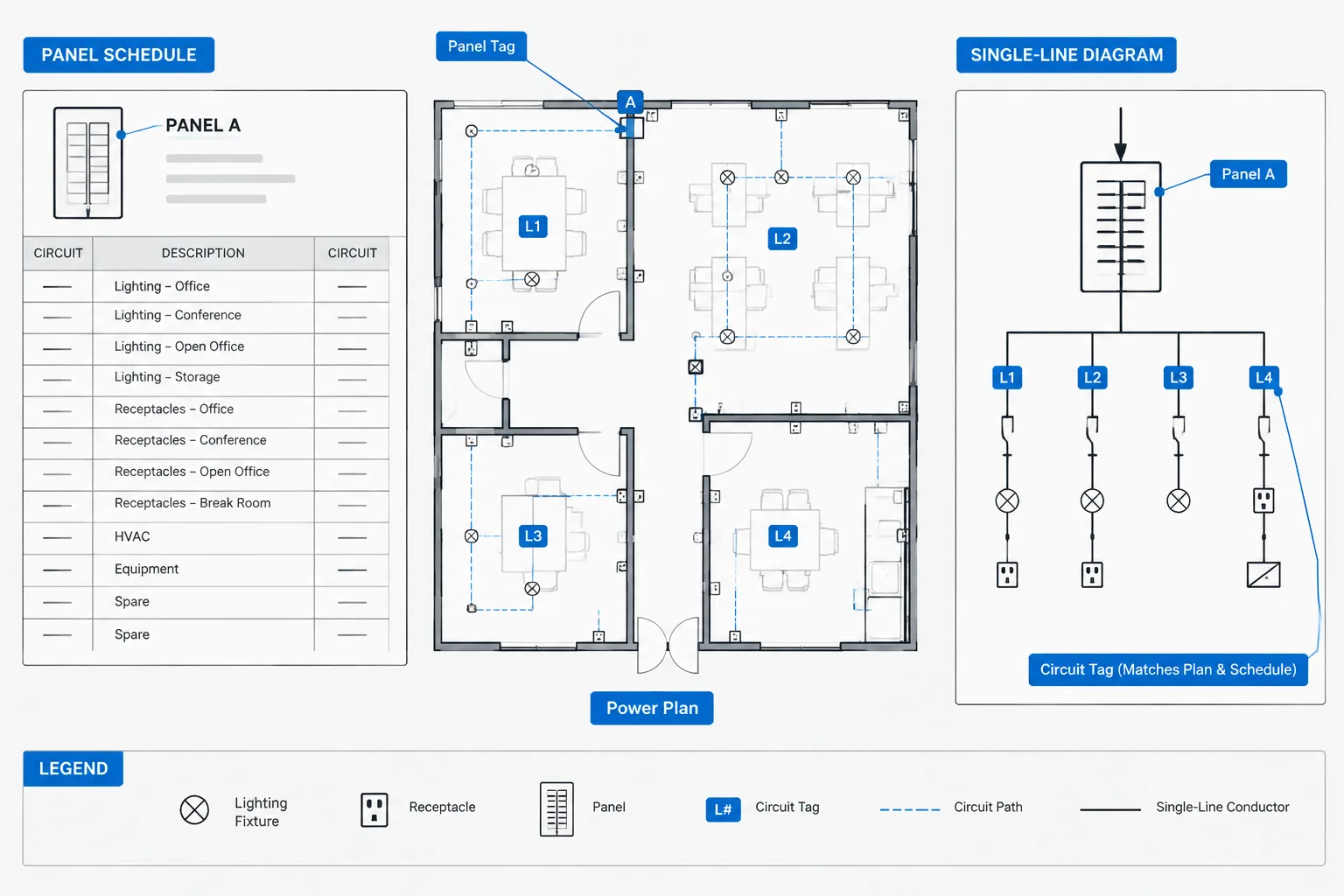
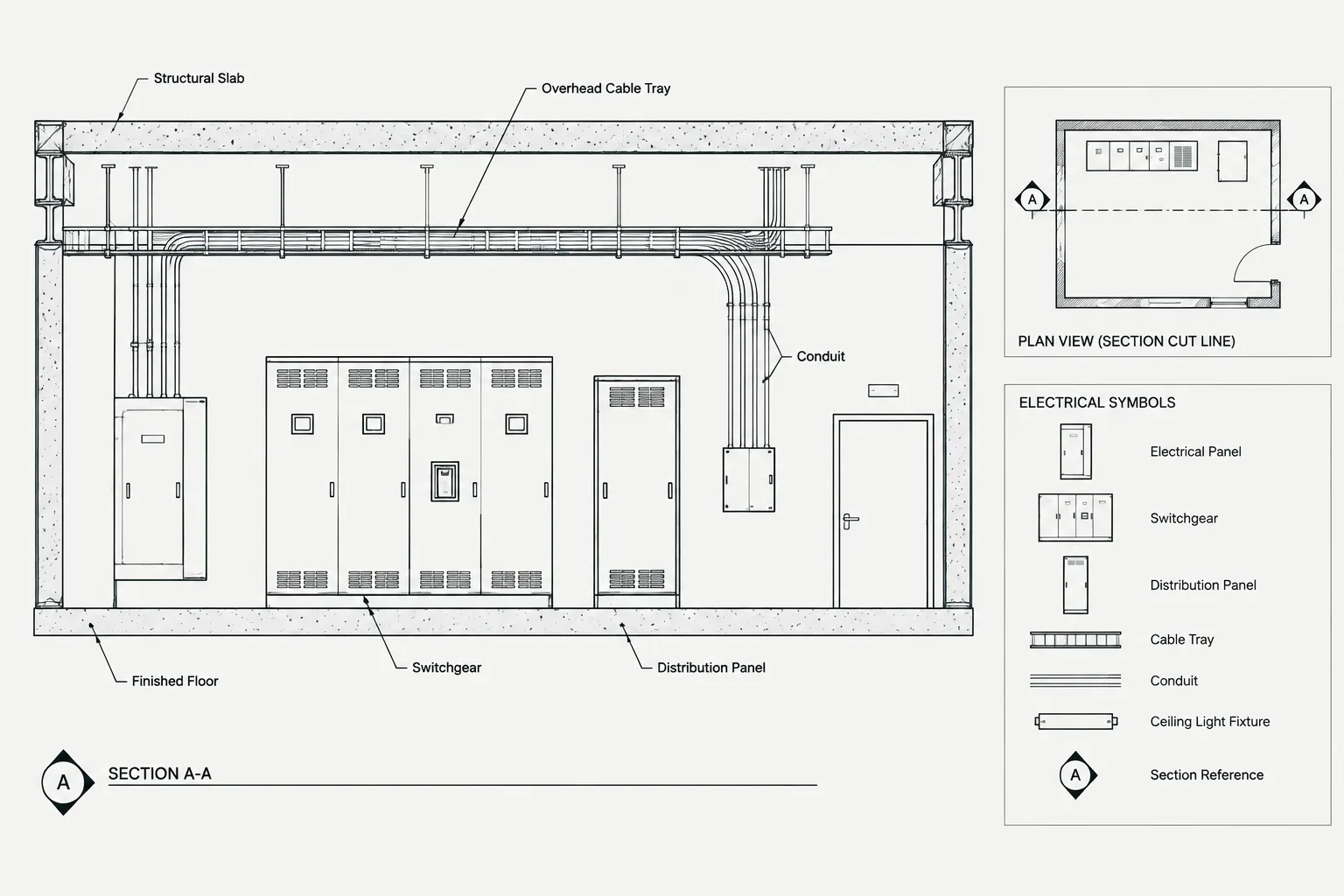
Discover the essential **Electrical Legend DWG file**—a comprehensive CAD Block designed for electrical planning in architectural and engineering projects. This downloadable file features standardized electrical symbols, making it easy to create accurate and professional electrical layouts. Ideal for architects, engineers, and designers, the Electrical Legend is perfectly compatible with AutoCAD and most CAD software, ensuring seamless integration into your workflow. Streamline your drafting process by using this DWG file to clearly indicate switches, outlets, lighting, and more. Enhance your project documentation with this must-have resource for precise and efficient electrical design.
Please log in or register to download this file.
What an electrical legend does in a CAD drawing
An electrical legend explains the graphical language used on an electrical plan. It helps readers identify items such as lighting, switches, outlets, and other symbols shown in the drawing. A clear legend reduces ambiguity when architectural, electrical, and coordination drawings are reviewed together.

The legend should be read together with the project’s drawing standards and notes. Symbol meaning can vary between offices, disciplines, or project requirements, so the file should be checked before it becomes part of a formal construction or engineering document.
Using the Electrical Legend DWG in AutoCAD
- Open or insert the downloaded DWG in a controlled project workspace.
- Review symbol names, text, layers, linework, and visible attributes before placing it on a sheet.
- Compare the legend with the symbols used in the associated lighting, power, panel, and distribution drawings.
- Keep the legend coordinated with revisions so it does not describe symbols that are no longer present in the plan.
- Have the responsible design professional verify the drawing content for the project’s applicable requirements.
Related electrical CAD documentation
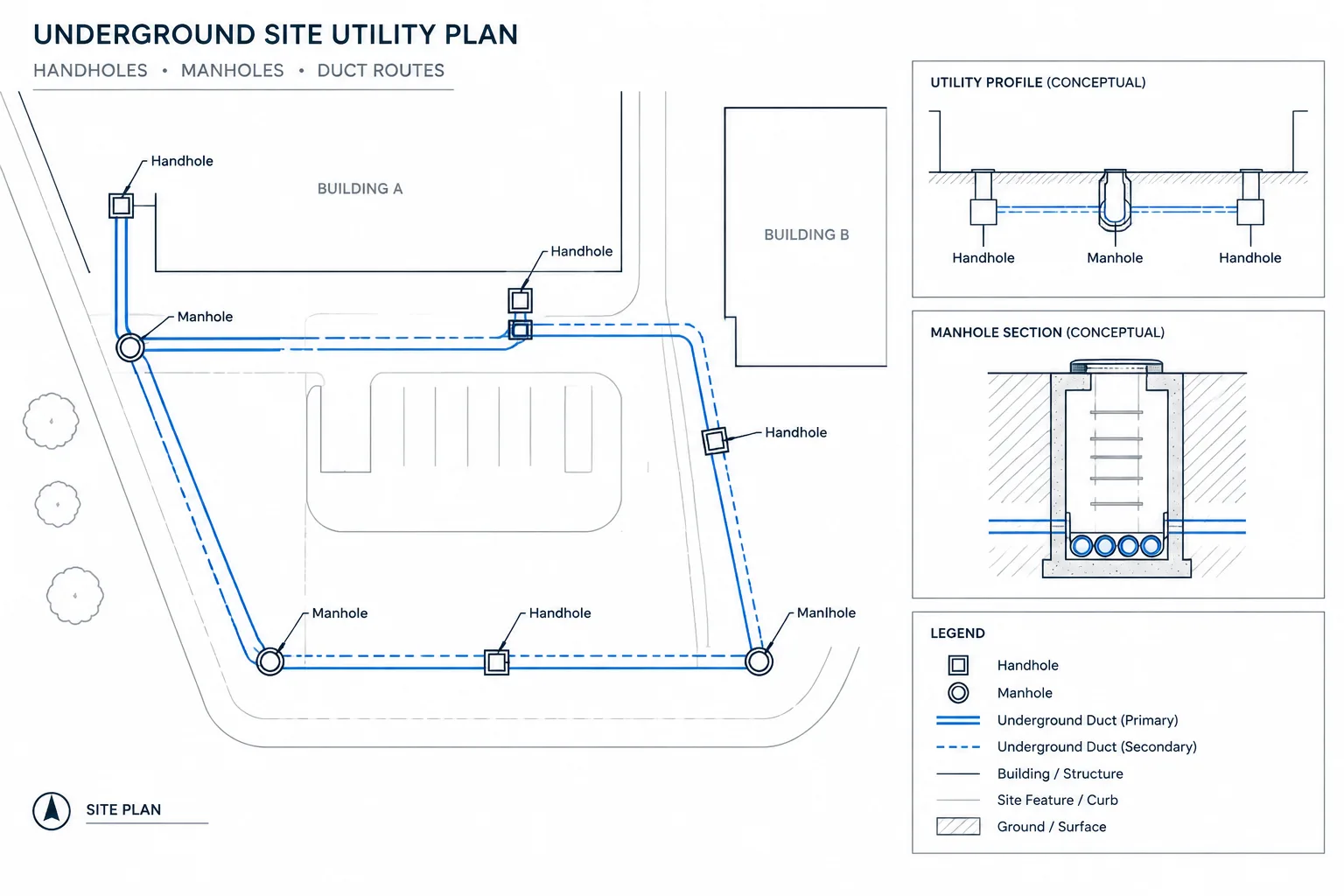
An electrical legend is most useful when it is coordinated with the rest of the drawing set. Related drafting references may include lighting plans, power plans, panel schedules, single-line diagrams, equipment layouts, cable and conduit documentation, and electrical drawing notes. Reviewing these elements together can help identify inconsistent symbols or missing coordination information.

Download and review checklist
- Confirm that the file opens correctly in the intended CAD software.
- Check whether the drawing uses the project’s preferred units, layers, text style, and plotting settings.
- Remove unused content only after confirming that it is not required by the source drawing.
- Use the legend as drafting documentation, not as a substitute for electrical design calculations, code review, or professional approval.
Frequently asked questions
What is an Electrical Legend DWG?
It is a CAD drawing file containing electrical symbols and legend information for use in architectural and engineering documentation. The symbols help identify items represented on electrical plans.
Can I use this electrical legend in AutoCAD?
Yes. The source content identifies the file as compatible with AutoCAD and most CAD software. Confirm the file’s display, layers, text, and plotting behavior in your own project template before final use.
Which electrical drawings can use an electrical legend?
An electrical legend may support lighting plans, power plans, equipment layouts, panel documentation, and related electrical coordination drawings. Its symbols should remain consistent with the specific drawing set.

Should the legend be edited before issuing a drawing?
Review it before issue. The project team should confirm symbol meanings, naming, layers, notes, and coordination with the current design. Any formal drawing issue should follow the responsible professional’s review process.
Does an electrical legend replace electrical design review?
No. A legend is a drafting and documentation aid. It does not replace engineering design, applicable requirements review, coordination, or approval by qualified project professionals.
Leave a Reply
You must be logged in to post a comment.