
Condenser capacitor symbols are used to represent capacitive components in electrical schematics, circuit diagrams, and control documentation. This DWG resource provides reusable CAD geometry for designers who need consistent symbol placement across electrical drawing sets.
Use the block as a drafting reference within a broader electrical CAD workflow. Confirm the symbol convention, component designation, and drawing requirements used by your project before issuing documentation.
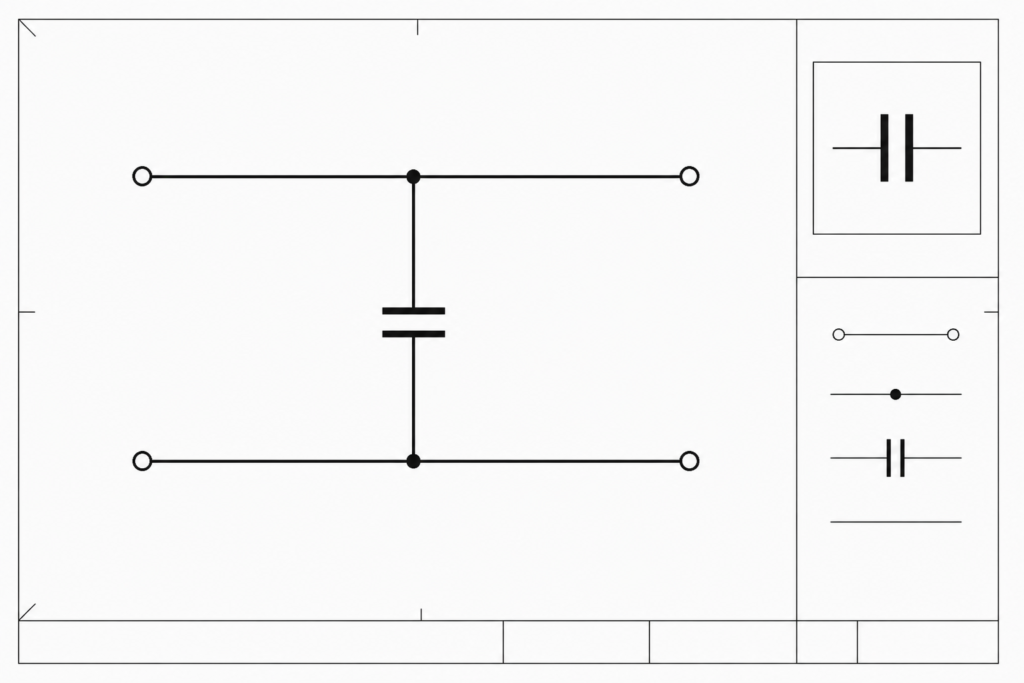
Discover a comprehensive DWG file featuring detailed Condenser Capacitor Symbols meticulously designed for electrical and electronic CAD drawings. This CAD Block is ideal for engineers, architects, and designers working on electrical schematics, circuit diagrams, and industrial automation layouts. The Condenser Capacitor Symbols contained in this file adhere to industry standards, ensuring consistency and clarity in your designs. Fully compatible with AutoCAD and other popular CAD software, this resource streamlines your workflow by providing ready-to-use symbols that enhance accuracy and professionalism in your projects. Perfect for use in residential, commercial, and industrial electrical design applications.
Please log in or register to download this file.
Using condenser capacitor symbols in electrical CAD
The term condenser capacitor is an alternate or older expression for a capacitor. In a drawing, the symbol communicates the presence and connection of a capacitive component; it does not by itself define the component’s electrical rating, construction, application, or installation requirements.
Where the symbols can be used
- Schematic diagrams: Place the symbol beside circuit connections and component references so the intended relationship is easy to follow.
- Control and automation drawings: Use consistent graphics when documenting control circuits, equipment interfaces, or industrial automation layouts.
- Electrical design documentation: Coordinate the symbol with legends, notes, device tags, and related power or control drawings.
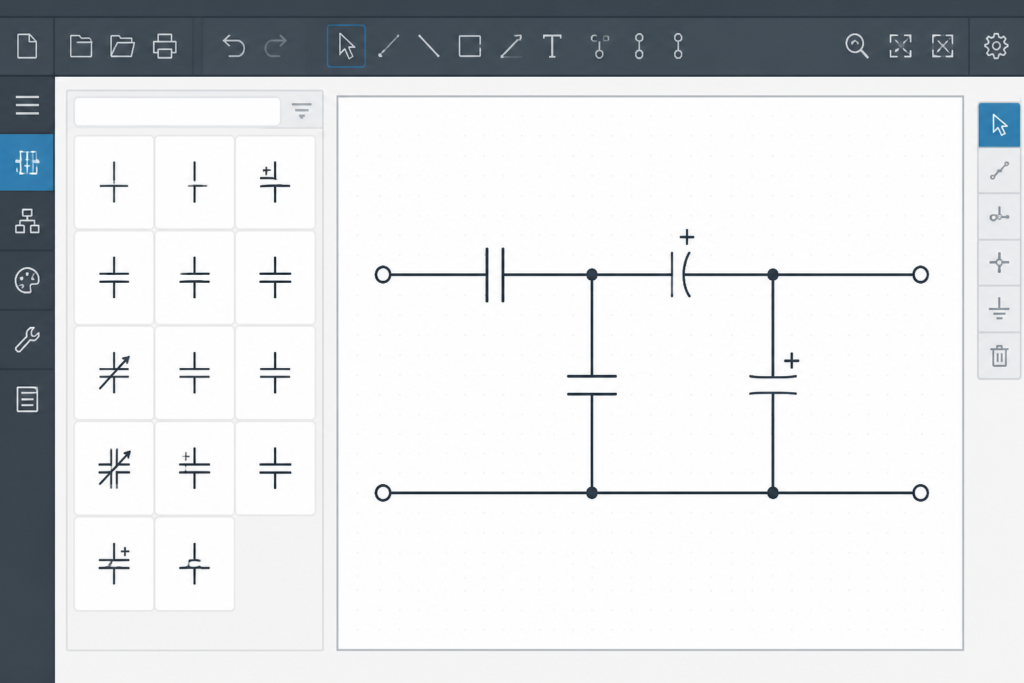
- CAD block libraries: Add the downloaded geometry to a controlled library after checking layer behavior, insertion point, scale, and editing needs in your CAD environment.
Drafting checks before issuing a drawing
- Compare the symbol with the project’s electrical legend and drafting standard.
- Confirm that the block displays correctly in the intended drawing scale and plotting setup.
- Keep component references and circuit connections readable after placement.
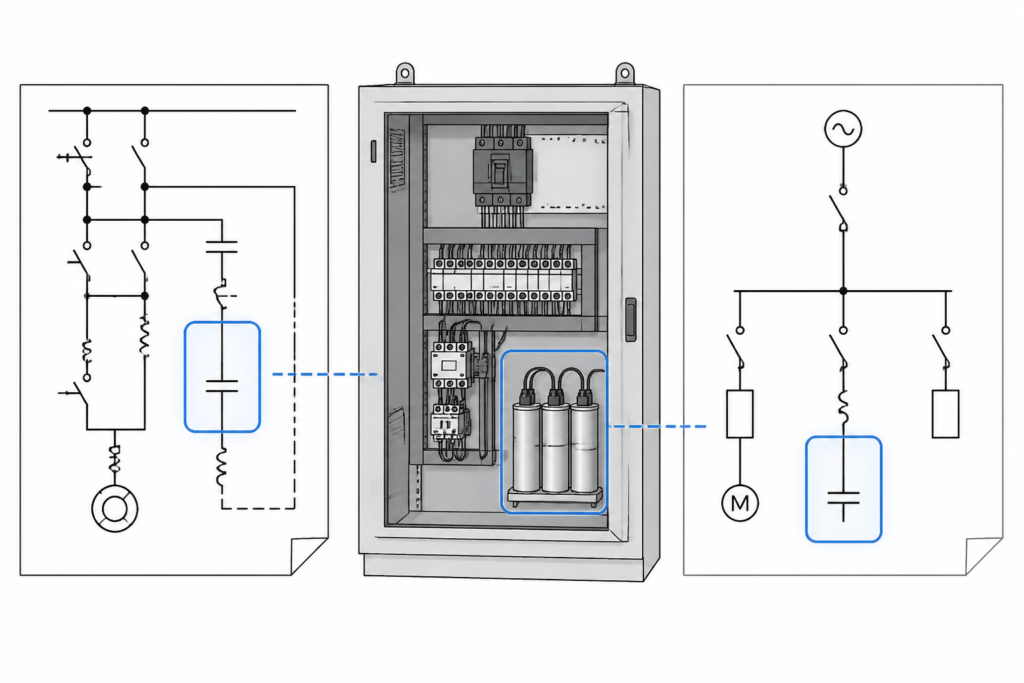
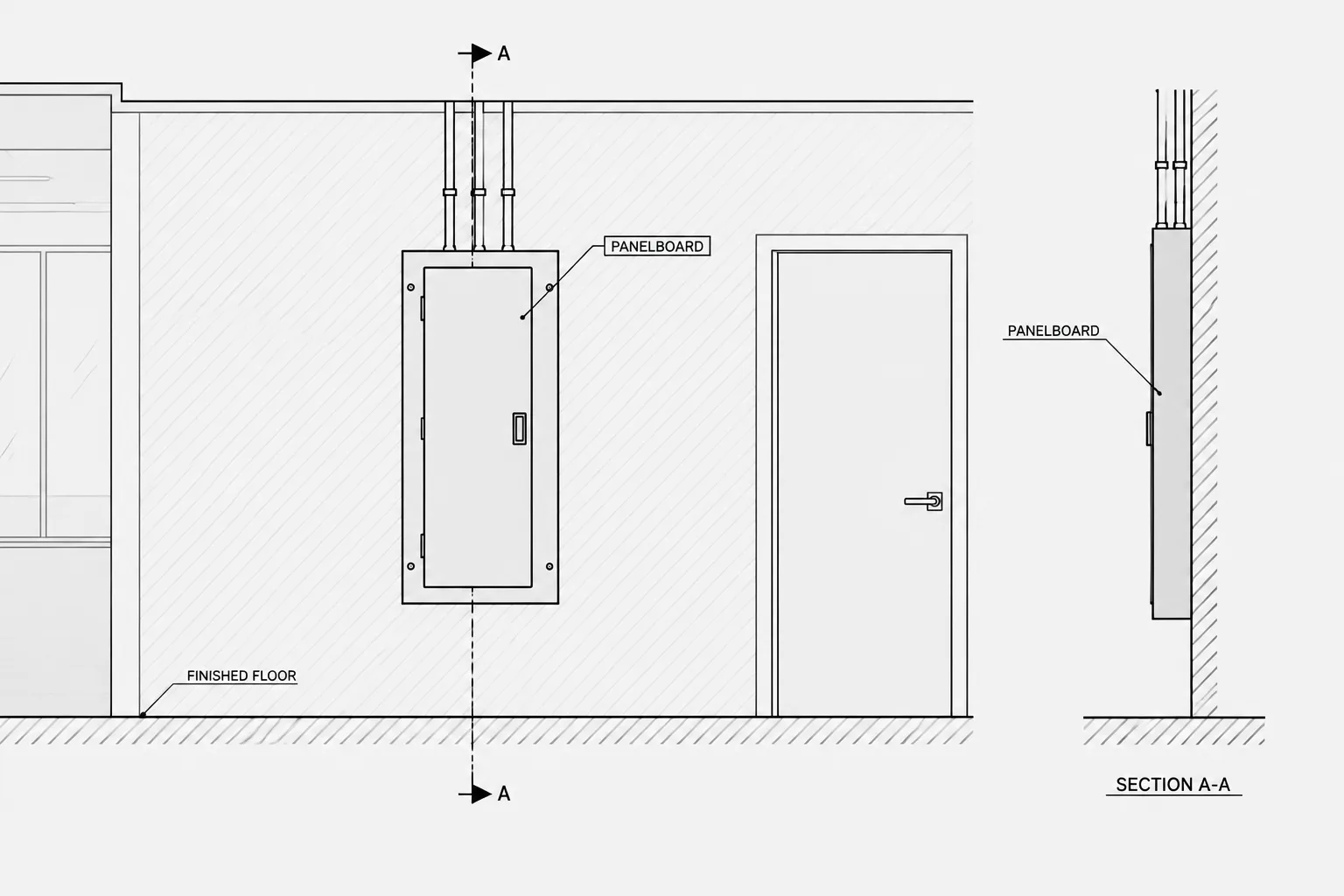
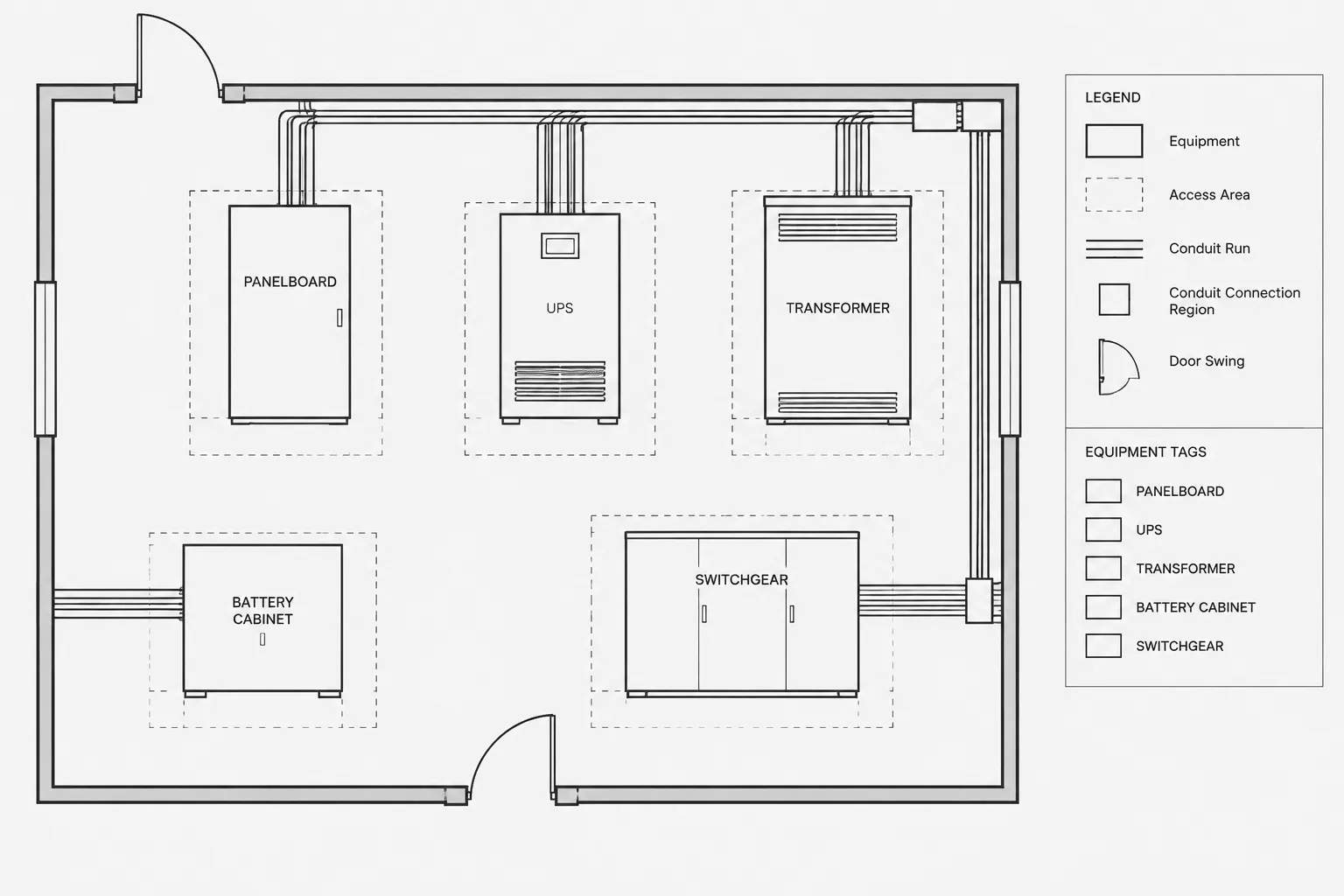
- Coordinate capacitor symbols with related panel, distribution, cable, conduit, and equipment documentation where those drawings are part of the same package.
- Have the responsible electrical designer verify component selection and circuit intent; a CAD symbol is not a substitute for engineering review.
This download is most useful when paired with a consistent electrical symbol library and a clear document-control process. It can help reduce repetitive drafting work while preserving the project team’s responsibility for final design decisions.
Related electrical CAD reference topics
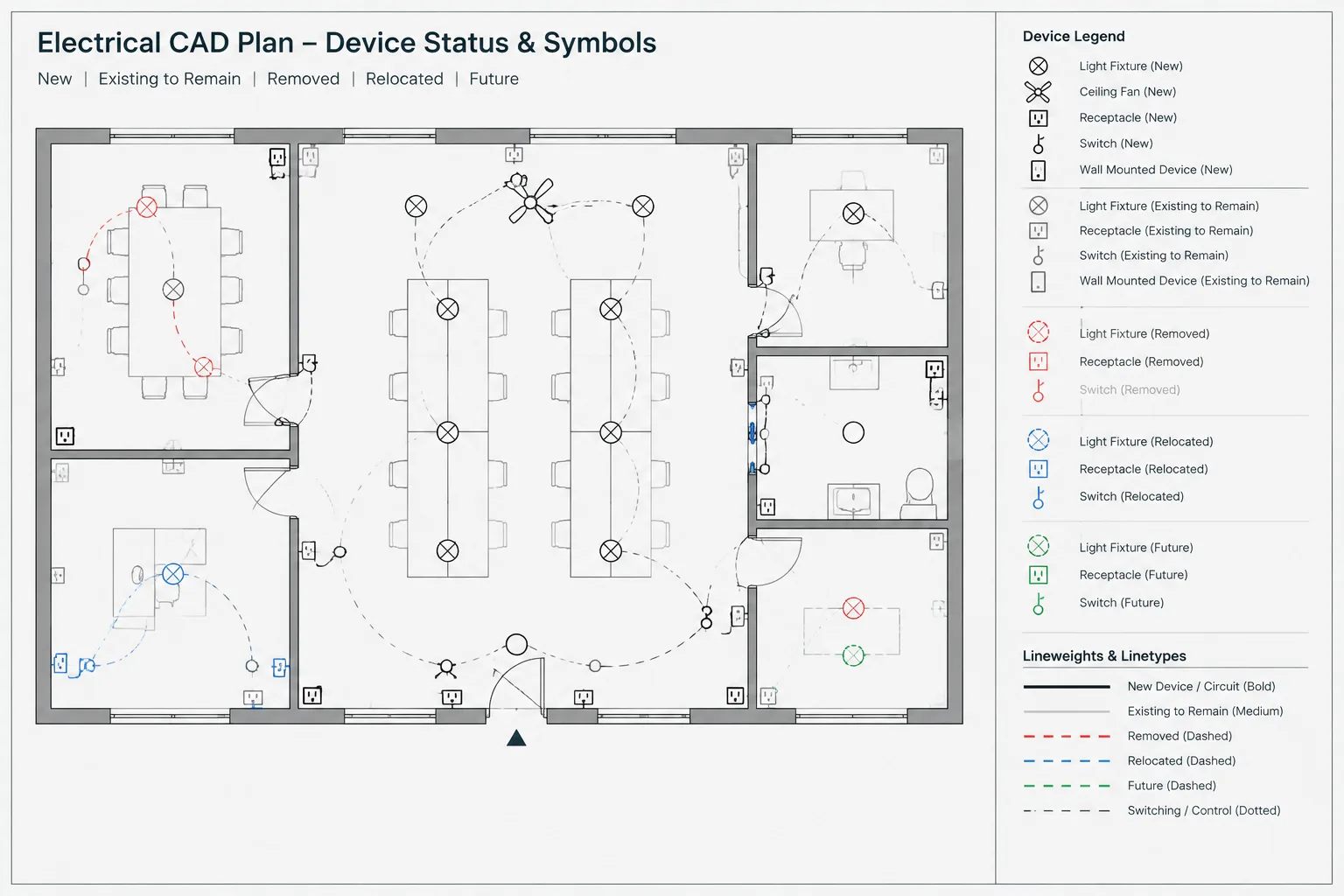
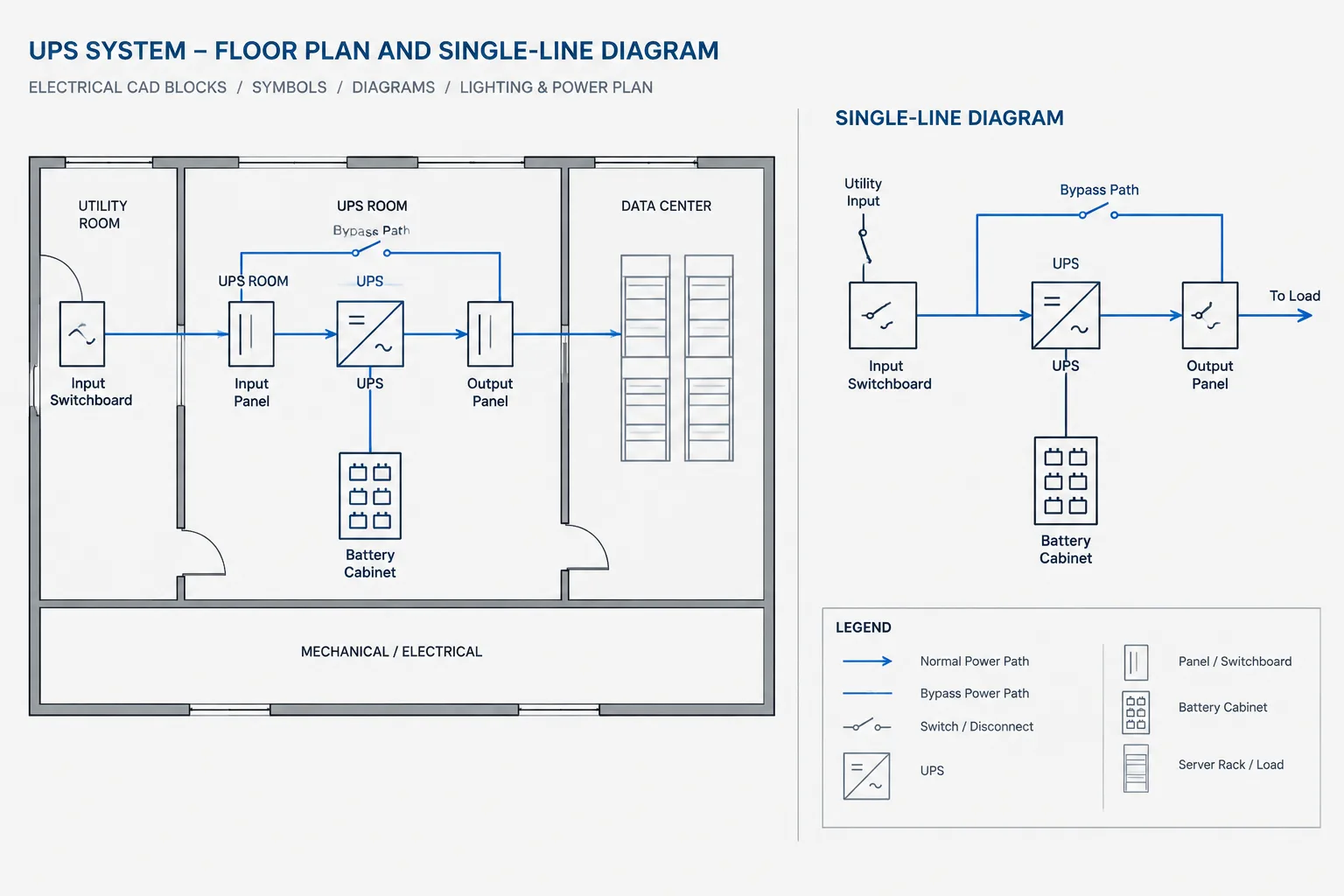
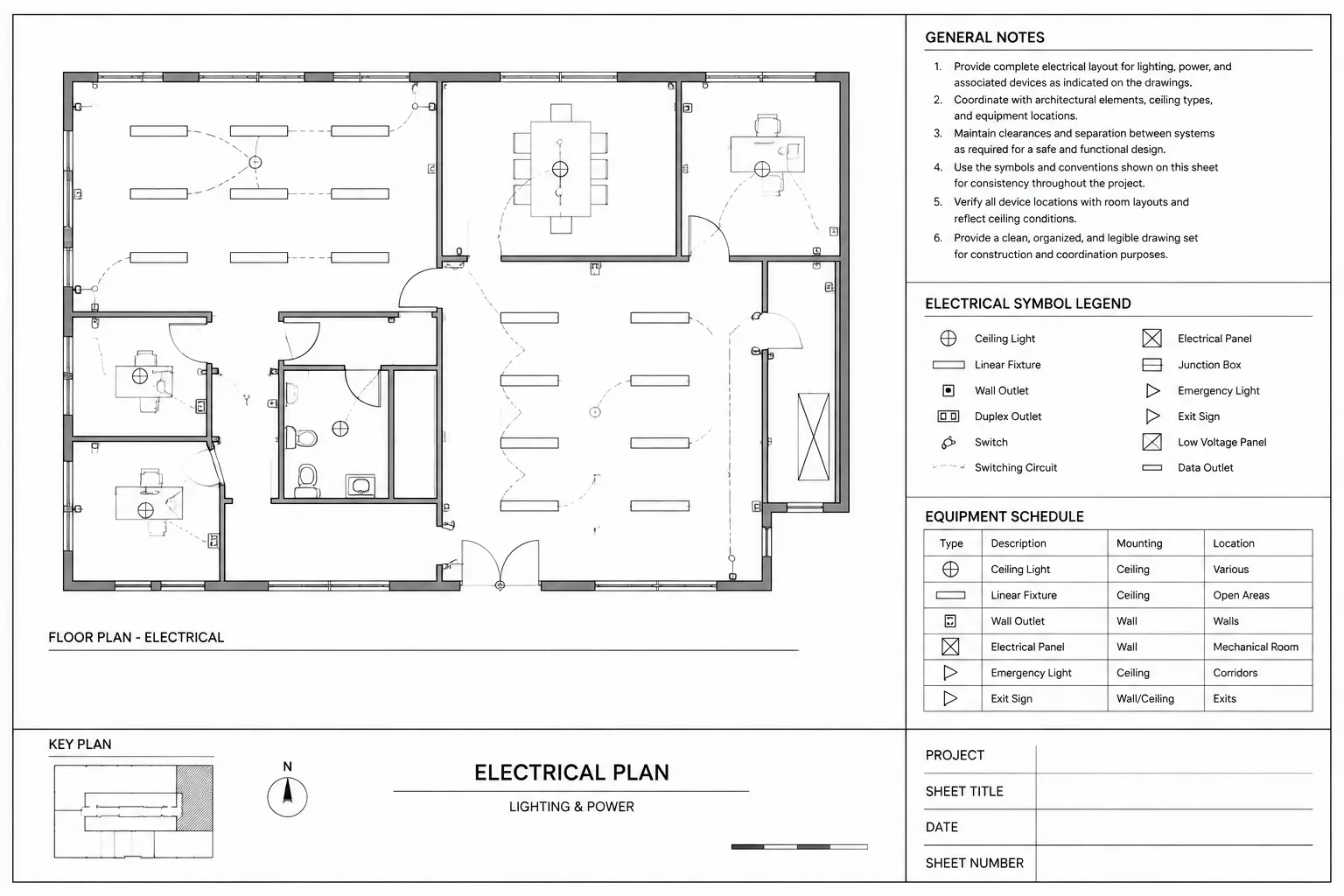
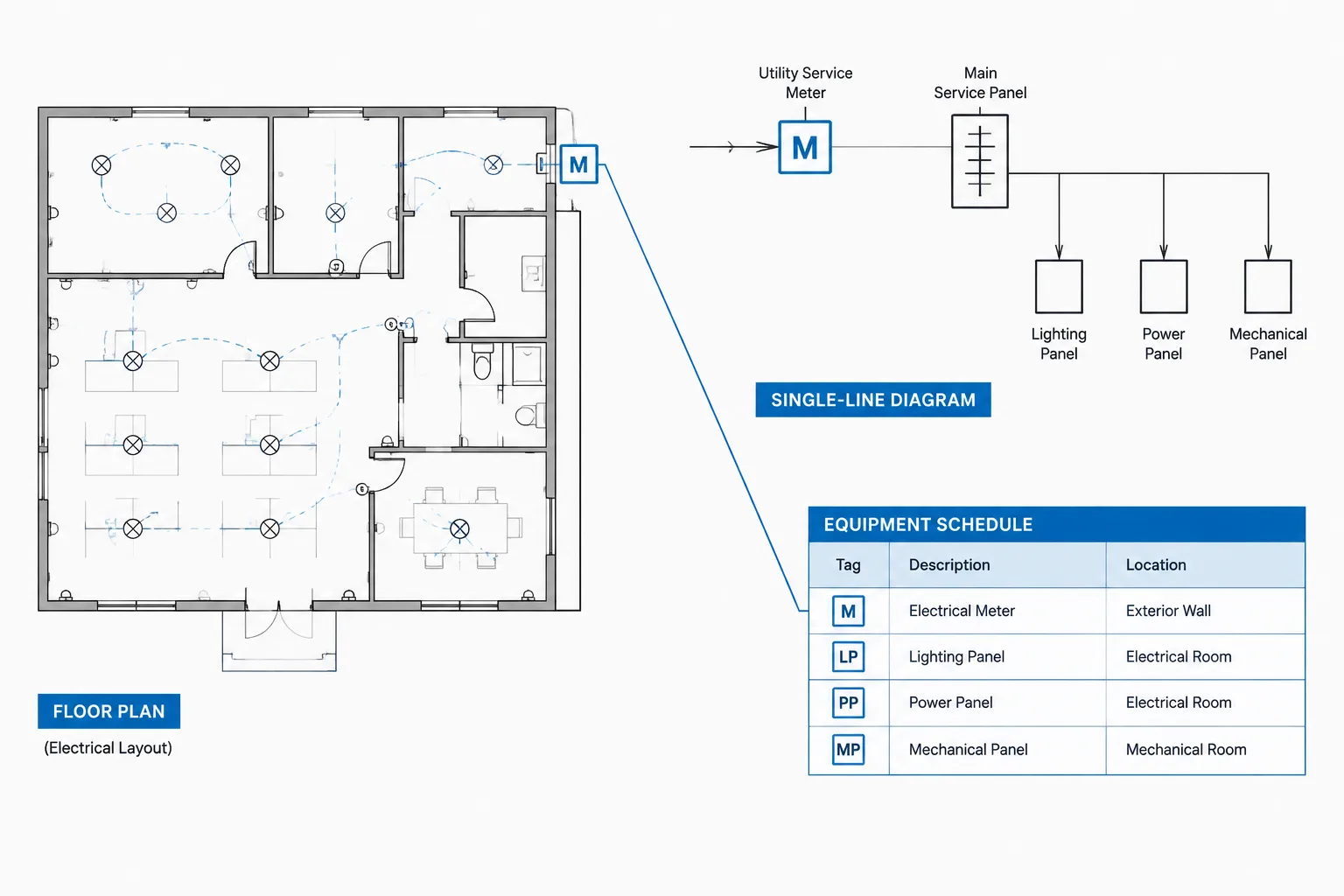
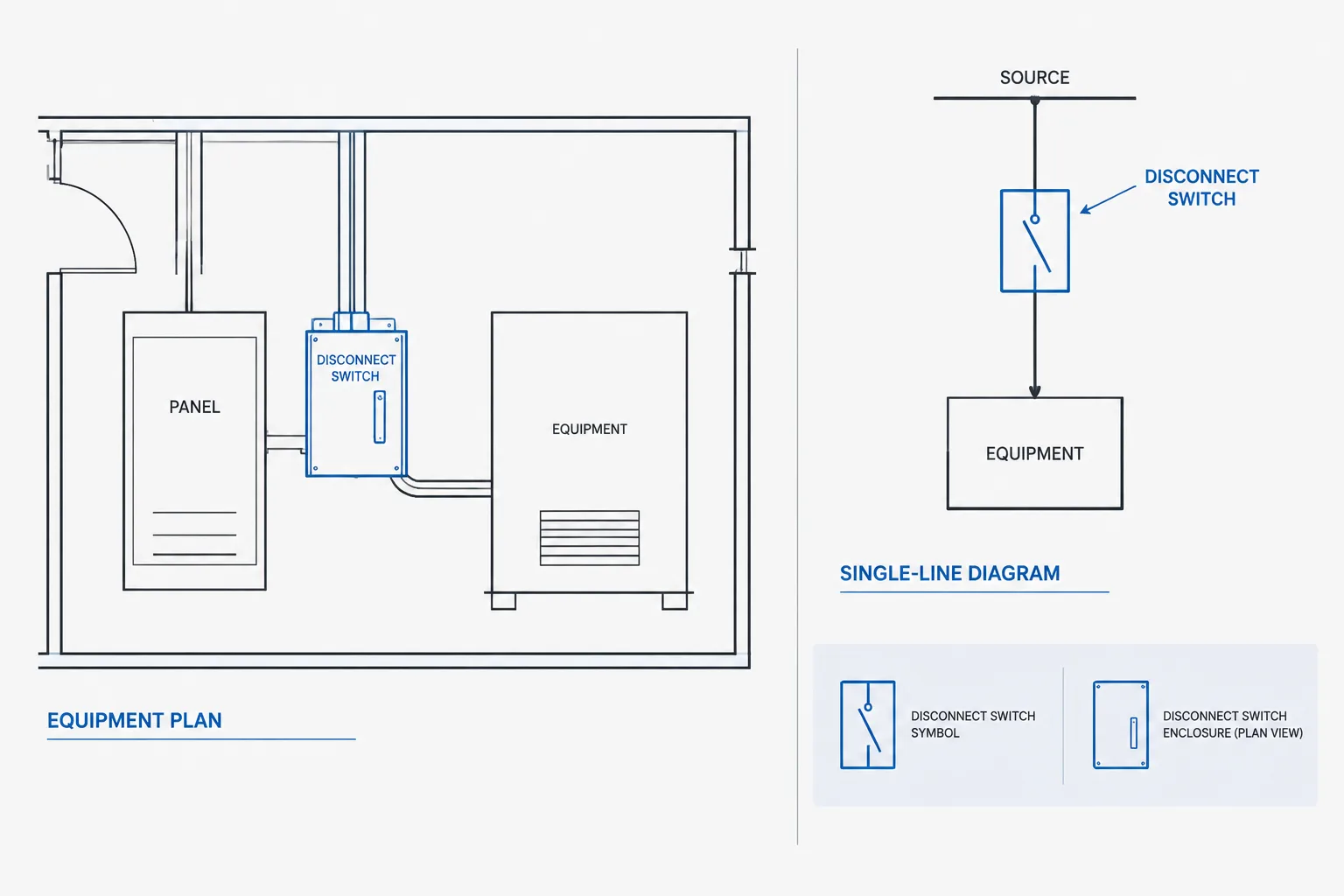
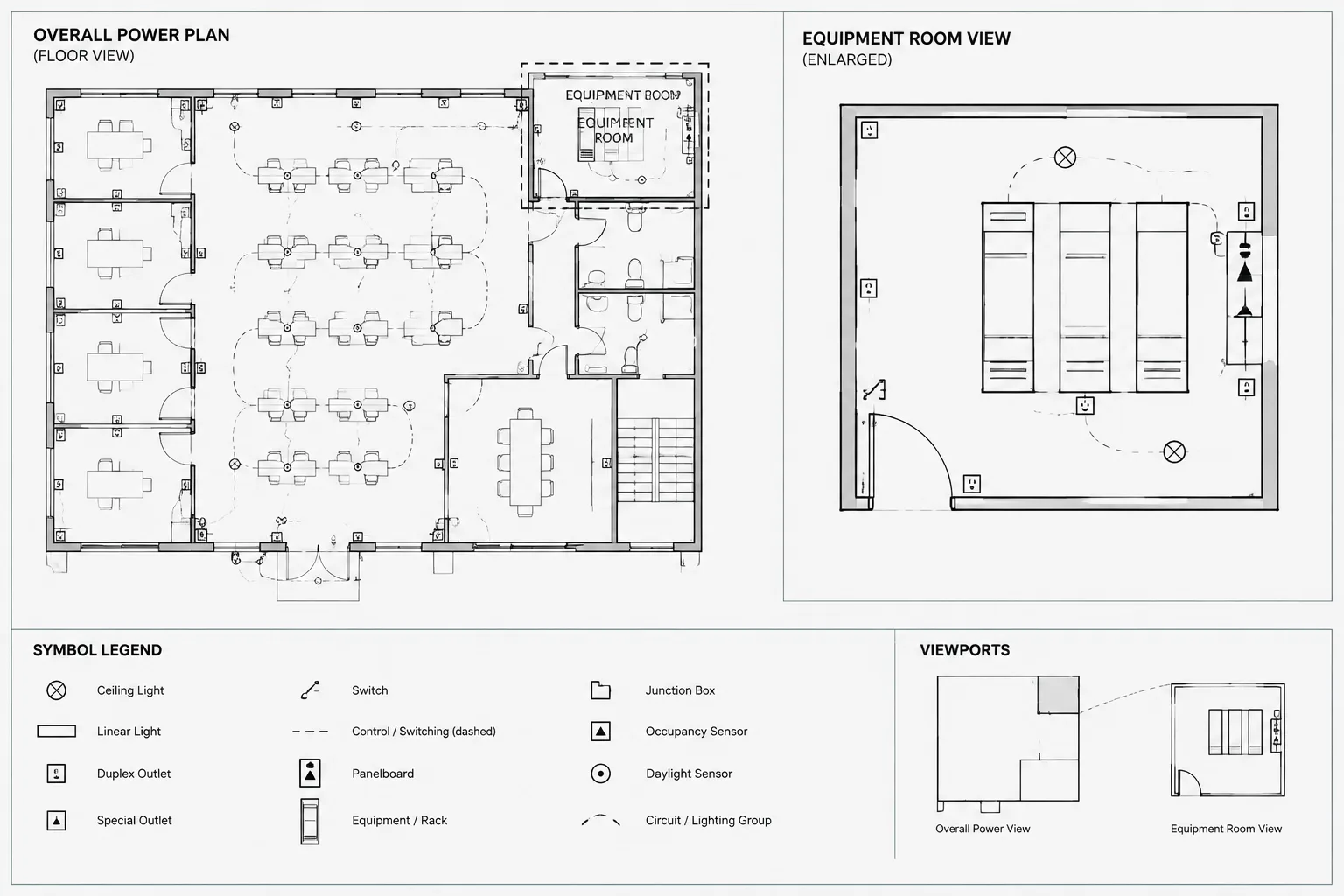
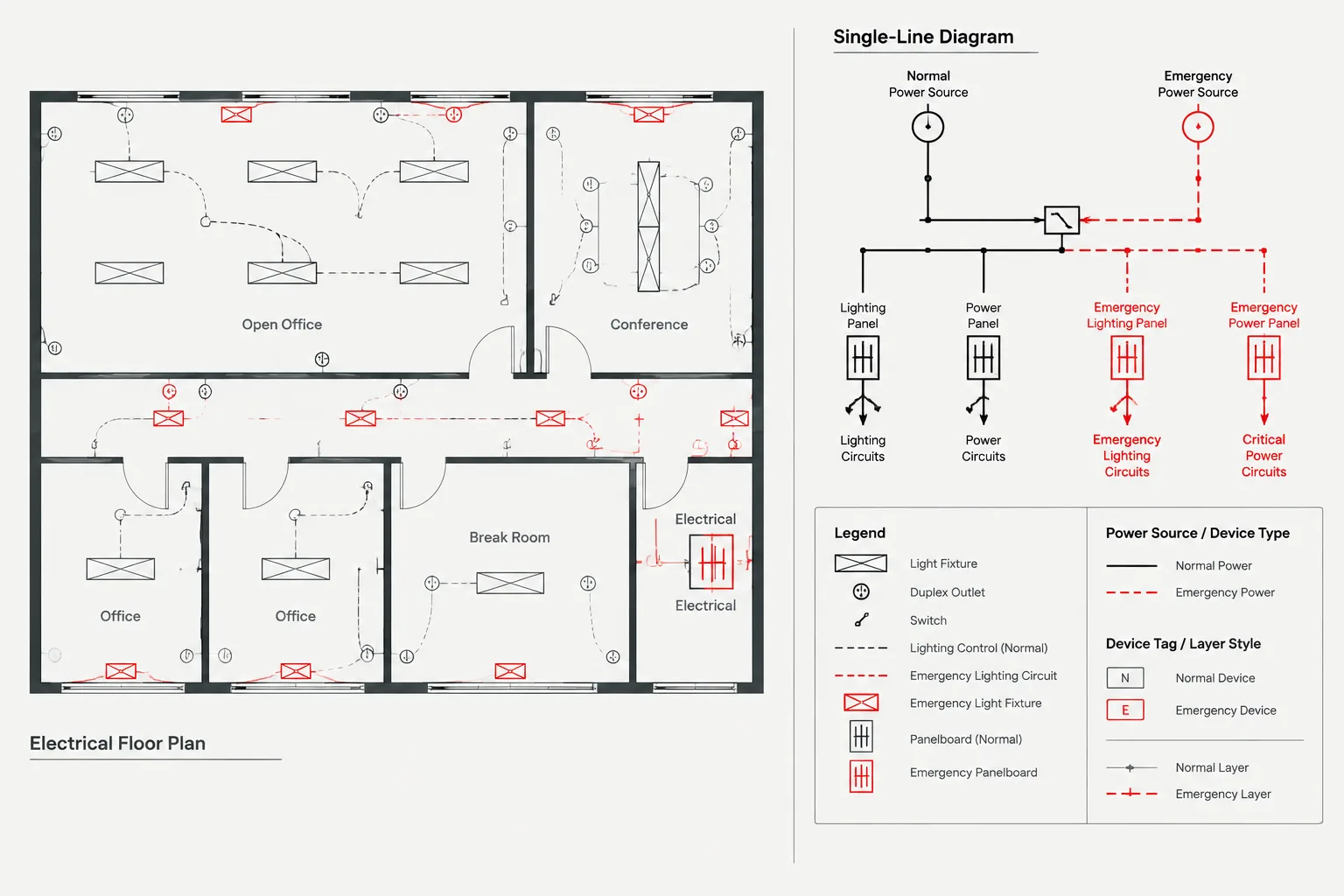
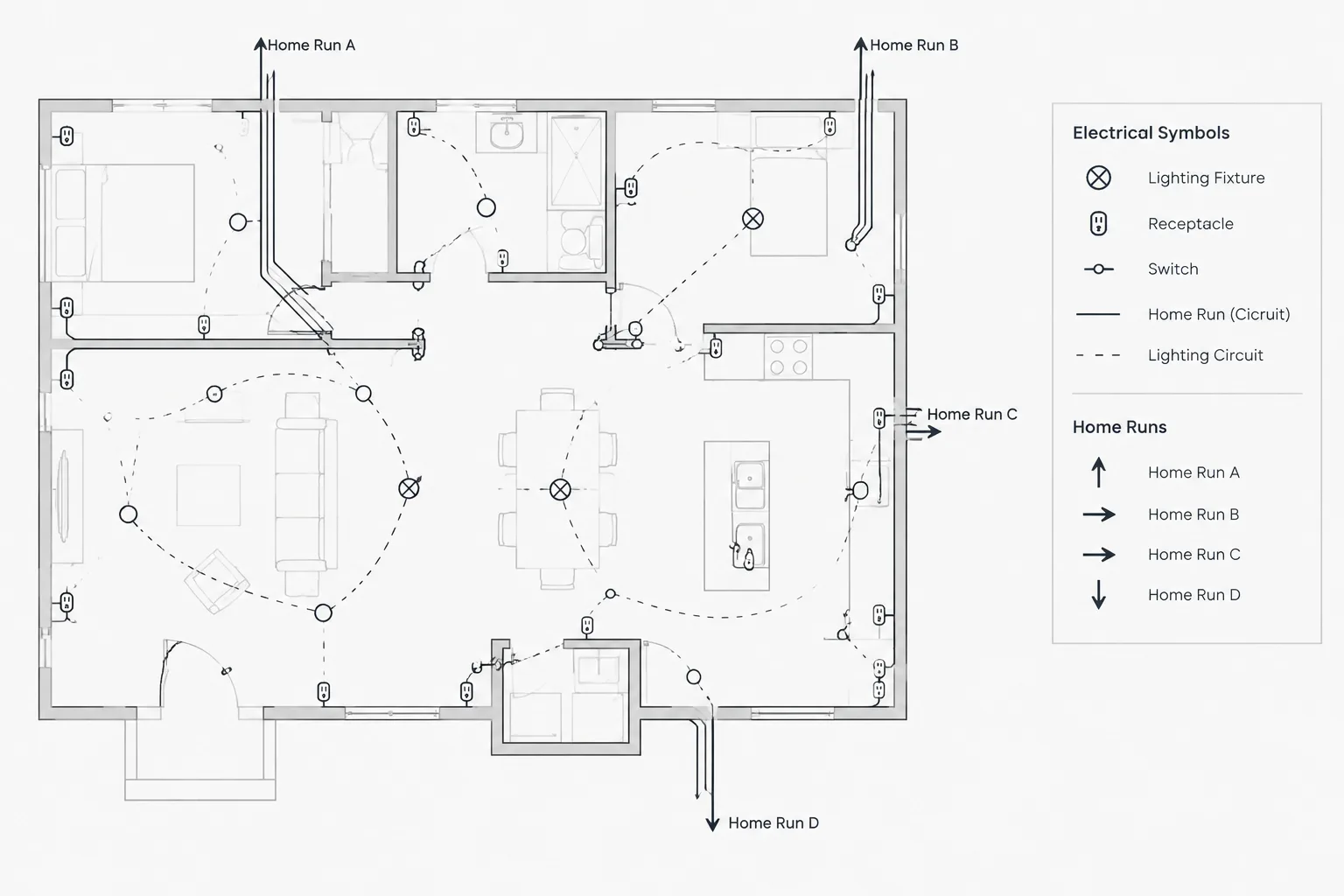
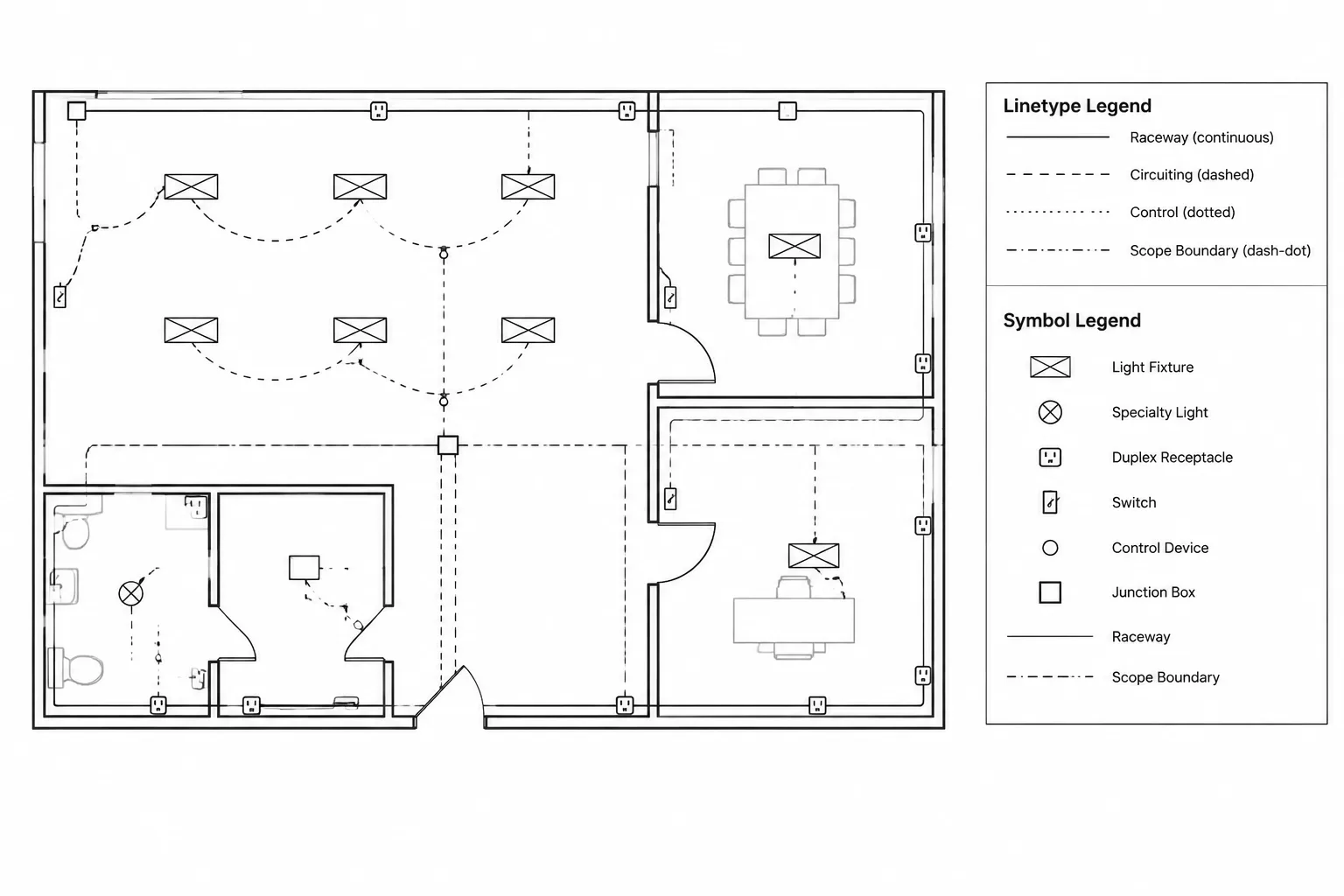
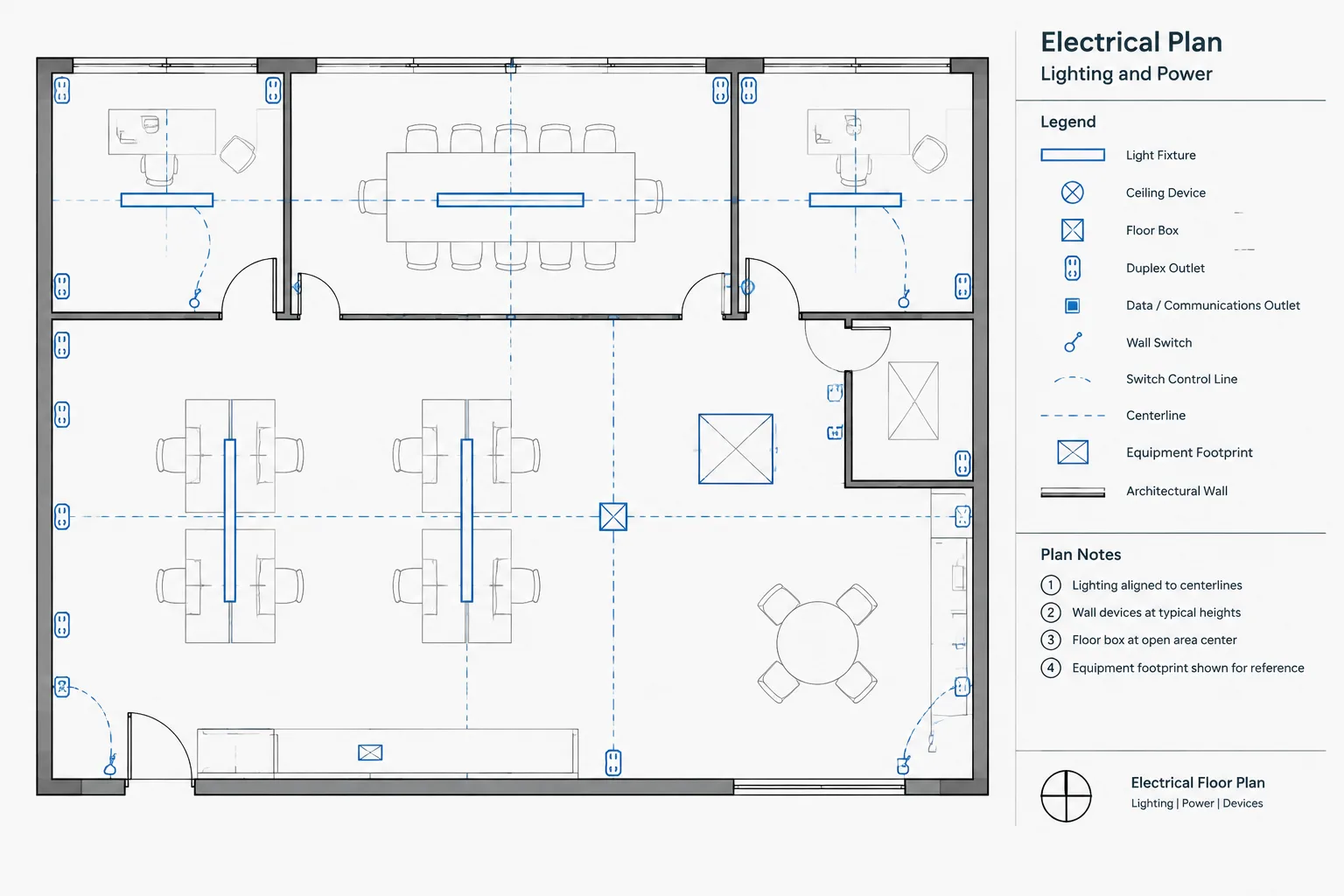
For a complete drawing workflow, consider organizing this block with electrical legends, schematic symbols, single-line diagram elements, panel documentation, lighting and power plan graphics, and equipment layout references. Keeping these related resources coordinated improves readability across the drawing set.
Frequently asked questions
What does a condenser capacitor symbol represent?
It represents a capacitor in an electrical or electronic drawing. The symbol shows the component’s graphical presence and connections, while project documents define its identification and engineering requirements.
Can this DWG block be used in AutoCAD?
The source describes the file as compatible with AutoCAD and other popular CAD software. Always test the block in your own template to confirm insertion, scaling, layers, and plotting behavior.
Can I use the symbol in a single-line diagram?
Use it only when the project’s diagram convention calls for a capacitor representation in that type of drawing. Check the applicable legend and coordinate the graphic with the rest of the diagram.
Does the CAD symbol specify a capacitor’s rating?
No. A graphical symbol does not establish electrical ratings, application limits, installation conditions, or design suitability. Those items require the project specifications and review by a qualified electrical professional.
Leave a Reply
You must be logged in to post a comment.