
A stand alone fire hose cabinet AutoCAD drawing represents a fire-protection equipment enclosure that is coordinated independently of a recessed wall installation. In architectural and engineering documents, this type of CAD block can help identify the cabinet footprint, visible form, location, and relationship to circulation areas or nearby building elements.
The drawing should be treated as a documentation resource rather than a complete installation specification. Cabinet configuration, required clearances, hose and valve components, accessibility, connections, and approval requirements must be confirmed from the selected equipment documentation and the project fire-protection design.
Download a high-quality Stand Alone Fire Hose Cabinet DWG file, perfect for your next architectural or engineering project. This CAD Block features detailed, accurate representations of a stand alone fire hose cabinet, ensuring precise integration into your building safety plans. Ideal for architects, engineers, and designers, this DWG file is fully compatible with AutoCAD and other leading CAD software. Use this CAD block to enhance fire safety layouts in commercial or residential buildings, ensuring compliance and reliability in your fire protection system designs.
Please log in or register to download this file.
Using the cabinet drawing in a CAD plan
Before inserting the block into a project file, review its drawing units, scale, insertion point, linework, and available views. Compare the geometry with the project base drawing and the approved equipment information. Avoid stretching the cabinet graphic merely to make it fit a layout because that can misrepresent the intended equipment.
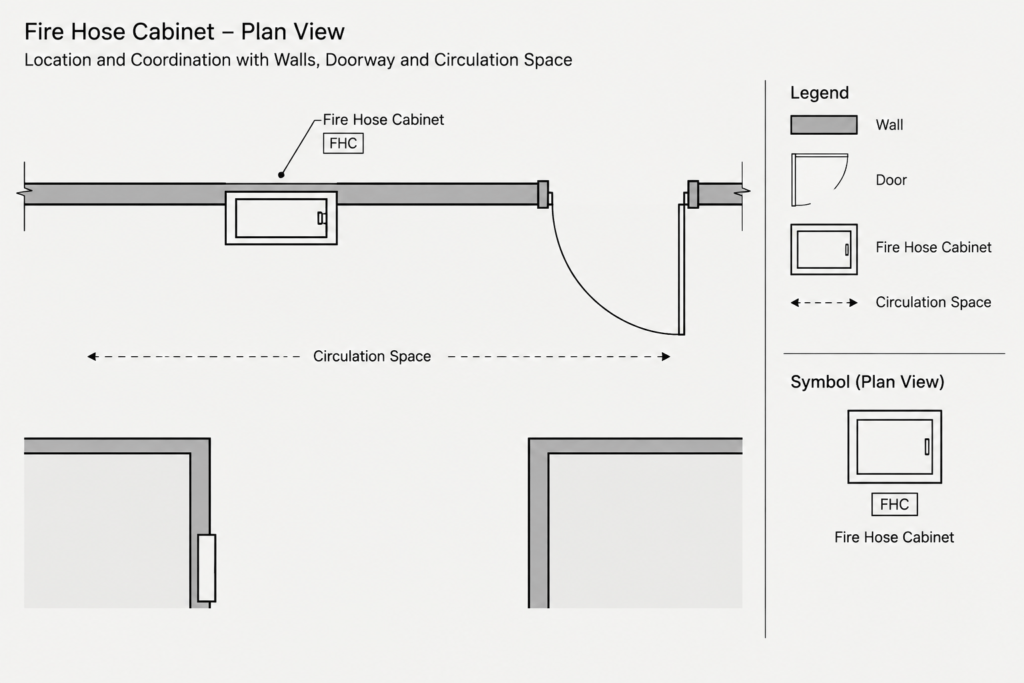
Plan and elevation coordination
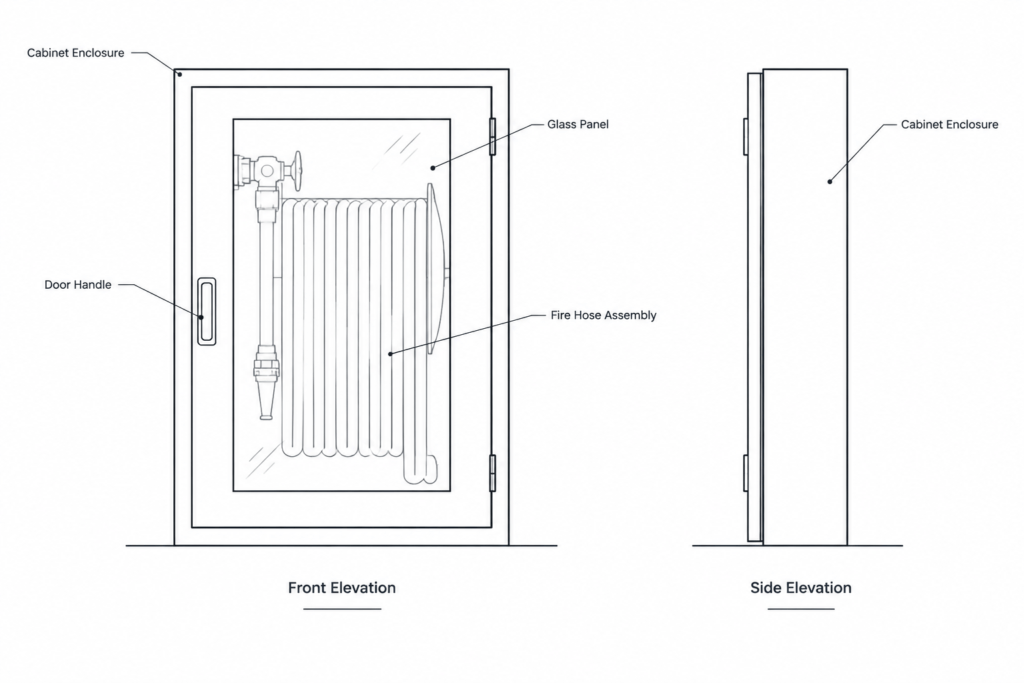
A plan view communicates the cabinet location and its relationship to walls, doors, columns, equipment, and circulation space. An elevation or equipment-layout view can communicate the visible enclosure, mounting relationship, identification, and coordination with adjacent finishes. Use only the views actually provided in the source file, and do not infer unshown internal components from the exterior outline.
Recommended drawing checks
- Units and scale: Confirm that the source geometry matches the units used by the host drawing.
- Insertion point: Select or retain a logical reference point that supports consistent placement and alignment.
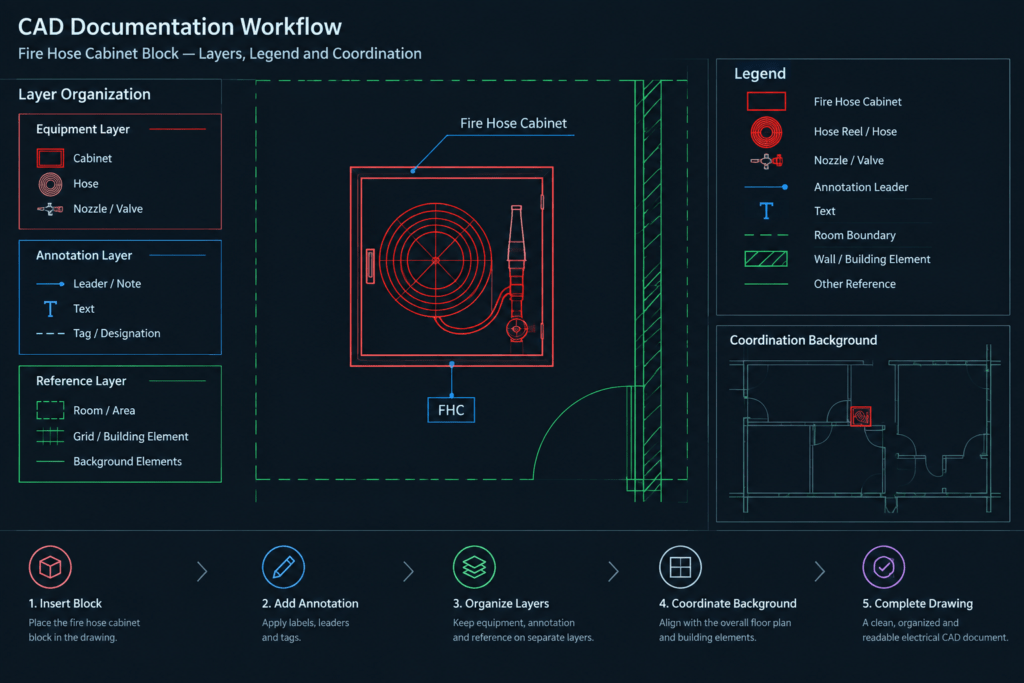
- Layers: Move linework to project-approved equipment, fire-protection, annotation, or reference layers as required by the CAD standard.
- Line hierarchy: Keep the cabinet outline readable while distinguishing doors, internal references, hidden features, and surrounding construction.
- Annotations: Use a clear equipment tag and coordinate it with the plan legend, schedule, or fire-protection notes.
- External references: Check the cabinet against the latest architectural background and other coordinated disciplines.
- Block cleanup: Review duplicate geometry, unnecessary fills, stray objects, and unrelated layer definitions before adding the block to a shared library.
Documentation context
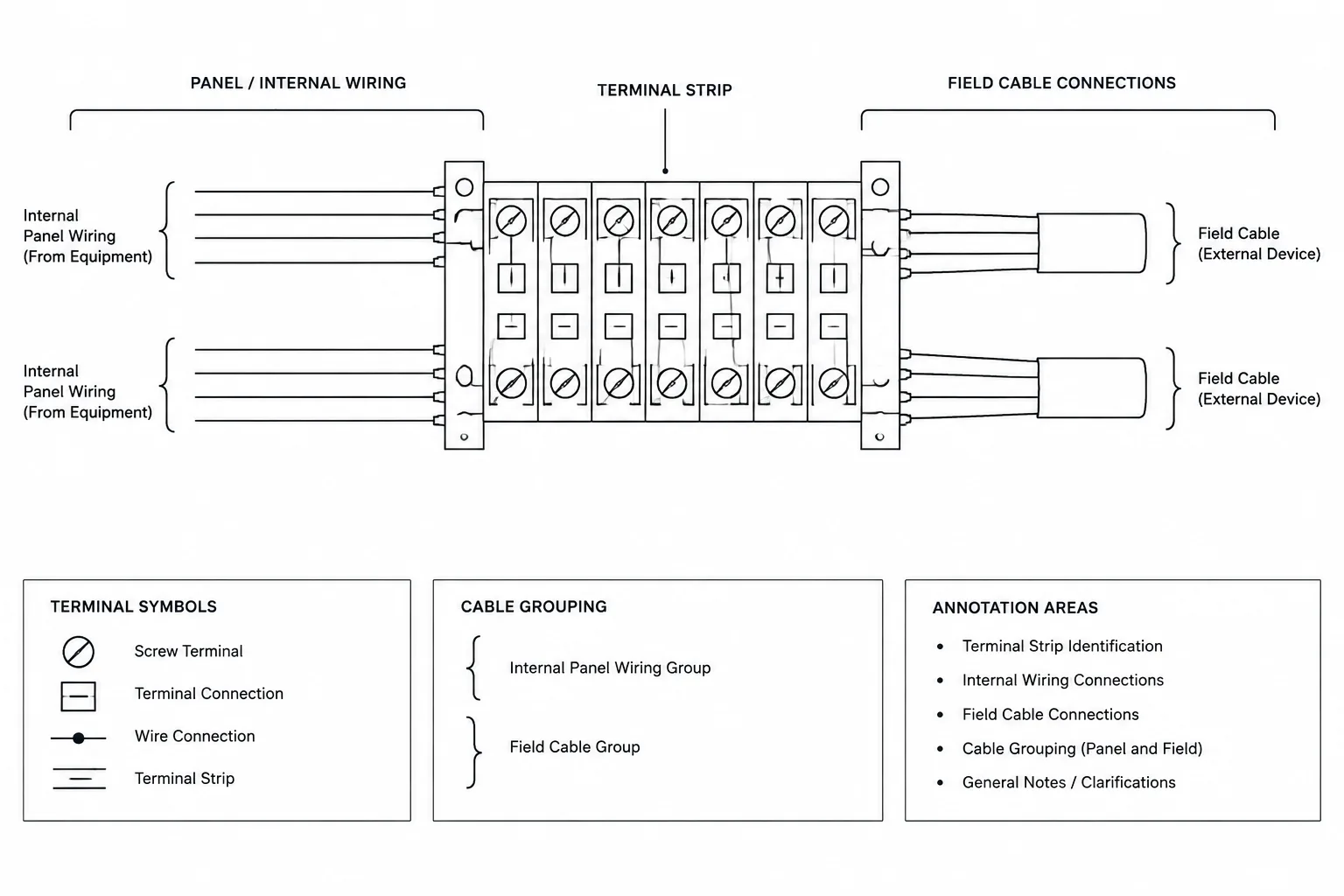
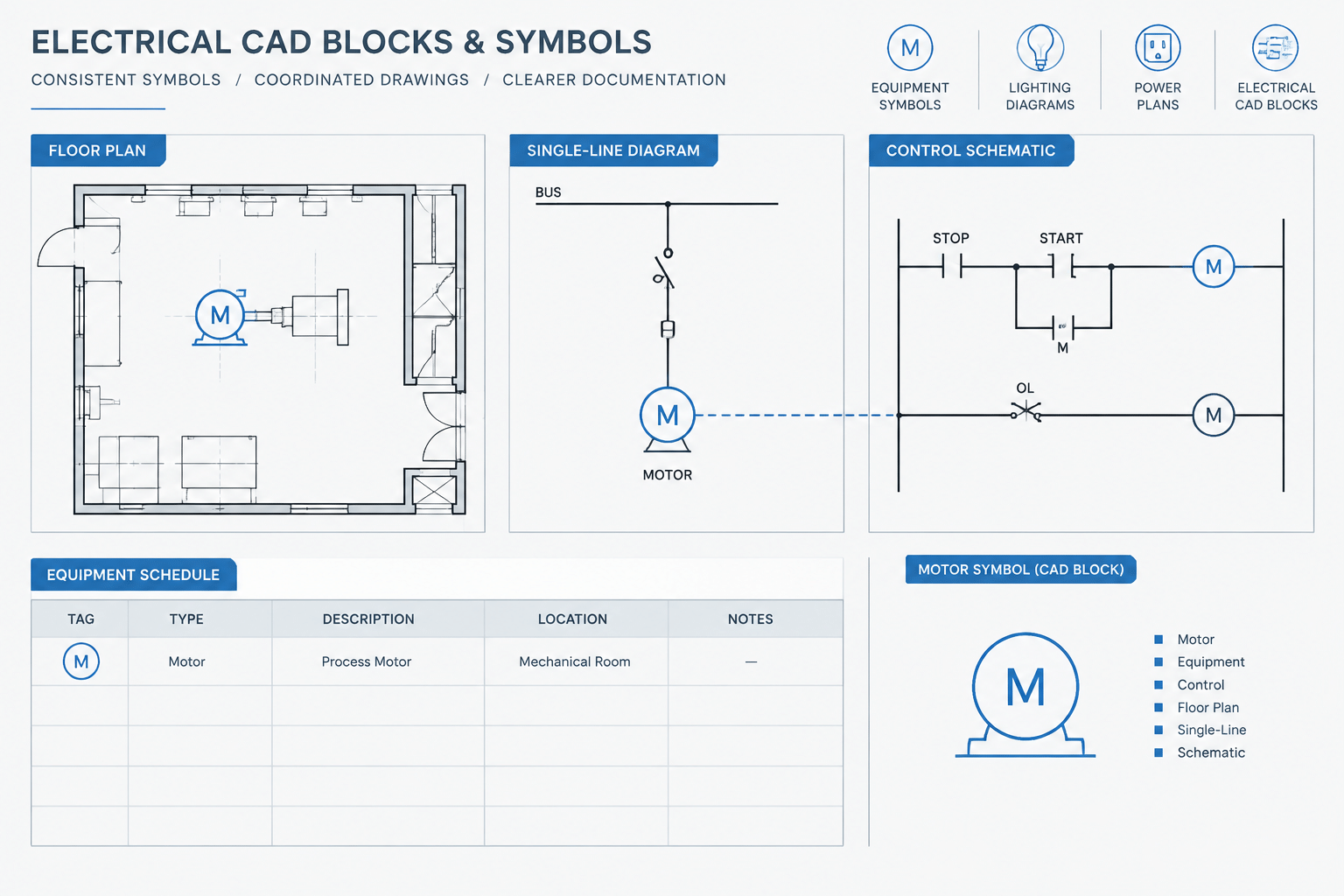
A cabinet symbol or detailed equipment block serves a different purpose from a single-line diagram symbol. The equipment-layout drawing shows physical location and spatial coordination, while schematic documentation describes system relationships. When both appear in a drawing set, consistent equipment tags help users connect the plan location with schedules, details, and system diagrams.
Final placement should be reviewed by the responsible design professionals and coordinated with the applicable fire-protection requirements, equipment manufacturer information, access needs, and approval authority. A generic CAD block does not by itself establish code compliance or confirm suitability for a particular building.
Frequently asked questions
What is a stand alone fire hose cabinet CAD block used for?
It is used to represent the cabinet in equipment layouts, fire-protection plans, architectural coordination drawings, elevations, and related documentation. Its role is to communicate location and drawing intent rather than replace product or installation information.
Can the block be resized to match a selected cabinet?
Do not assume that proportional or nonproportional scaling will create an accurate representation. Compare the source geometry with approved manufacturer information and use verified project dimensions when preparing equipment-specific documentation.
Should the cabinet appear on an electrical plan?
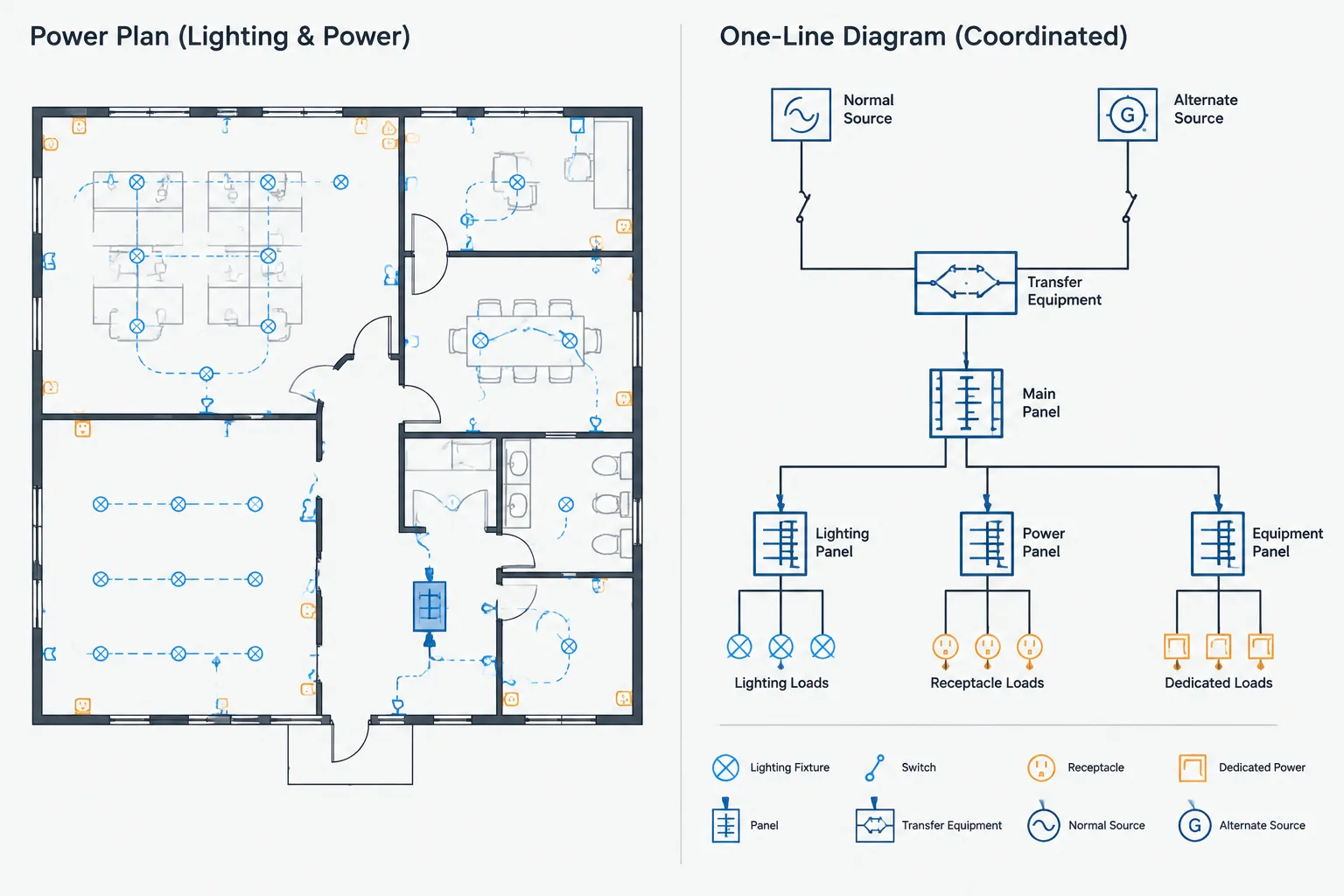
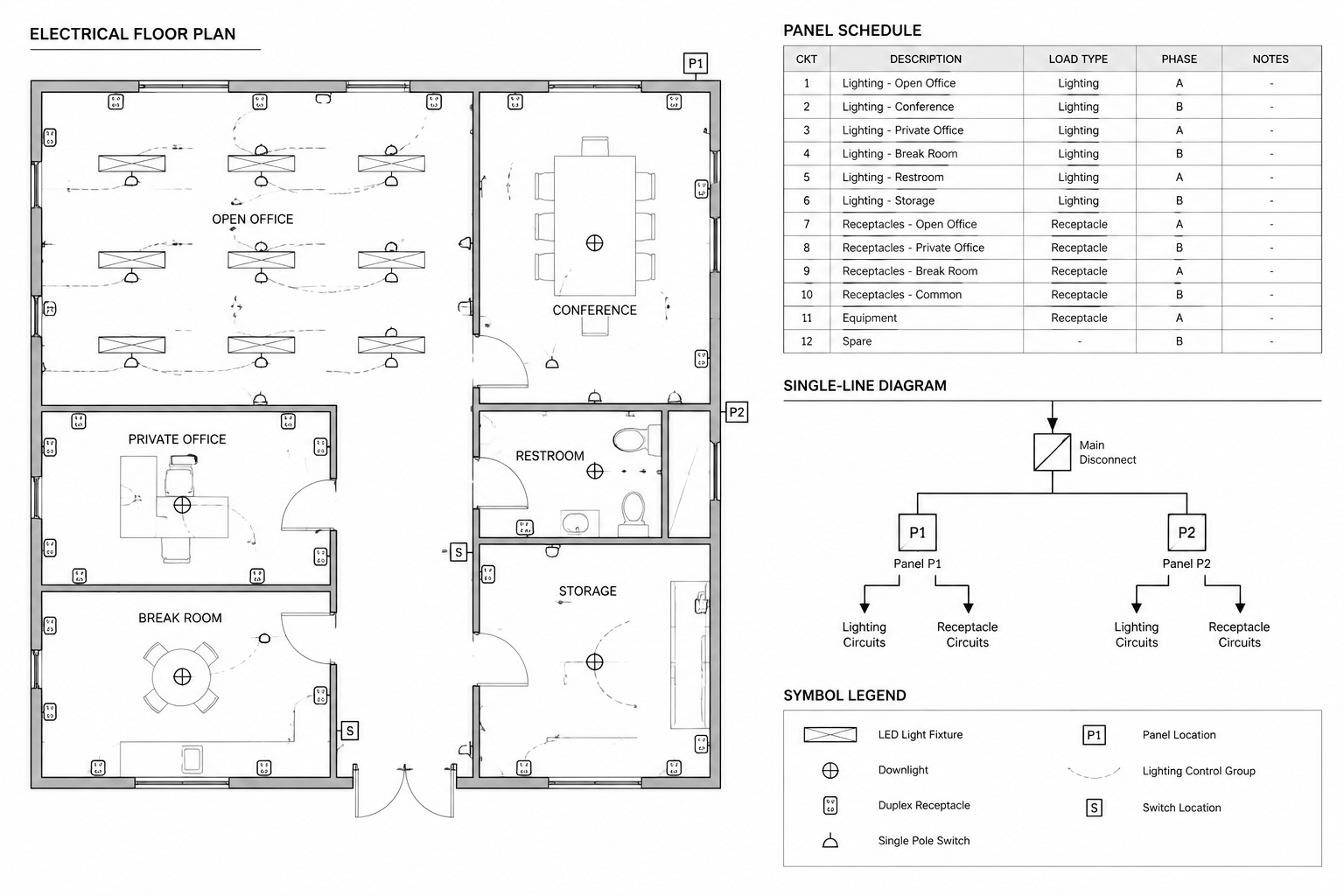
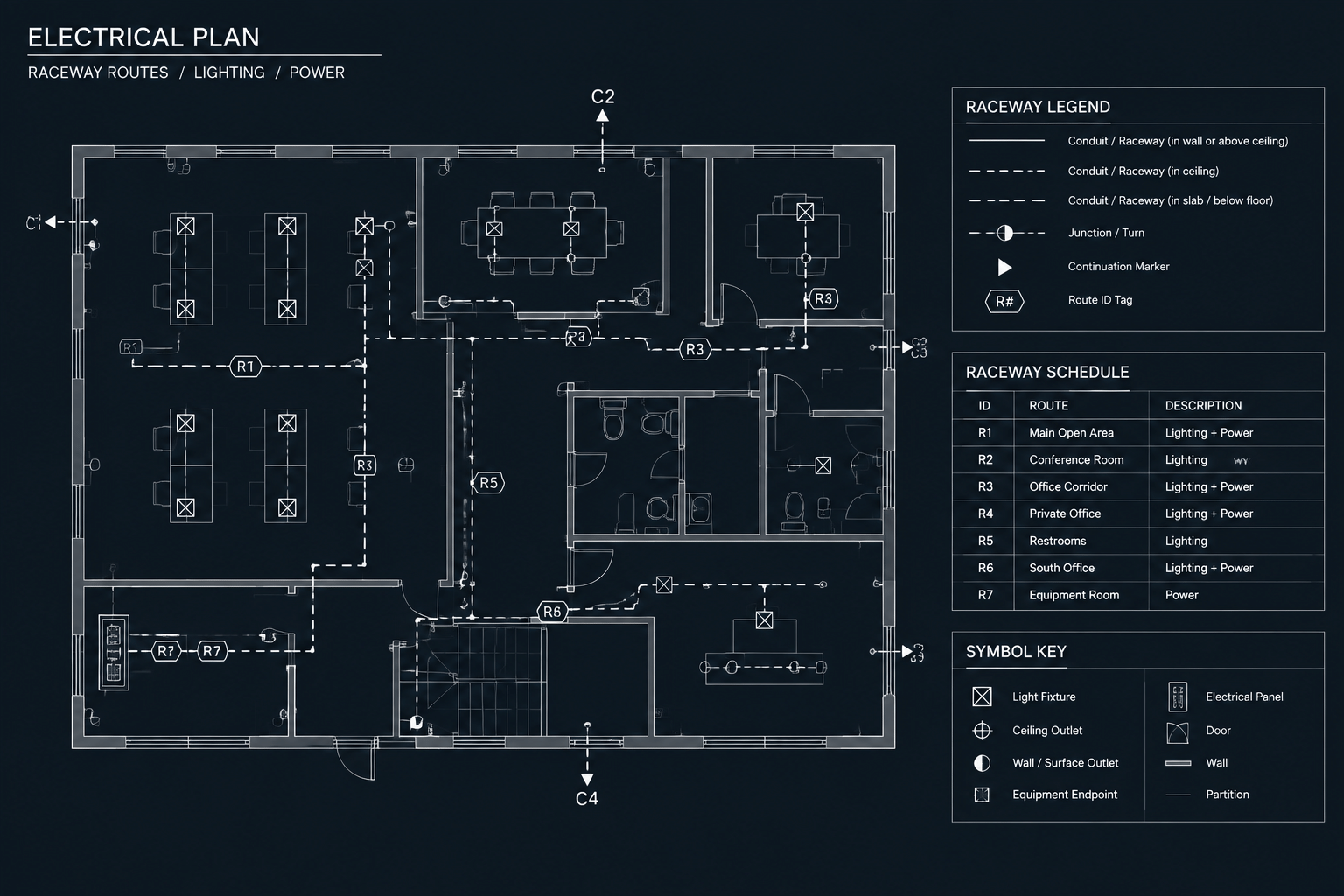
The cabinet is primarily associated with fire-protection and architectural coordination. It may appear on a combined coordination plan when its location affects electrical equipment, device placement, access, or routing. Discipline responsibility and graphic conventions should follow the project CAD standard.
Does the AutoCAD drawing confirm fire-code compliance?
No. A CAD block communicates graphical information only. Compliance depends on the complete system design, selected equipment, location, installation details, applicable requirements, and review by the responsible professionals and approval authority.
How should the block be labeled?
Use the project equipment-tagging convention and coordinate the identifier with relevant legends, schedules, notes, details, and schematic documents. Avoid adding unverified ratings, capacities, dimensions, or product information.
Leave a Reply
You must be logged in to post a comment.